"Call"
"Harry"
"Call to Harry in progress"
3130
Using
a spoken description
Spoken reading
of a text message (SMS)
"Guide to"
"Harry"
"Guidance to Harry activated"
SPOKEN
COMMANDS
You can also have a stored text message read vocally, by
selecting "Text messages" from the "Telematics" menu
You can also use the spoken commands: "SMS" or
"Message", then "Read" or "Display".
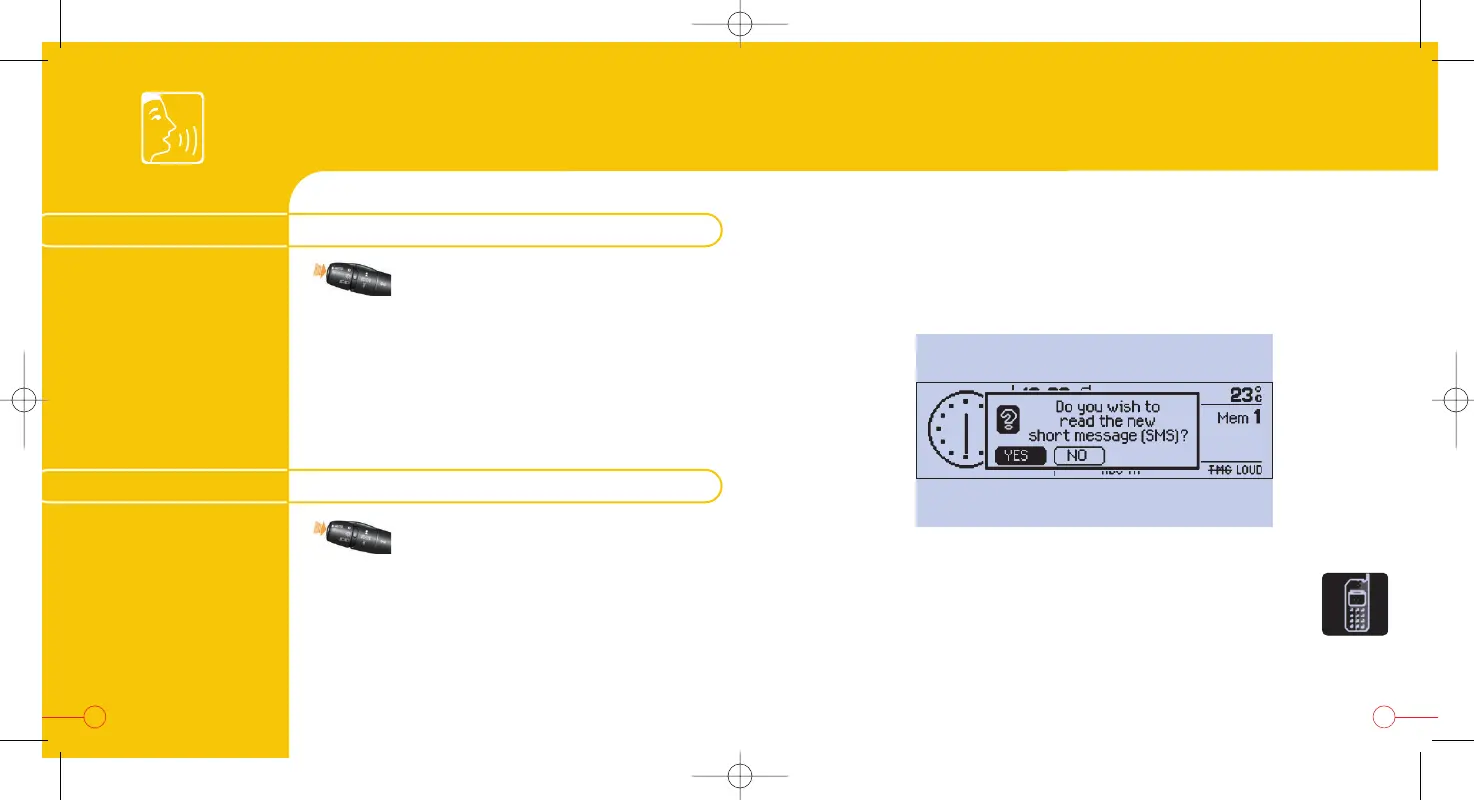
When a new text message arrives, you can ask for it to be read by voice
synthesis, if this is active, by confirming "YES" on the following screen:
MAKING A CALL
GOING TO A DESTINATION



 To Next Page