26
B
BA
B
Oper at e your Pfaff select
Stitch selection
Easy Select System
Utility stitches
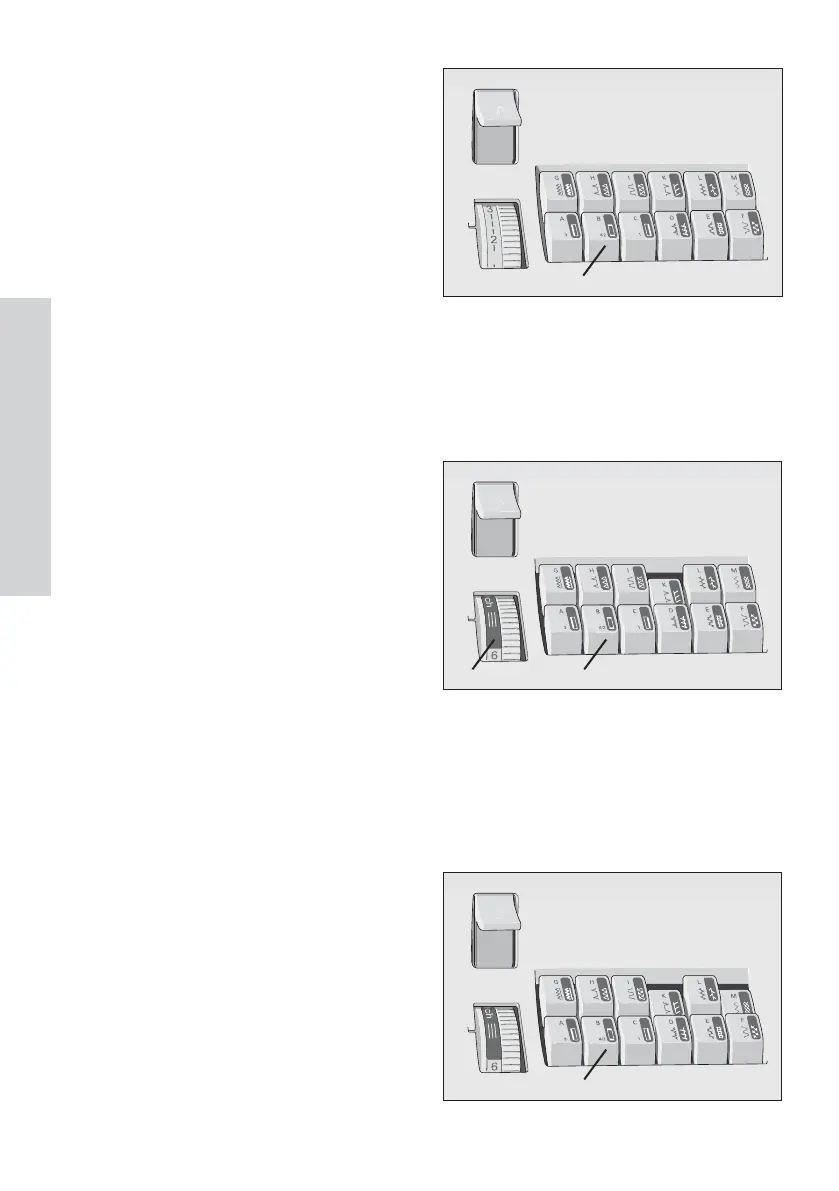
Each stitch has been given a letter that
you can À nd on the push button controls.
By pressing the correct button, the stitch is
sel ect ed and t he m ach i ne i s r ead y t o sew .
Button B r eleases the buttons that hav e
been activated.
Under the lid (7) you will À nd the stitch
table with all the utility stitches and stitch
combi nati ons.
Stretch stitches
All the stitches with a colored background
are str etch sti t ches, i .e. they ar e sui t abl e
for stretch material. Press the selected
button down and turn the stitch length
dial (19) as far as it will go in the grey area
(A).
Button B r eleases the button that hav e
al r eady been selected.
Utility and stretch stitch
combinations
By pushing tw o or several buttons you
can cr eate com bi nat i ons i n the uti l i ty
stitch range.
The stitch length dial can either be in the
normal sew ing range or in the stretch
range.
All the stitch combinations are illustrated
on the stitch table in the lid. You can
release buttons that are already activated
with button B.



 To Next Page