9
Search for a POI Category
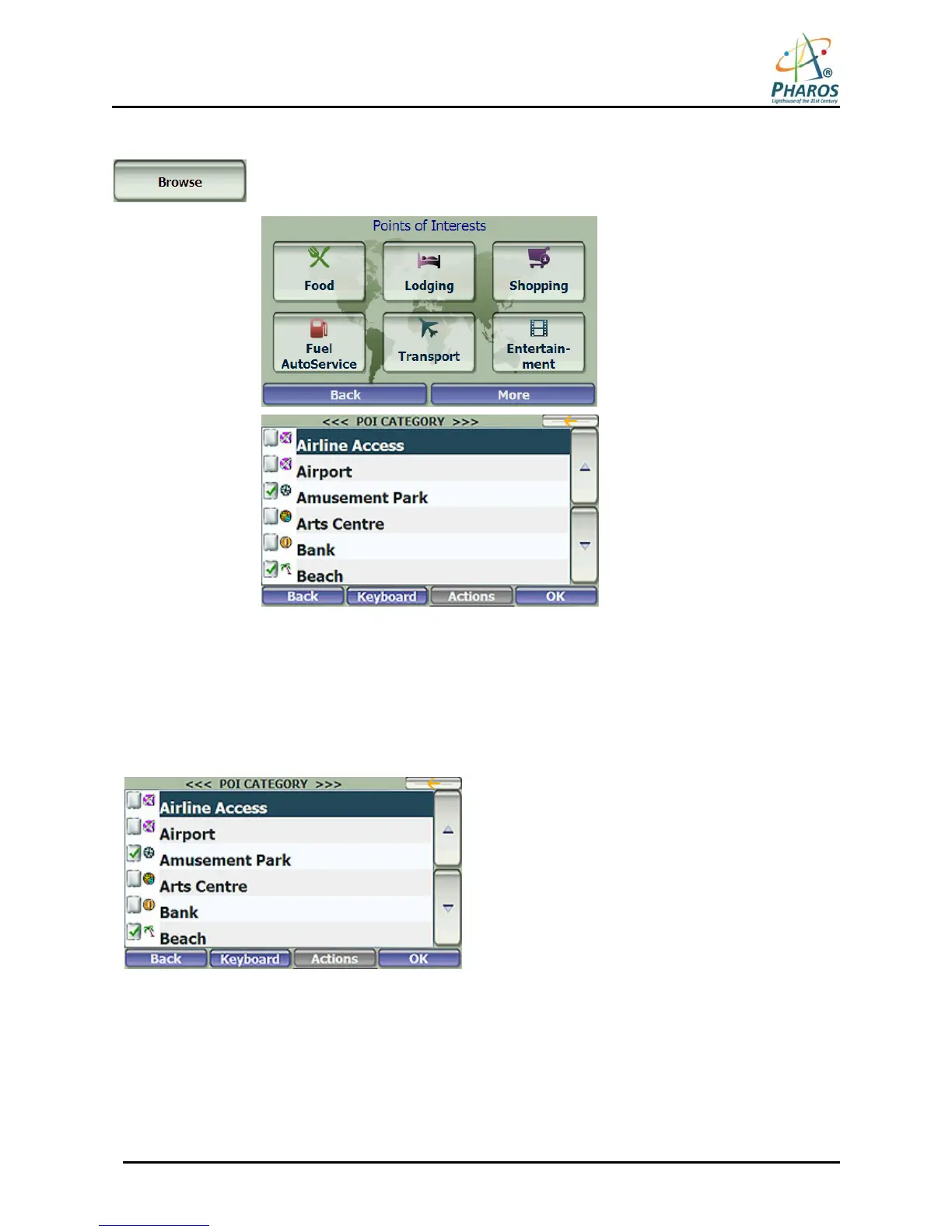
Tap the Browse button to display the most common POI groups. Many of these groups
will include several POI categories, which in turn my contain subcategories. Tap the
More button to go straight to the full list of POI categories.
Figure 9 – Most Common POI Categories
Show or Hide Symbol on Map
You can show or hide the POI symbol on the Map Screen by checking or clearing the checkboxes next to a
POI category or subcategory. For example, you can choose to show only French restaurants on the Map
Screen.
Figure 10 – Showing a POI Symbol on the Map



 To Next Page