15
3 – Route Management
Turn by Turn
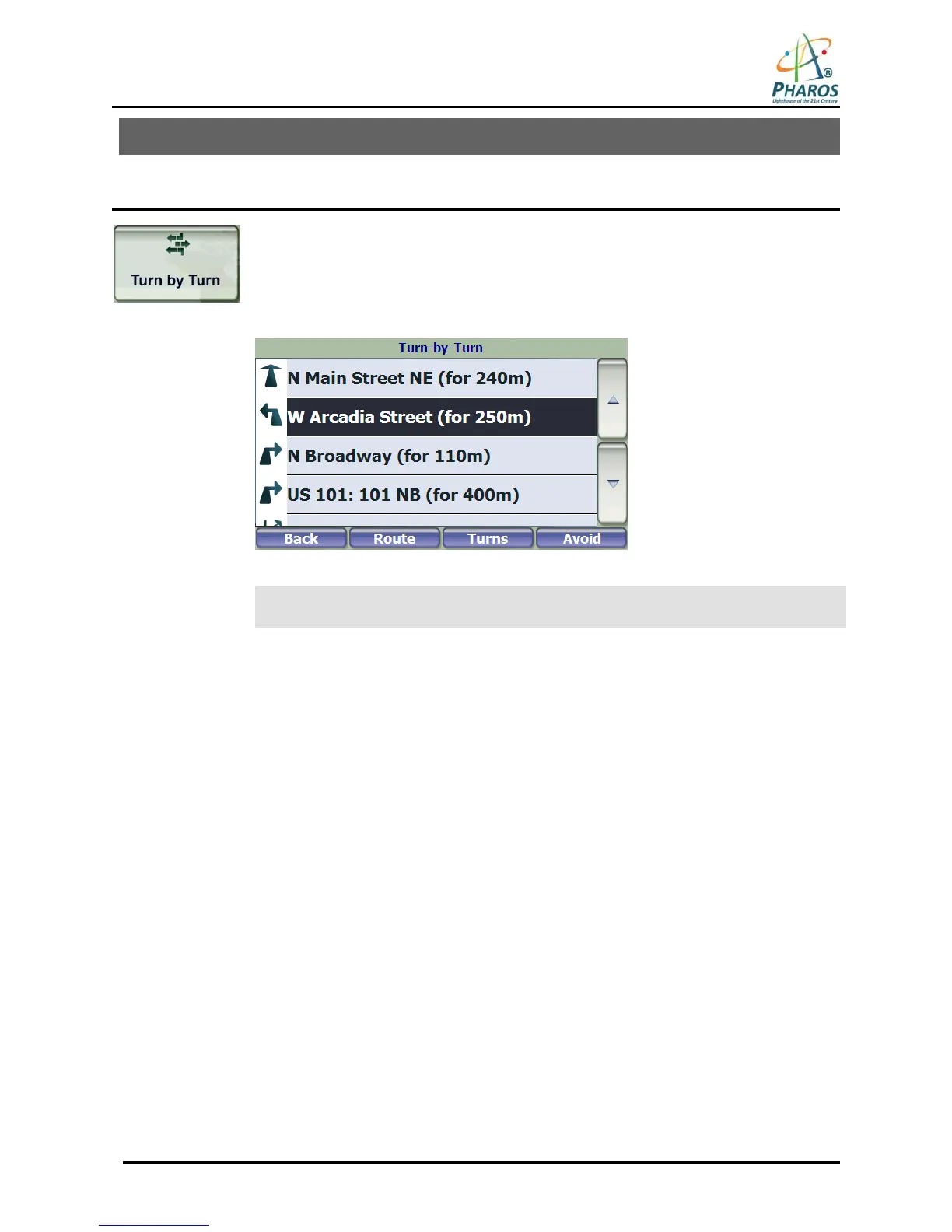
From the Manage Route menu, tap this button to display a complete Turn-by-Turn list
of directions from your current location to the selected destination. The device
continuously updates the Turn-by-Turn screen to display the most current instructions as
you navigate the route.
You can also reach this screen by tapping the Directions Bar on the Map Screen
(second bar from the bottom).
Figure 20 – Turn-by-Turn Display
Note: The first turn is at the top of the list and the final turn is at the bottom, identified
by a checkered flag.
The following options are available:
Route Tap to display your entire route on the Map Screen, plus the travel distance and the estimated
travel time remaining.
Turn Tap to display the next turn on the Map Screen, including the street name, the distance to the
turn, and the turn direction.
Avoid Tap to avoid the selected turn in the Turn-by-Turn list. The device recalculates the route
automatically. Note that when you exclude a turn, the recalculated route may take longer.



 To Next Page