14
Actions
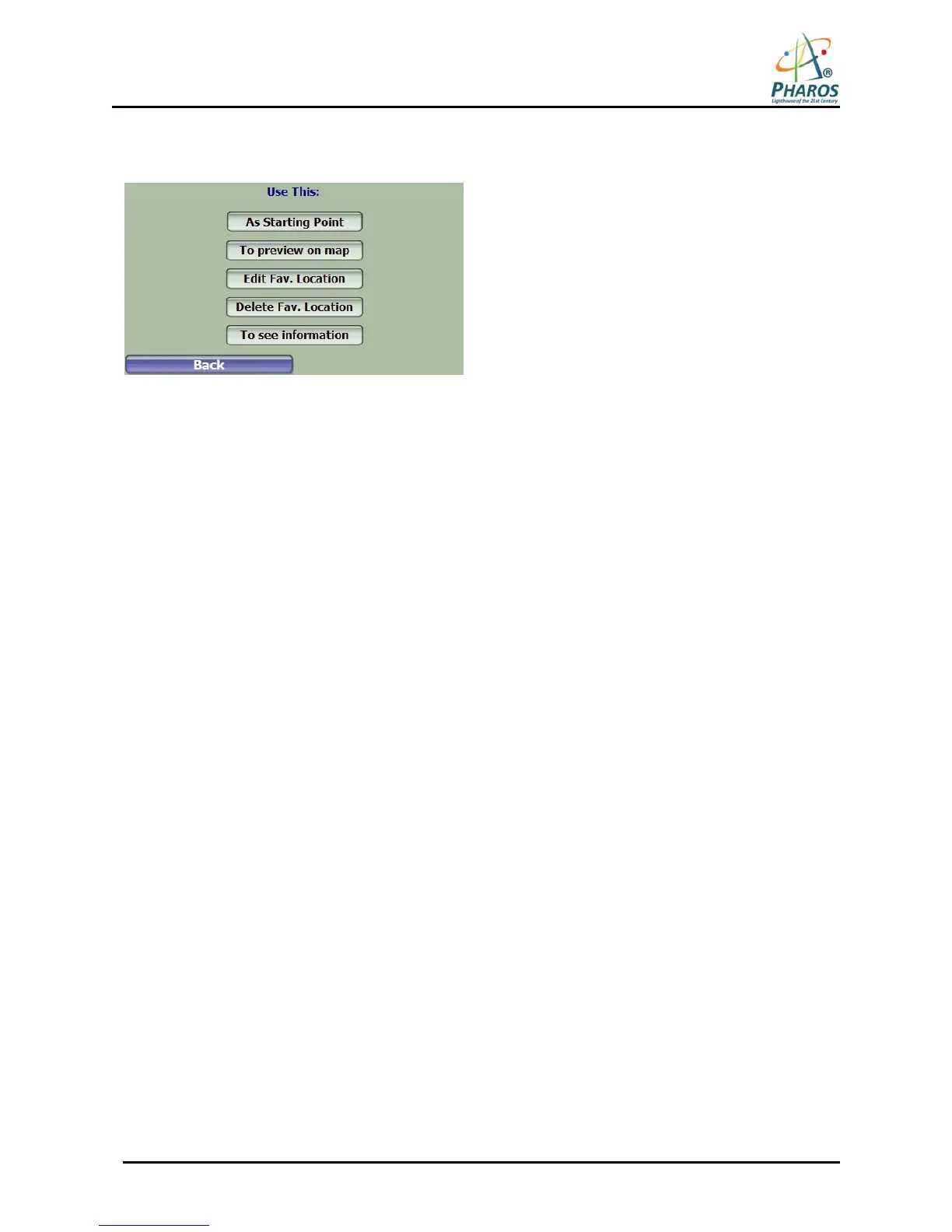
While highlighting a favorite address within a group, tap the Actions button to use the address:
Figure 19 - Actions for Address Book
• As Starting Point, which designates the selected address as the route origin (Map Browsing mode
only).
• To preview on map, which displays the selected address on the map.
• Edit a Fav. Location, which changes the name, comment, or group location for the selected address.
• Delete Fav. Location, which removes the selected address.
• To see information, which displays additional address information.



 To Next Page