18
Actions
Tap the Actions button:
• Add Road – Tap to add a new road to avoid to a group.
• Edit Road – Tap to rename the road and/or select a different group. When you have made your
changes, tap Save.
• Delete Item – Select a road and tap this button to remove the road from your group. The GPS no
longer avoids the removed road.
• To Show on Map – Tap to show the map with the displayed destination for you to review before
creating a route.
• To see information – Tap to display the location’s address information.
Detour
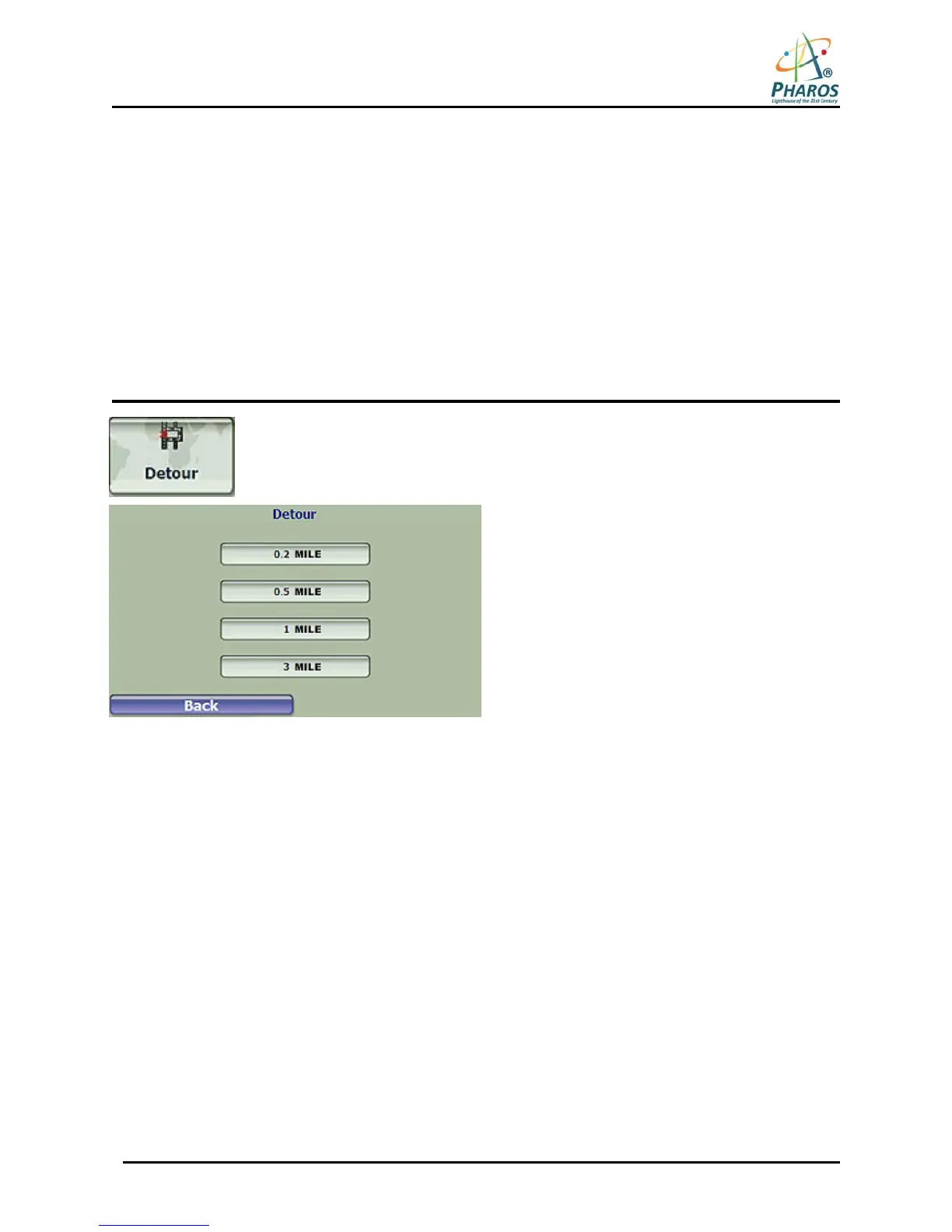
From the Manage Route menu, tap the Detour button. The Detour screen lets you
instruct the GPS to create a detour to avoid a road event, such as an accident.
Figure 25 – Avoiding a Road Event by Performing a Detour
Select the Detour distance for which you want to generate a detour. For example, if you are traveling on a
major highway and you are alerted by the news that there is traffic for the next 2 miles, you can have the device
calculate a detour that takes you off the highway and then returns you back to the highway after a distance of
2 miles.



 To Next Page