17
Creating a Group
Tap this button and select Add Group. From the Add Group screen, enter the group name
and tap OK.
Figure 22 – Add a Road Group
The Actions screen also lets you edit or delete a selected group.
Adding a Road to a Group
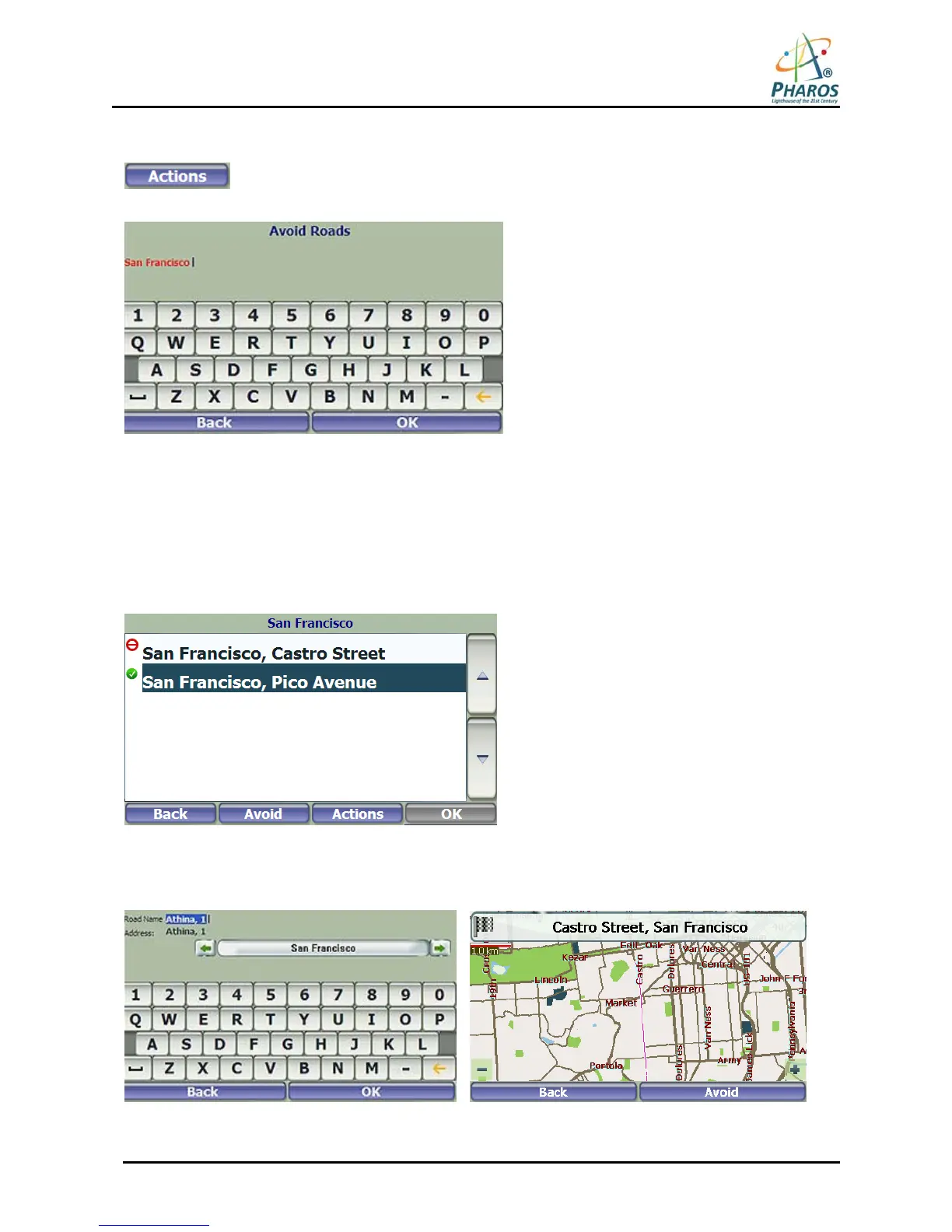
When you tap My Roads to Avoid or a road group that you have created, the device displays the group
screen, which lets you designate roads to avoid. From this screen, you can use the Allow or Avoid buttons
to include or exclude individual roads when calculating a route.
Figure 23 – Storing Road Locations
Tap Actions and then the Add Road button. Select the city and street. The road is displayed on the To Show
on Map screen. Tap the Avoid button.
Figure 24 – Adding a Road to Avoid



 To Next Page