24
Units of Measure
From the Setup 1 menu, tap this button to specify the measurement system you would
like to use.
You can select:
• Miles, Yards (UK)
• Miles, 10th of a Mile (US)
• Kilometers, Meters
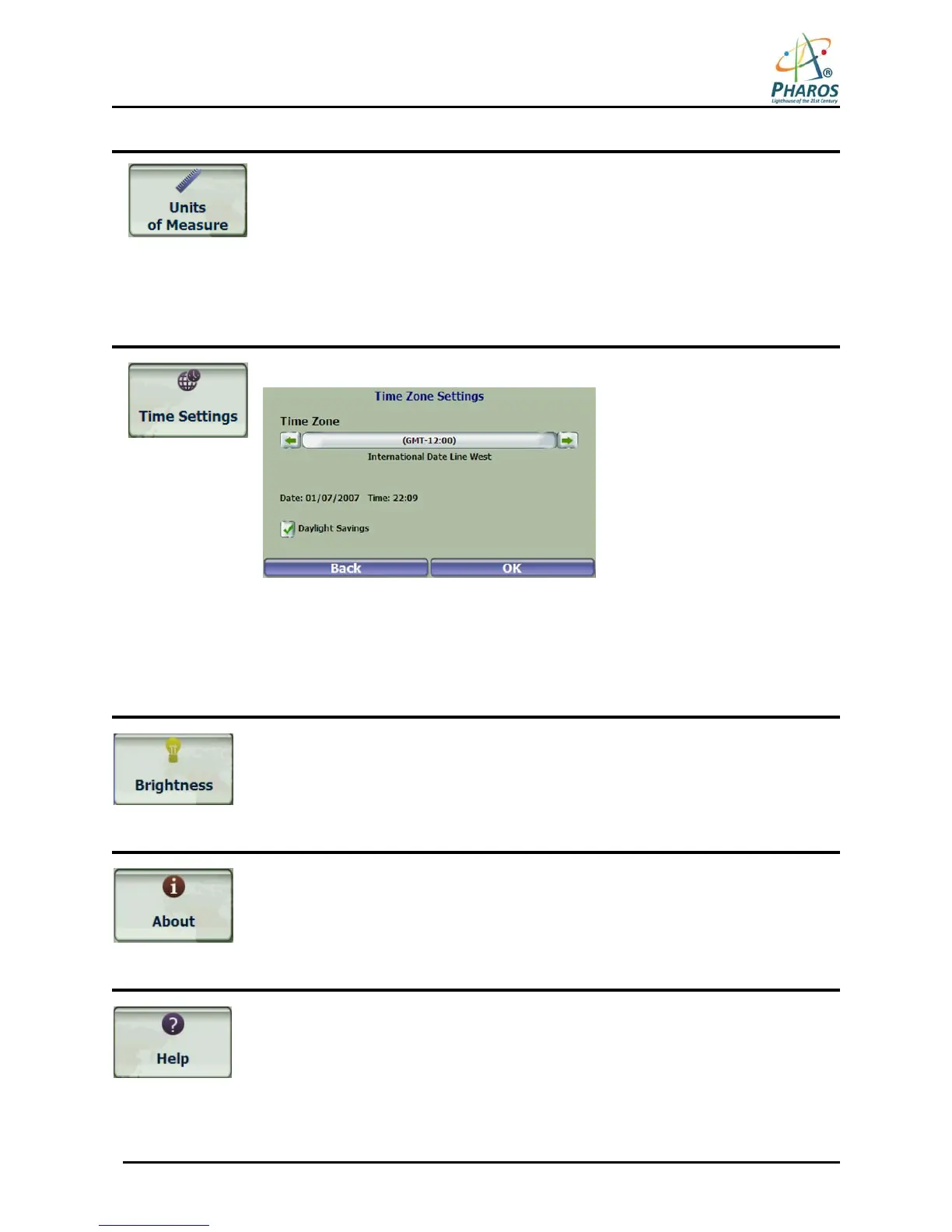
Time Settings
From the Setup 1 menu, tap this button to display time settings.
Figure 29 – Time Zone
You can select the Daylight Savings checkbox to automatically adjust for daylight
savings.
Brightness
From the Setup 2 menu, tap this button to determine the brightness of the screen.
About
From the Setup 2 menu, tap this button to displays version and copyright information.
Help
From the Setup 2 menu, tap this button to displays technical support information.



 To Next Page