ON-LINE 1000VA / 2000VA / 3000VA
PH 9210 - PH 9220 - PH 9230 .
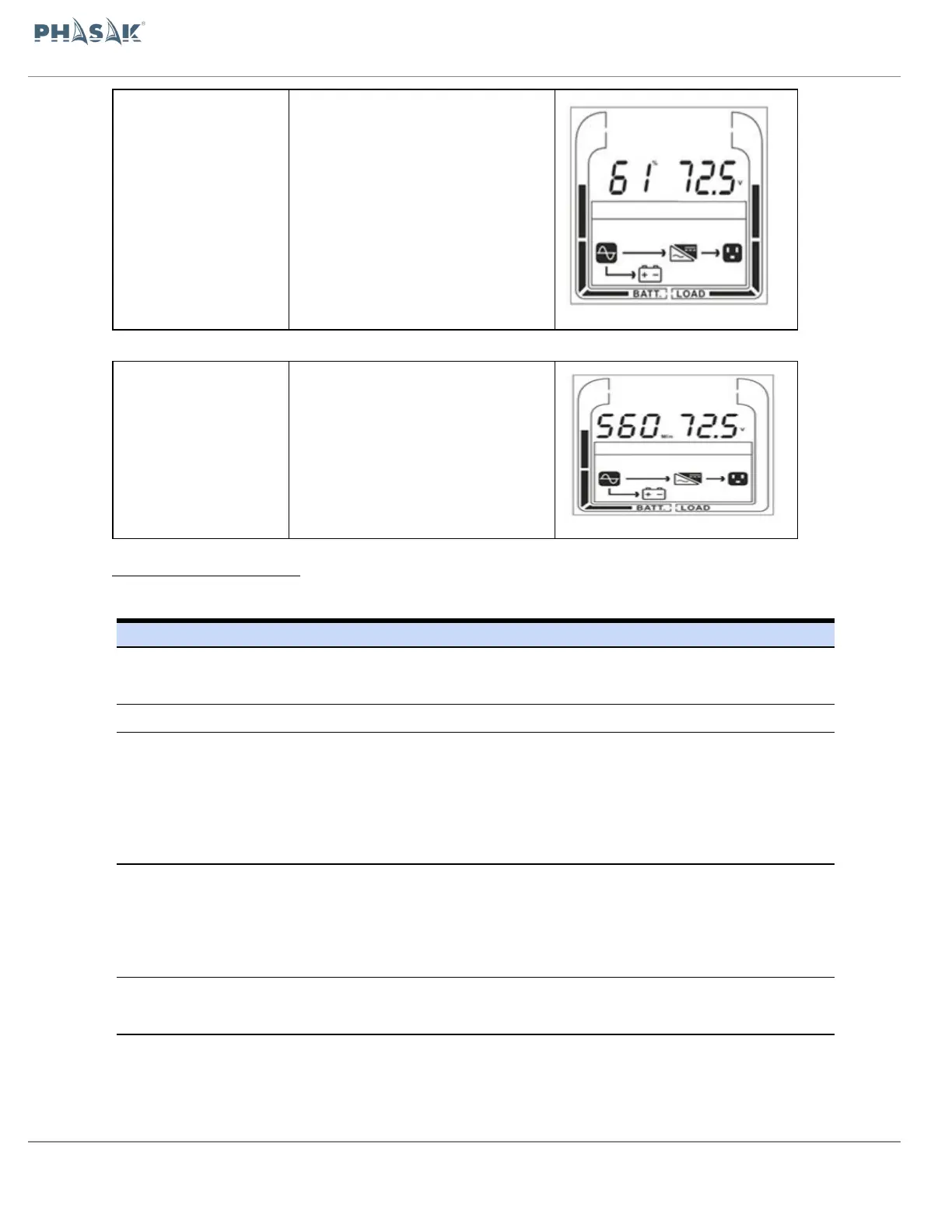
Left: Backup Time(min)
Right: Battery voltage(v)
Left: Backup Time(min)
Right: Battery voltage(v)
Press this button to turn on UPS.
In line mode, ECO mode, or converter mode, press the
“ON” button for 5 seconds to activate the battery test.
Press this button to turn off UPS.*
Press this button simultaneously for 5 seconds to get
into setting mode while in bypass mode, or standby
mode.
In setting mode, press this button to confirm selection,
or press this button for long time to exit setting mode
and saving changes.
Press this button to scroll up in the LCD menu.
In setting mode, press this button to display next
selection, or press this button for long time to exit
setting mode without saving changes.
Press the “ESC” button simultaneously for 5 seconds
to disable and enable buzzer alarm.
Press this button to scroll down in the LCD menu.
Switch to bypass mode: When the main power is
normal, press these two buttons simultaneously for 5
seconds, then UPS will enter to bypass mode.



 To Next Page