EasyManua.ls Logo

Phcbi MDF-C2156VANC-PA - User Manual

Phcbi MDF-C2156VANC-PA
44 pages
Print Icon
To Next Page IconTo Next Page
Loading...
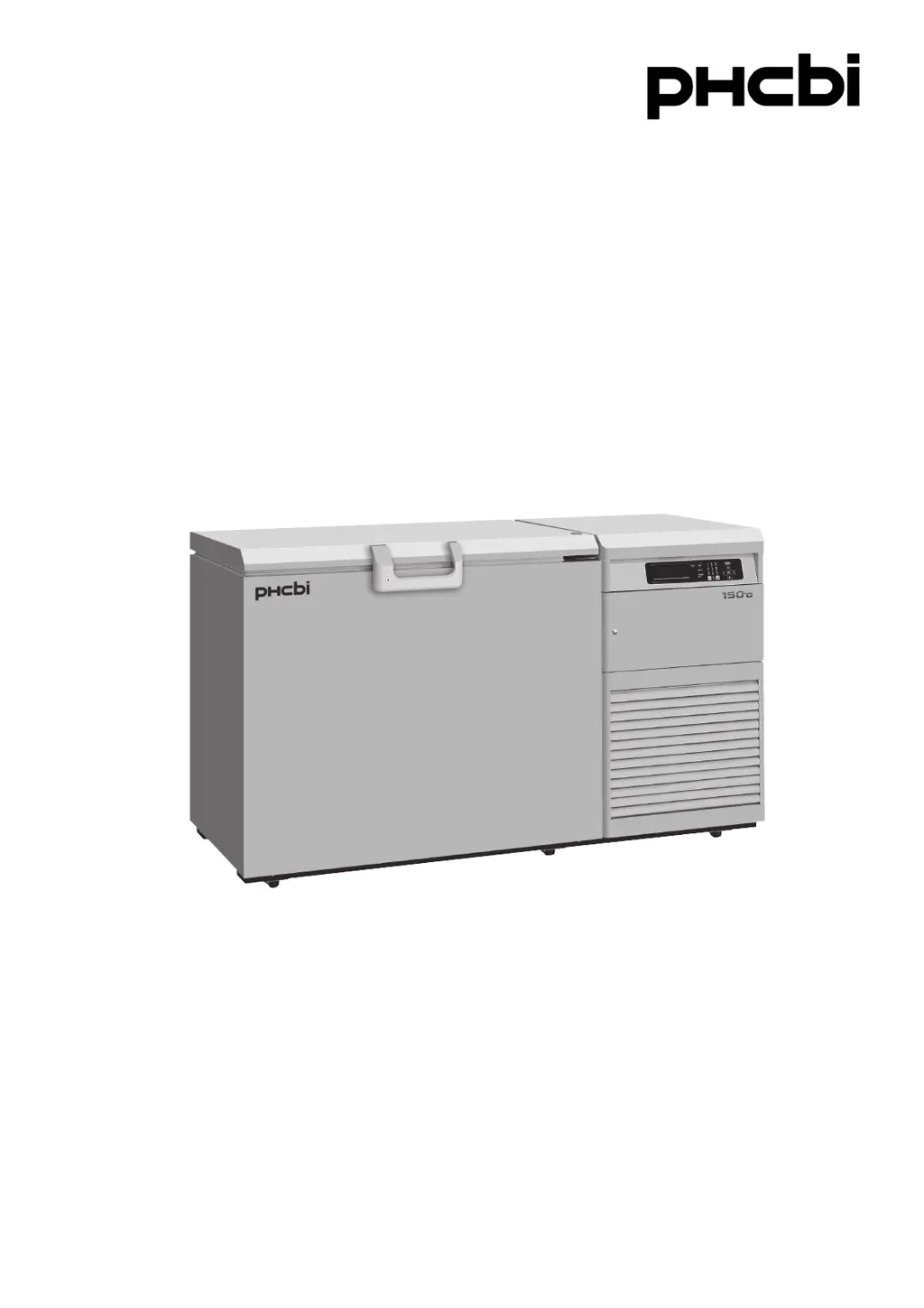
MDF-C2156VAN
MDF-C2156VANCSeries
Please read the operating instructions carefully before using this product, and keep the operating
instructions for future use.
See page 40 for all model numbers.
Operating Instructions
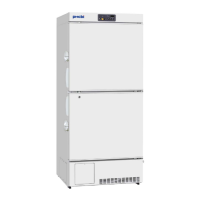
Ultra-Low Temperature Freezer
MDF-C2156VAN

Questions and Answers

Summary

Precautions for Safe Operation

Hazard and Warning Symbol Interpretation

Explains WARNING and CAUTION signs, and symbols for caution, prohibition, and mandatory instruction.

Electrical and Gas Safety Warnings

Covers high voltage, N2 gas hazards, and California perchlorate notice for safe operation.

Safe Operation Guidelines

Installation and Electrical Safety

Do not use outdoors, install on sturdy floor, avoid hazards, connect to correct power source, turn off power before maintenance.

Handling and Usage Safety

Avoid hazardous materials, do not touch electrical parts with wet hands, use in safe areas.

Operational Safety Precautions

Maintenance and Storage Safety

Avoid inhaling substances, do not splash water, handle cords carefully, ensure child safety for storage.

General Safety and Handling Advice

Electrical Circuit and Power Source Requirements

Use dedicated circuit and power source; avoid multiple taps for safe operation.

Storage, Settings, and Tipping Precautions

Never store corrosive substances, check settings after power changes, be careful not to tip unit.

Freezer Components Overview

Detailed Freezer Components

Freezer Component Details

Control Panel and Interface

Control Panel Display and Input Elements

Details the LCD panel, lamps (BATTERY, ALARM, STANDBY), input keys, and contrast knob.

Control Panel Menu and Function Keys

Explains the functions of MENU, Shift, ENTER, Clear, and BUZZER keys for operation and setting.

Installation Site Requirements

Site Location and Ventilation Requirements

Specifies requirements: no direct sunlight, adequate ventilation, away from heat sources, stable temperature.

Floor, Humidity, and Environmental Hazard Avoidance

Install on sturdy/level floor, avoid high humidity, flammable/corrosive gas, and falling objects.

Unit Installation Procedures

Initial Unpacking and Leveling

Procedures for removing packaging, cleaning panels, and adjusting leveling feet for horizontal installation.

Unit Securing and Grounding

Instructions for fixing the unit to a wall and the importance of proper grounding for electrical safety.

Starting Up the Freezer Unit

Unit Startup and Initial Operation

Step-by-step guide for starting the unit, including switch confirmation, N2 setup, and testing.

Power Failure Operation and Battery Charging

Explains unit resumes settings after power failure; notes initial charging time for the battery.

Control Panel Basic Screen

Control Panel Basic Screen Elements

Details displayed elements: Temp, Alarm, Status, Door, Date/Time, and Message indication.

Control Panel Functionality Overview

Lists available functions: setting operation, log cycle, date/time, alarm settings, default settings, and alarm test.

Running Operation via Menu;Set

Setting Chamber Temperature and Alarms

Procedure to set temperature, high/low alarms, ring back, alarm delay, and key lock status via the menu.

Key Lock Functionality

Activating the Key Lock Feature

How to activate key lock by setting '1' in the Key Lock field, making settings unchangeable.

Releasing the Key Lock

Procedure to release key lock by setting '0' and entering the correct 4-digit password.

Freezer Status Monitoring

Alarms and Safety Functions

Operation Memory and Key Lock Functions

Lists functions like Operation memory, Key lock, Auto-return, Battery check, Fan motor check, and their indications/operations.

Sensor and System Abnormality Alarms

Details alarms for sensor issues (temp, cascade, filter, ambient) and condenser/battery switch abnormalities.

Backup Cooling Kit

Backup Cooling Kit Operation

Routine Maintenance Procedures

Freezer Internal Maintenance

Battery Replacement

Troubleshooting Common Issues

Malfunction Diagnosis and Resolution Guide

Guide to check common malfunctions (no operation, alarm, poor cooling, condensation) and their remedies.

Product Specifications

Safety Check Sheet for Servicing

Phcbi MDF-C2156VANC-PA Specifications

General IconGeneral
ModelMDF-C2156VANC-PA
BrandPHCbi
TypeFreezer
Defrost MethodManual
Number of Doors1
Frequency50 Hz
Power Supply220-240V
Cooling SystemAir-cooled
RefrigerantR134a

Related product manuals