EasyManua.ls Logo

Phcbi MDF-DU502VH - User Manual

Phcbi MDF-DU502VH
60 pages
Print Icon
To Next Page IconTo Next Page
Loading...
MDF-DU702VH
MDF-DU502VH
Please read the operating instructions carefully before using this product, and keep the operating
instructions for future use.
See page 58 for all model numbers.
Operating Instructions
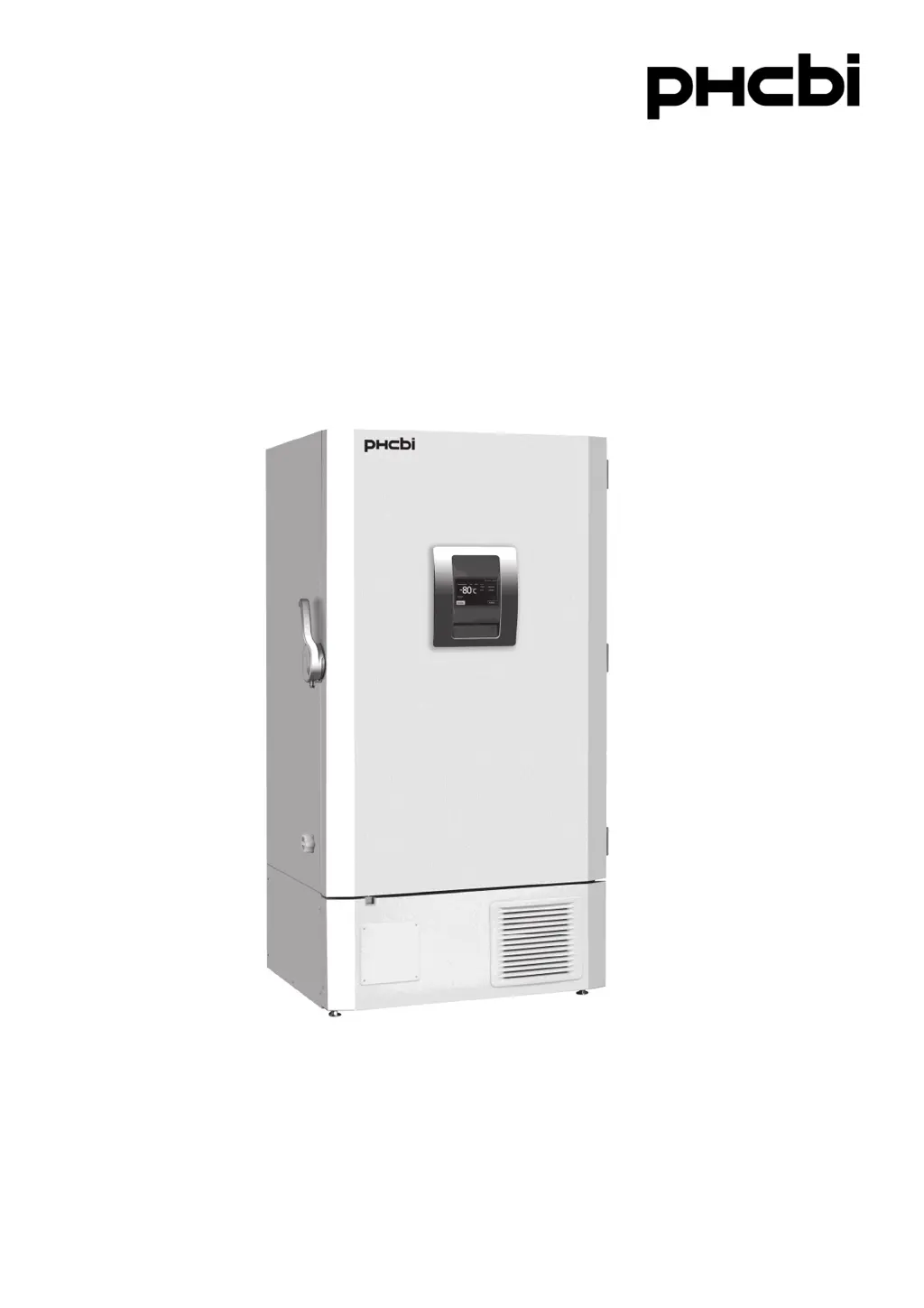
Ultra-Low Temperature Freezer
MDF-DU702VH

Questions and Answers

Summary

Safety Precautions and Warnings

Hazard Warnings and Symbol Meanings

Explains hazard symbols and their meanings for safe operation.

Installation Site Hazards

Warnings related to installation site conditions like moisture, flammables, and corrosives.

Electrical and Handling Safety

Precautions for electrical safety during operation, maintenance, and handling.

General Safety and Environmental Risks

Covers unit movement, storage, refrigerant, CO2 gas, and environmental safety.

Operational and Maintenance Safety

Guidelines for installation, parts, cleaning, and material storage safety.

Unit Symbols and Environmental Conditions

Freezer Components and Controls

Installation Procedures

Installation Site Requirements

Details on selecting an appropriate location, considering sunlight, ventilation, and stability.

Preparation and Securing the Unit

Steps for unpacking, cleaning, leveling, and securing the unit.

Electrical Safety During Installation

Instructions for proper earthing and installing circuit breakers.

Start-Up and Operation

Initial Start-Up Procedure

Step-by-step guide for initial unit operation after installation.

Basic Parameter Settings

Alarm Parameters and Management

Alarms and Self-Diagnosis

LCD Touch Panel Warning Messages

Lists warning messages, situations, buzzer, and remote alarm status.

Status Codes and Error Descriptions

Status codes indicating potential risks or failures and their remedies.

Alarm Behavior with Buzzer Key

Describes alarm behavior, buzzer, and ring back function when pressing the buzzer key.

Routine Maintenance Procedures

Replacement of Worn-Out Parts

Troubleshooting Common Malfunctions

Unit Not Operating

Troubleshooting steps for a unit that does not power on.

Compressor Not Operating

Steps to diagnose compressor non-operation.

Recurring Alarms

Reasons and checks for recurring alarms during operation.

Cooling Performance Issues

Common causes and solutions for insufficient cooling.

Condensation and Noise Issues

Explanation and handling of condensation and normal operational noises.

Technical Specifications

Performance Characteristics

Safety Check Sheet for Service

Freezer Contents Declaration

Information regarding the type of contents stored in the freezer for safety assessment.

Unit Contamination Status

Status of unit contamination for safe handling.

Safe Repair;Maintenance;Disposal Instructions

Guidelines for safe procedures during service or disposal.

Summary

Safety Precautions and Warnings

Hazard Warnings and Symbol Meanings

Explains hazard symbols and their meanings for safe operation.

Installation Site Hazards

Warnings related to installation site conditions like moisture, flammables, and corrosives.

Electrical and Handling Safety

Precautions for electrical safety during operation, maintenance, and handling.

General Safety and Environmental Risks

Covers unit movement, storage, refrigerant, CO2 gas, and environmental safety.

Operational and Maintenance Safety

Guidelines for installation, parts, cleaning, and material storage safety.

Unit Symbols and Environmental Conditions

Freezer Components and Controls

Installation Procedures

Installation Site Requirements

Details on selecting an appropriate location, considering sunlight, ventilation, and stability.

Preparation and Securing the Unit

Steps for unpacking, cleaning, leveling, and securing the unit.

Electrical Safety During Installation

Instructions for proper earthing and installing circuit breakers.

Start-Up and Operation

Initial Start-Up Procedure

Step-by-step guide for initial unit operation after installation.

Basic Parameter Settings

Alarm Parameters and Management

Alarms and Self-Diagnosis

LCD Touch Panel Warning Messages

Lists warning messages, situations, buzzer, and remote alarm status.

Status Codes and Error Descriptions

Status codes indicating potential risks or failures and their remedies.

Alarm Behavior with Buzzer Key

Describes alarm behavior, buzzer, and ring back function when pressing the buzzer key.

Routine Maintenance Procedures

Replacement of Worn-Out Parts

Troubleshooting Common Malfunctions

Unit Not Operating

Troubleshooting steps for a unit that does not power on.

Compressor Not Operating

Steps to diagnose compressor non-operation.

Recurring Alarms

Reasons and checks for recurring alarms during operation.

Cooling Performance Issues

Common causes and solutions for insufficient cooling.

Condensation and Noise Issues

Explanation and handling of condensation and normal operational noises.

Technical Specifications

Performance Characteristics

Safety Check Sheet for Service

Freezer Contents Declaration

Information regarding the type of contents stored in the freezer for safety assessment.

Unit Contamination Status

Status of unit contamination for safe handling.

Safe Repair;Maintenance;Disposal Instructions

Guidelines for safe procedures during service or disposal.

Phcbi MDF-DU502VH Specifications

General IconGeneral
TypeUpright Freezer
Power Supply220-240 V, 50 Hz
Defrosting SystemManual
Energy EfficiencyA+
Number of Shelves4

Related product manuals