EasyManua.ls Logo

Phcbi MDF-DU901VHL Series - User Manual

Phcbi MDF-DU901VHL Series
64 pages
Print Icon
To Next Page IconTo Next Page
Loading...
MDF-DU901VHLSeries
Please read the operating instructions carefully before using this product, and keep the operating
instructions for future use.
See page 62 for all model numbers.
Operating Instructions
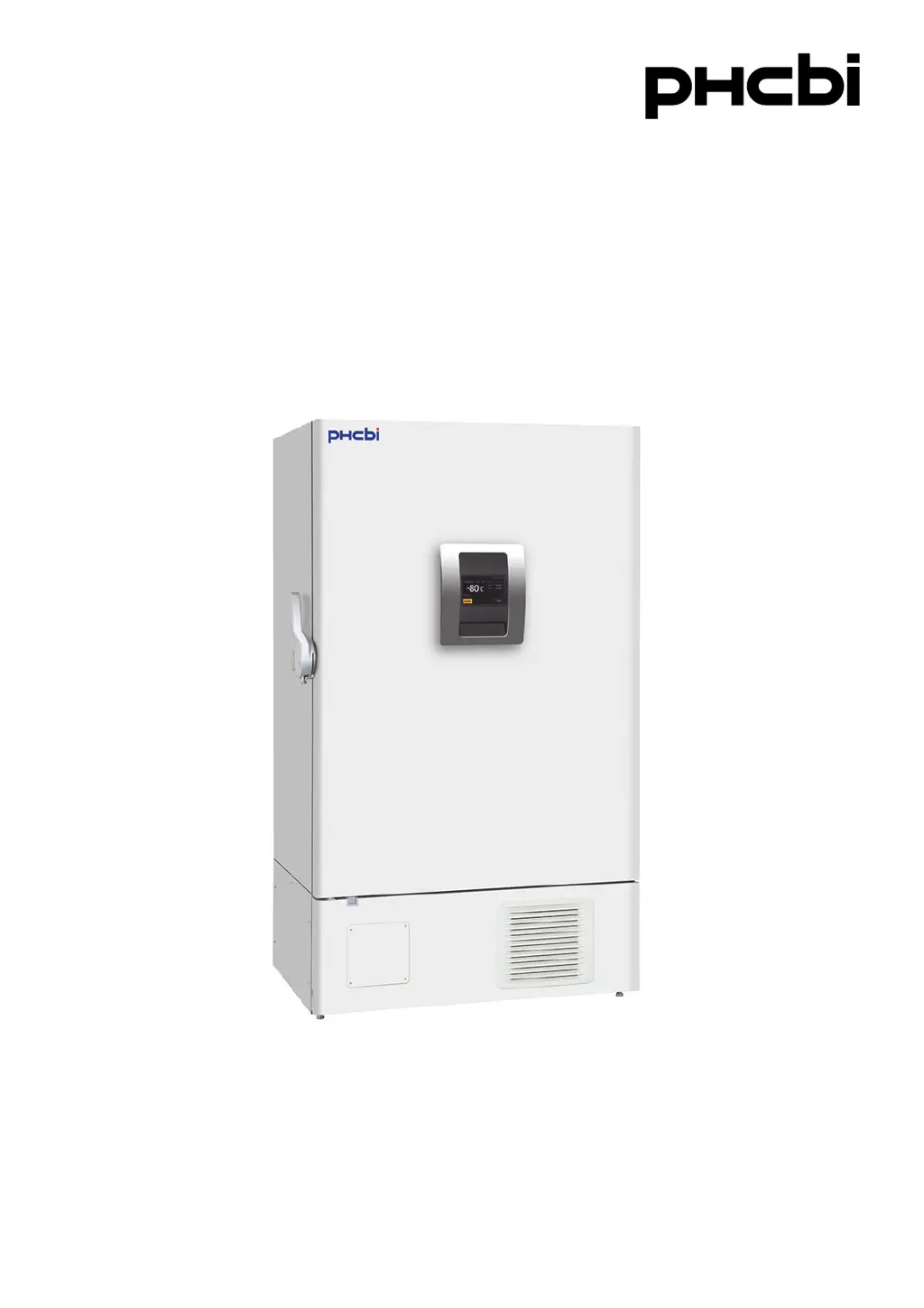
Ultra-Low Temperature Freezer

Questions and Answers

Summary

Introduction

Precautions for Safe Operation

Symbols on Unit

Environmental Conditions

Freezer Components: Main Body

Main Body Overview

General description of the freezer's main structural parts and accessible external components.

Freezer Components: Interface and Controls

LCD Touch Panel Operation

Detailed explanation of the LCD touch panel display, its functions, status indicators, and controls.

Freezer Components: Terminals and Ports

Remote Alarm Terminal Functionality

Details on connecting external alarm devices via the remote alarm terminal for remote monitoring.

Manual Air Intake Port Operation

Instructions for using the manual air intake port to equalize pressure for easier door opening.

Installation Site Requirements

Installation Procedures

Unpacking, Securing, and Levelling

Steps for unpacking, cleaning, levelling, and securing the freezer.

Earthing, Circuit Breakers, and Shelving

Guidance on proper earthing, installing circuit breakers, and setting up internal shelves.

Start-Up Procedure

Power Failure Management

Operation During Power Failure

Describes the unit's behavior, alarms, and LCD panel status during a power outage.

Operation After Power Recovery

Explains how the unit resumes operation after power is restored and potential influencing factors.

Basic Operation: LCD Touch Panel

Menu Navigation and Access

Overview of the menu structure and accessing core operational screens like settings, logs, and tools.

Basic Parameters: Input Methods

Entering Numerical and Alphanumeric Data

Guide on using the touch panel's input windows to enter numerical and alphanumeric data.

Basic Parameters: Core Settings

Temperature and Alarm Configuration

Setting the chamber temperature, high alarm, and low alarm thresholds for optimal storage.

Operation Control Mode Setup

Configuring the unit's operation control modes, such as compressor delay times.

Key Lock and Password Management

Procedures for setting, confirming, and managing passcodes for the key lock feature.

Removing Key Lock

Instructions for disabling the key lock feature and deleting the release passwords.

Alarm Parameters

Alarm Delay and Notification Settings

Configuration of alarm delays, ring back intervals, and remote alarm activation.

Operation and Alarm Logs

Setting Log Interval and Displaying Operation Logs

Setting the log interval for saving data and viewing operation logs graphically on the LCD.

Exporting Operation and Alarm Logs

Procedures for exporting operational and alarm data to USB memory for analysis.

Displaying Alarm Logs

How to view saved alarm logs, filter them by date, and export them.

Other Parameters

Date and Time Settings

Instructions for setting the unit's internal date and time for accurate logging.

Brightness and Sleep Mode Configuration

Adjusting display brightness and sleep mode settings for user preference and power saving.

Alarms and Self-Diagnosis

Routine Maintenance

Cleaning the Unit and Air Intake Port

Procedures for cleaning the exterior, interior, accessories, and air intake port.

Condenser Filter and Chamber Defrosting

Steps for cleaning the condenser filter and defrosting the freezer chamber to maintain performance.

Calibration

Replacement of Worn-Out Parts

Battery Replacement Procedures

Instructions for replacing batteries for power failure alarms and backup cooling kits.

Troubleshooting

Disposal of Unit and Safety

Unit Disposal and Safety Precautions

Safety warnings and procedures for unit disposal, including door removal to prevent suffocation.

Battery Recycling Information

Information on battery recycling regulations, symbols, and proper disposal methods.

Optional Components

Temperature Recorder Accessory

Details on the optional temperature recorder accessory and its specifications for data logging.

Inner Doors and Inventory Racks

Information on optional small inner doors and inventory racks for the chamber.

Back-up Cooling Kit Operation

Explanation of the optional backup cooling kit, its function during power failures, and CO2 gas safety.

Specifications

Performance

Safety Check Sheet

Phcbi MDF-DU901VHL Series Specifications

General IconGeneral
BrandPhcbi
ModelMDF-DU901VHL Series
CategoryFreezer
LanguageEnglish

Related product manuals