EasyManua.ls Logo

Phcbi MDF-DU901VHA-PA - User Manual

Phcbi MDF-DU901VHA-PA
60 pages
Print Icon
To Next Page IconTo Next Page
Loading...
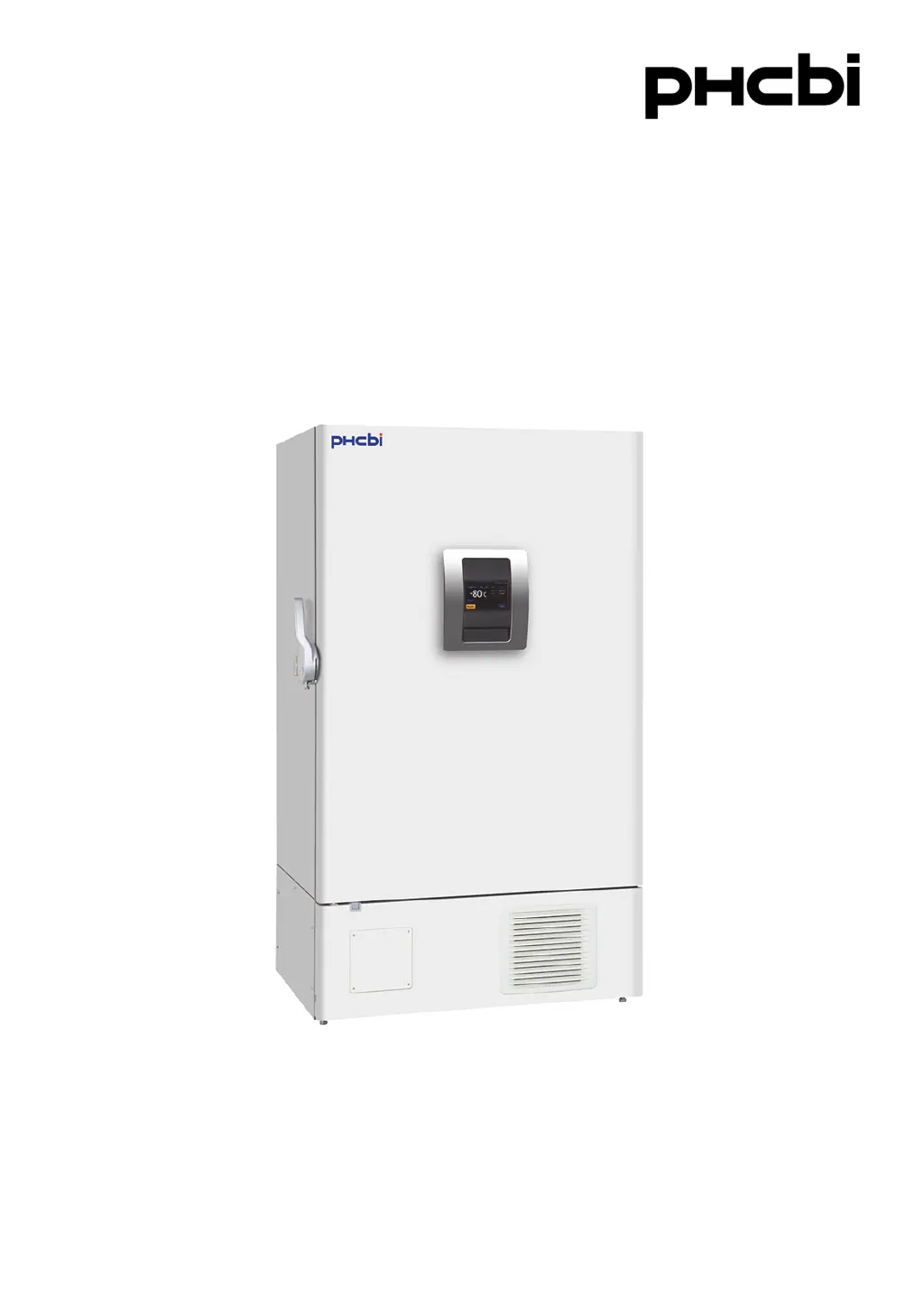
MDF-DU901VHA
Please read the operating instructions carefully before using this product, and keep the operating
instructions for future use.
See page 58 for model number.
Operating Instructions
Ultra-Low Temperature Freezer

Questions and Answers

  • C
    Charles YuAug 6, 2025
    What to do if Phcbi Freezer is not cold enough?
    • J
      jasonfosterAug 6, 2025
      If your Phcbi Freezer isn't getting cold enough, several factors could be at play. Start by ensuring you're not placing warm materials inside and limit how often you open the door. Check that the chamber temperature is set correctly (not lower than -86 oC), and that the unit isn't in direct sunlight or near heat sources. Make sure ventilation around the unit isn't blocked and reduce the number of stored items. Ensure the access port is covered when not in use and that the door gaskets are clean and undamaged. If the door seal is damaged, contact our sales representative or agent for replacement.
  • D
    Deborah HicksAug 10, 2025
    Why is my Phcbi MDF-DU901VHA-PA Freezer not turning on?
    • C
      Courtney RojasAug 10, 2025
      If your Phcbi Freezer isn't operating even when plugged in, consider these possibilities: * Check the power supply connection. * Ensure the power supply's capacity and voltage meet requirements. * Check for a power failure. * Reset the circuit breaker if it has been activated. * Replace the fuse if it's blown.
  • D
    daviddixonAug 14, 2025
    What to do if the alarm is activated during Phcbi Freezer operation?
    • J
      Jamie HardyAug 14, 2025
      If the alarm activates during operation of your Phcbi Freezer, it could be due to several reasons. First, check if the chamber temperature setting has been changed and adjust it if necessary. Also, ensure that the door hasn't been left open for an extended period. Avoid placing containers with high temperatures inside the chamber. If the LCD touch panel is unresponsive, try turning the power off and then on again.
  • C
    chambersmaryAug 19, 2025
    Why Phcbi MDF-DU901VHA-PA Freezer compressor does not operate when turned on?
    • K
      Karen WebbAug 19, 2025
      If the compressor in your Phcbi Freezer doesn't operate when you turn on the power switch (and the LCD touch panel is on), the capacity of the power supply might not be sufficient to start the compressor. Ensure that the power supply has enough capacity.
  • C
    cartertracieAug 23, 2025
    How to reduce excessive noise from Phcbi MDF-DU901VHA-PA?
    • R
      Richard RoblesAug 23, 2025
      To reduce excessive noise from your Phcbi Freezer, try the following: stabilize the floor, ensure the installation site is level, adjust the freezer's positioning to prevent tilting, and make sure the cabinet isn't touching any surrounding walls.
  • B
    barbara68Aug 27, 2025
    What to do if the outside of Phcbi Freezer is wet?
    • N
      Natasha NelsonAug 27, 2025
      If the outside of your Phcbi Freezer is wet with dew, wipe it with a dry cloth.
  • A
    Ashley DavisAug 31, 2025
    Why is my Phcbi MDF-DU901VHA-PA making motor sound or flowing liquid noise?
    • R
      rodneyparrishAug 31, 2025
      The motor sound or flowing liquid noise in your Phcbi Freezer is a normal operation.

Summary

Precautions for Safe Operation

Freezer Components Overview

LCD Touch Panel Interface

Detailed explanation of the user interface and its functions.

Installation Site Requirements

Installation Procedures

Unit Preparation and Securing

Steps for unpacking, leveling, and securing the unit to a wall.

Electrical Setup and Safety

Requirements for power source, grounding, and circuit breakers.

Start-Up Procedure

During and After Power Failure

Operation During Power Failure

How the unit behaves when power is interrupted.

Operation After Recovery from Power Failure

Unit behavior and recovery steps after power is restored.

Basic Parameters Configuration

Setting Temperature, High;Low Alarm

Procedure for configuring temperature and alarm settings.

Alarm Parameters Configuration

Alarm Delay and Door Delay Settings

Configuration of time delays for alarm activation.

Ring Back and Remote Alarm Settings

Setup for continuous alarms and remote notifications.

Operation and Alarm Log Management

Alarms and Self-Diagnosis

Alarm and Situation Reference Table

Table detailing alarm messages, causes, and actions.

Behavior of Buzzer and Remote Alarm

How alarms function with buzzer and remote notifications.

Routine Maintenance Procedures

Replacement of Worn-Out Parts

Troubleshooting Common Issues

Safety Check Sheet for Servicing

Phcbi MDF-DU901VHA-PA Specifications

General IconGeneral
TypeUpright Freezer
Power Supply220-240V, 50/60 Hz
InsulationPolyurethane foam
Defrosting SystemManual
Noise Level45 dB
ColorWhite
RefrigerantR-404A

Related product manuals