EasyManua.ls Logo

Phcbi MDF-MU339 - User Manual

Phcbi MDF-MU339
40 pages
Print Icon
To Next Page IconTo Next Page
Loading...
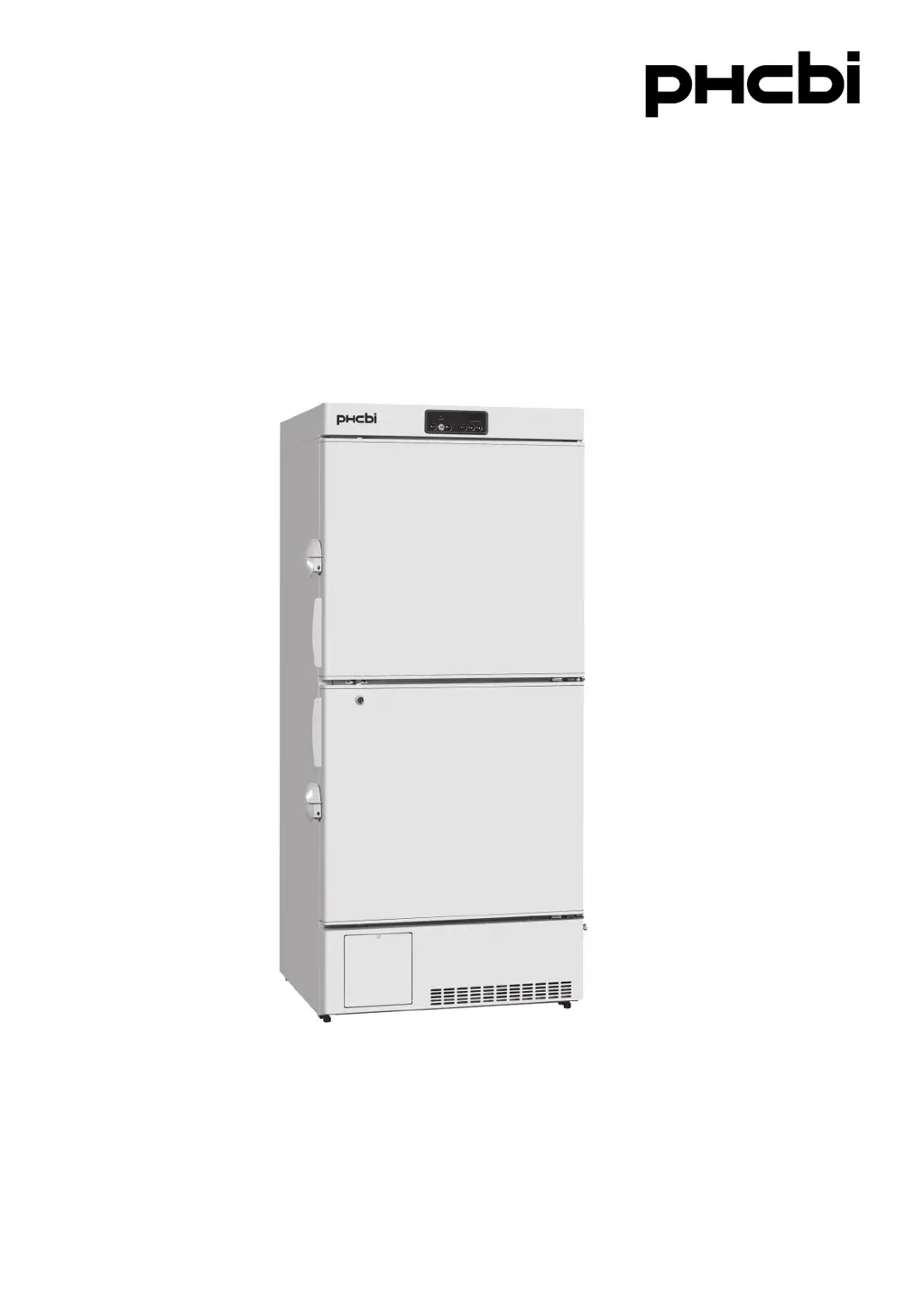
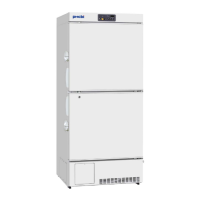
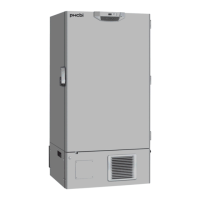
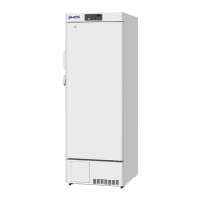
MDF-MU339
MDF-MU539
MDF-MU539
Please read the operating instructions carefully before using this product, and keep the operating
instructions for future use.
See page 35 for model number.
Operating Instructions
Biomedical Freezer

Questions and Answers

  • P
    Patricia HessAug 5, 2025
    What to do if my Phcbi Freezer is not operating even when plugged in?
    • A
      Antonio HamptonAug 5, 2025
      If your Phcbi Freezer isn't operating when plugged in, several factors could be at play. First, check the power supply connection to ensure it's properly connected. Verify that the power supply's capacity and voltage are sufficient. Also, check for any power supply issues or power failures in your location. The circuit breaker on the supply circuit might be activated, so try resetting it. Lastly, inspect the fuse on the supply circuit; if it's blown, replace it.
  • M
    Maria MorganAug 11, 2025
    Why is the alarm activated on my Phcbi Freezer?
    • C
      Christine JacksonAug 12, 2025
      An alarm activation on your Phcbi Freezer can stem from several causes. First, check the power supply connection to ensure it's properly connected. Verify that the power supply's capacity and voltage are sufficient. Also, check for any power supply issues or power failures in your location. The circuit breaker on the supply circuit might be activated, so try resetting it. Lastly, inspect the fuse on the supply circuit; if it's blown, replace it. Additionally, it could be due to a change in the chamber temperature setting, so adjust it as needed. The door may have been kept open for too long; make sure to close it. Avoid placing containers with high temperatures inside the chamber; allow them to cool first. Ensure the door is fully closed.
  • S
    stonechristinaAug 18, 2025
    What to do if my Phcbi Freezer chamber does not get cold enough?
    • J
      Jennifer DavisAug 18, 2025
      If the chamber of your Phcbi Freezer isn't getting cold enough, consider these potential causes: * Ensure warm items are cooled before placement inside. * Minimize how often you open the door. * Lower the chamber temperature setting if it's set too high. * Relocate the unit away from direct sunlight and heat sources. * Confirm proper ventilation around the unit and ensure the equipment is installed as per the manual. * Reduce the number of items stored inside. * Cover the access port properly with insulation and rubber caps. * Remove any foreign substances between door gaskets.
  • B
    Brandon Lewis Jr.Aug 25, 2025
    How to fix excessive noise from my Phcbi Freezer?
    • D
      David WeberAug 25, 2025
      Excessive noise from your Phcbi Freezer can be caused by a few factors. Ensure the floor is stable and the installation site is level. Adjust the freezer to be level. Also, reposition the cabinet to ensure it's not touching the surrounding wall.
  • B
    Beth AndersenAug 30, 2025
    What to do if no key operation is available on my Phcbi Freezer?
    • A
      amyevansAug 30, 2025
      If no key operation is available on your Phcbi Freezer, the key lock may be set to ON (L 1). Set the key lock to OFF (L 0).

Summary

Introduction

Important Notice

Manufacturer's warranty, liability, and important notices.

Intended Use

Specifies the equipment's purpose for low-temperature storage of biomedical samples.

Safe Operation Precautions

Warning Symbols

Illustrates warning symbols for hazardous situations requiring caution.

Caution Symbols

Illustrates caution symbols for potential injury or damage.

Unit Symbols

Environmental Conditions

Freezer Components

Levelling Feet Adjustment

Instructions on adjusting the levelling feet for unit stability and installation.

Key Component Identification

Details of essential components like locks, doors, handles, and ports.

Control Panel Overview

Description of the control panel and its display indicators and buttons.

Installation Site Selection

Site Requirements

Guidelines for selecting an appropriate location for unit installation.

Unit Installation

Grounding (Earthing) Procedure

Importance and procedure for earthing the unit to prevent electric shock.

Securing and Levelling the Unit

Steps to secure and level the unit using levelling feet and casters.

Shelf Installation

Procedure for installing shelves within the freezer chamber before operation.

Unit Start-Up Procedure

Temperature Setting

Key Lock Function

Alarm Temperature Settings

Alarm Delay Time Setting

Alarm Resume Time Setting

Alarm Buzzer Interlock Mode

Compressor Delay Time Adjustment

Power Failure Operations

Remote Alarm Terminal Function

Alarms and Safety Functions

Routine Maintenance

Cleaning Procedure

Instructions for cleaning the exterior, interior, and accessories of the freezer.

Defrosting Procedure

Procedure for manual defrosting to remove frost buildup inside the chamber.

Temperature Calibration

Replacement of Worn-out Parts

Power Failure Alarm Battery Replacement

Guidance on replacing the power failure alarm battery and its importance.

Fan Motor Replacement

Information on replacing the fan motor for cooling circuit maintenance.

Troubleshooting Guide

Unit Disposal

Battery Recycling

Instructions and regulations for recycling used batteries.

Refrigerant Information

Details on the refrigerant used and regulatory information.

Optional Temperature Recorder

Product Specifications

Performance Data

Safety Check Sheet

Phcbi MDF-MU339 Specifications

General IconGeneral
TypeUpright Freezer
ModelMDF-MU339
BrandPhcbi
Capacity339 liters
Number of Doors1
Defrost SystemManual
Interior LightYes
Power Supply220-240V, 50Hz
Alarm Systemtemperature alarm

Related product manuals