EasyManua.ls Logo

Phcbi MDF-MU539HL Series - User Manual

Phcbi MDF-MU539HL Series
40 pages
Print Icon
To Next Page IconTo Next Page
Loading...
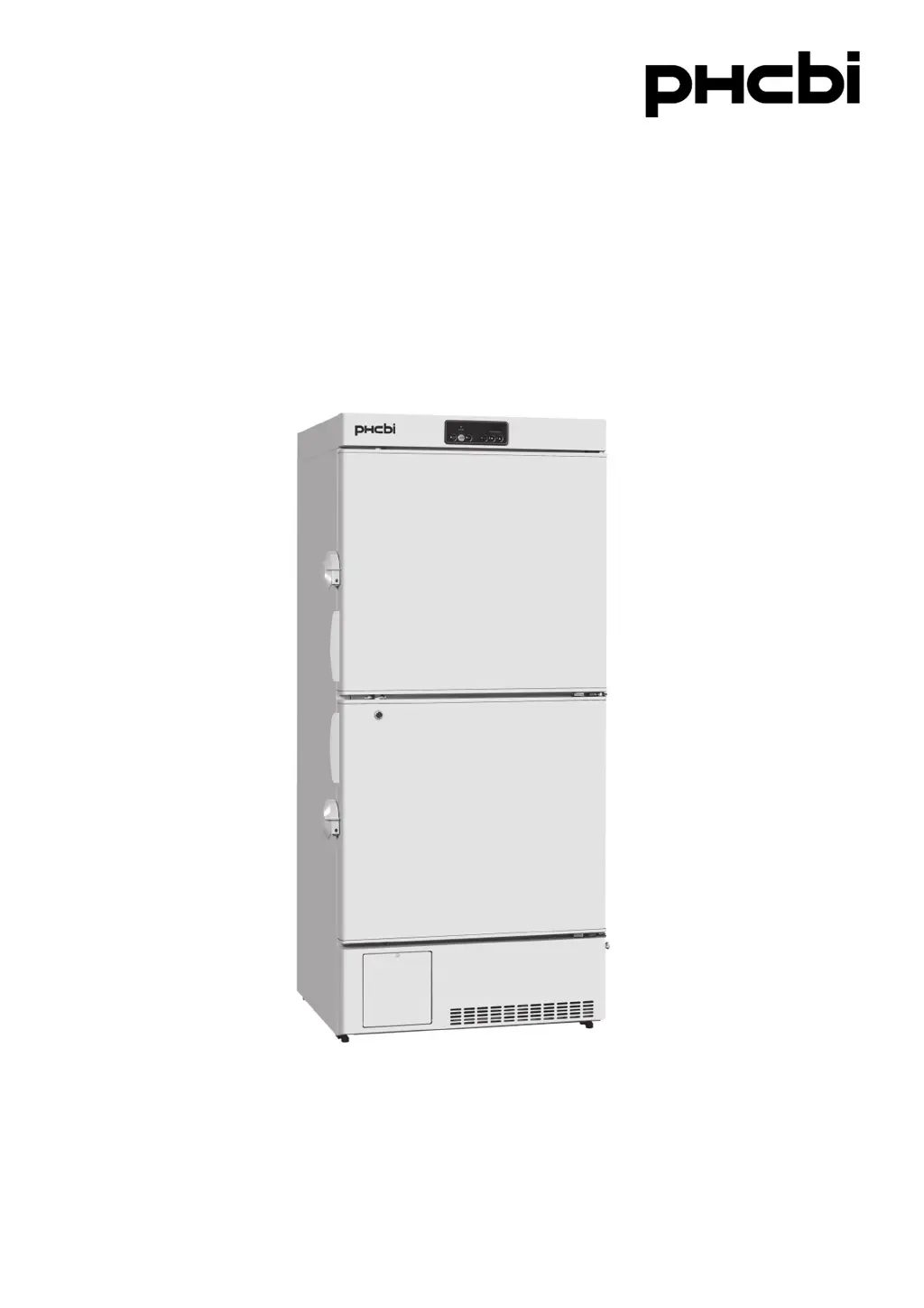
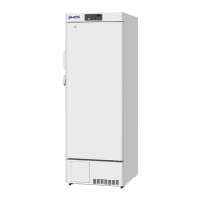
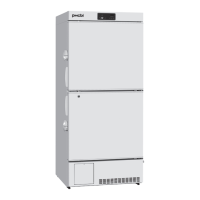
MDF-MU339HL
MDF-MU539HL
Series
MDF-MU539HL
Please read the operating instructions carefully before using this product, and keep the operating
instructions for future use.
See pages 3536 for all model numbers.
Operating Instructions
Biomedical Freezer

Questions and Answers

  • E
    Erin EvansAug 8, 2025
    What to do if my Phcbi MDF-MU539HL is not getting cold enough?
    • D
      davismarkAug 8, 2025
      If your Phcbi Freezer's chamber isn't cold enough, several factors could be the cause. First, remove any warm material that may have been placed inside. Minimize how often you open the door. Check if the chamber temperature setting is too high and lower it if necessary. Ensure the unit is not in direct sunlight and relocate it if it is. Confirm that there is adequate ventilation around the unit and move it away from any heat sources. Also, make sure the ambient temperature is within the recommended range. Reduce the number of items stored inside, and ensure the access port is covered with insulation and rubber caps when not in use. Remove any foreign substances between the door gaskets. If the door seal is damaged, contact your sales representative or agent for replacement.
  • J
    joseph79Aug 13, 2025
    What to do if nothing operates on my Phcbi Freezer?
    • P
      Paul BellAug 13, 2025
      If your Phcbi Freezer isn't operating, even when plugged in, start by checking the power supply connection to ensure it's properly connected. Verify that the power supply's capacity and voltage meet the freezer's requirements. Check for a power failure in your location. Reset the circuit breaker if it has been activated, and replace the fuse if it's blown. Also, ensure the power supply plug is properly connected on the product side.
  • C
    christopher00Aug 18, 2025
    Why is the alarm activated on my Phcbi MDF-MU539HL Freezer?
    • A
      Ashley Melendez MDAug 18, 2025
      The alarm on your Phcbi Freezer might activate due to several reasons. Check the power supply connection and ensure it's properly connected. Also, verify that the power supply's capacity and voltage are sufficient. A power failure could also trigger the alarm. Check if the circuit breaker has been activated and reset it if necessary, and replace the fuse if it's blown. Other causes include a changed chamber temperature setting (reset it, if needed), the door being left open for an extended period (close the door), or high-temperature containers placed inside (remove them). Ensure the door is fully closed.
  • R
    Roberta LittleAug 23, 2025
    How to stop excessive noise from Phcbi MDF-MU539HL?
    • G
      gregory89Aug 25, 2025
      To reduce excessive noise from your Phcbi Freezer, ensure the floor is stable and the installation site is level. Adjust the freezer to be level. Also, make sure the cabinet isn't touching any surrounding walls.
  • B
    bethany68Aug 28, 2025
    What to do if no key operation is available on Phcbi Freezer?
    • J
      jchavezAug 28, 2025
      If no key operation is available on your Phcbi Freezer, the key lock may be set to ON (L 1). To enable key operations, set the key lock to OFF (L 0).
  • M
    Mathew ThompsonSep 2, 2025
    What to do if Phcbi Freezer returns to temperature display mode during setting mode?
    • J
      jameswilliamsonSep 2, 2025
      The Phcbi Freezer will automatically return from setting mode to the temperature display mode after 90 seconds if no key is operated, due to the auto-return function.

Summary

Precautions for Safe Operation of Biomedical Freezer

Biomedical Freezer Components Overview

Control Panel Functions

Explains the functions and indicators on the freezer's control interface.

Recommended Installation Site for Freezer

Installation Guide for Biomedical Freezer

Preparations After Unpacking

Outlines the initial steps for preparing the unit after removal from packaging.

Securing and Levelling the Unit

Details how to properly position and stabilize the freezer using its feet.

Grounding the Unit

Explains the critical procedure for grounding the unit to ensure electrical safety.

Start-Up Procedure for the Unit

Temperature Setting and Control

Alarm Temperature Setting

Setting Alarm Delay Time

Setting Alarm Resume Time

During and After Power Failure

Alarms and Safety Functions

Routine Maintenance Procedures

Troubleshooting Common Issues

Safety Check Sheet for Servicing

Phcbi MDF-MU539HL Series Specifications

General IconGeneral
ModelMDF-MU539HL
CategoryFreezer
TypeUpright Freezer
Capacity539 liters
Number of Doors1
InsulationPolyurethane foam
Power Supply220-240V, 50Hz
Defrost SystemManual
Shelves4

Related product manuals