EasyManua.ls Logo

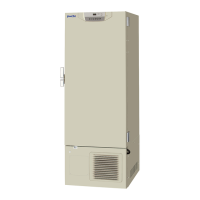
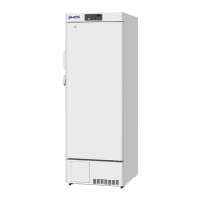
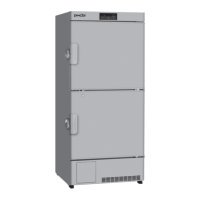
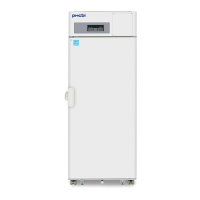
Phcbi MDF-U731M Series - User Manual

Phcbi MDF-U731M Series
32 pages
Print Icon
To Next Page IconTo Next Page
Loading...
MDF-U731MSeries
Please read the operating instructions carefully before using this product, and keep the operating
instructions for future use.
See page 28 for all model numbers.
Operating Instructions
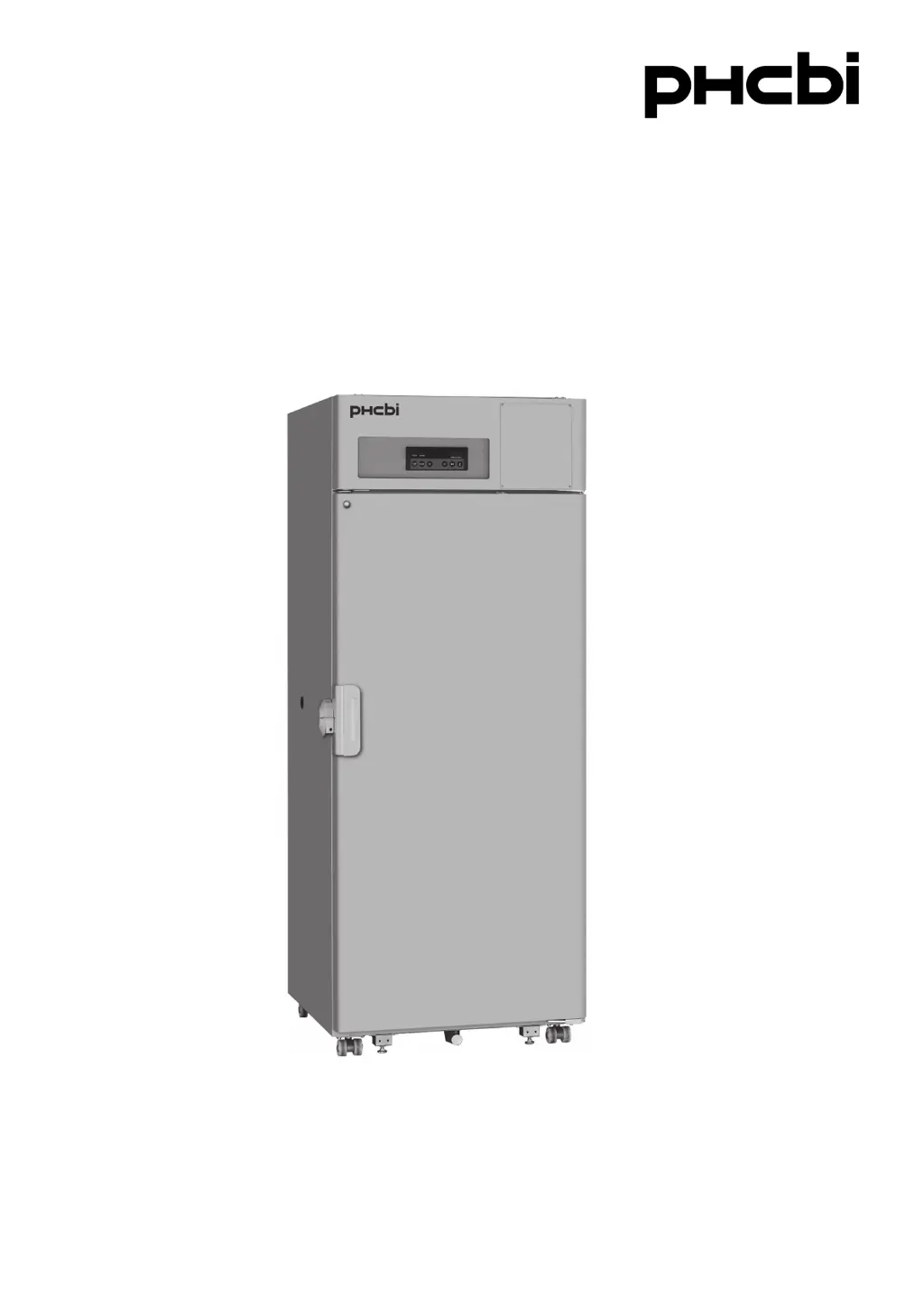
Biomedical Freezer

Questions and Answers

Summary

Introduction to the Biomedical Freezer

Safety Precautions and Symbols

Warning and Caution Symbols

Explains the meaning of warning and caution symbols used in the manual.

Electrical Hazard Warning Label

Describes a label indicating high voltage components and the need for qualified personnel.

General WARNINGs for Safe Operation

Operational Safety Warnings

Lists critical warnings regarding outdoor use, installation, water exposure, and hazardous locations.

Additional Safety Warnings

Handling and Maintenance Safety

Details safety measures for maintenance, power cords, storage, and disposal.

CAUTIONs for Safe Operation

Electrical and Installation Cautions

Outlines cautions for dedicated circuits, power sources, and securing shelves.

Environmental Operating Conditions

Freezer Unit Components

Freezer Unit Diagram

Illustrates the external components of the biomedical freezer with numerical labels.

Detailed Component Descriptions

Lock, Gasket, Handle, and Drain Hose

Describes the function of the lock, door gasket, handle, and drain hose.

Leveling Feet, Casters, and Shelves

Explains the purpose of leveling feet, casters, and shelf placement.

Access Port, Door Latch, and Control Panel

Details the access port, door latch mechanism, and control panel.

Front Cover, Recorder Space, and Switches

Covers the front cover, space for a recorder, and power/battery switches.

Control Panel Operation

Control Panel Layout and Buttons

Identifies and describes the functions of the control panel lamps and buttons.

Key Operations and Functions

Explains how to use specific keys like SET, DEF, BUZZER, and ALARM TEST.

Installation Site Requirements

Location and Ventilation Guidelines

Specifies requirements for sunlight, ventilation, and proximity to heat sources.

Floor, Humidity, and Gas Environment

Details the need for a sturdy floor, humidity limits, and avoidance of flammable gases.

Installation Procedure

Removing Packaging and Preparing Unit

Instructions for removing packaging, cleaning, and door plate.

Adjusting Leveling Feet and Fixing Unit

Steps for leveling the unit and securing it to a wall.

Grounding Requirements

Explains the importance and method of grounding the unit for electrical safety.

Unit Start-Up and Initial Operation

Trial Operation Steps

Provides a step-by-step guide for starting the unit for the first time.

Operation After Power Failure

Explains how the unit behaves and resumes operation after a power interruption.

Temperature Setting Procedure

Basic Temperature Setting Steps

Details the sequence of key presses to set the desired chamber temperature.

Key Lock Functionality

Enabling and Disabling Key Lock

Explains how to activate and deactivate the key lock feature.

Remote Alarm Terminal Connection

Alarm Terminal Functionality and Wiring

Details the purpose, wiring, and contact capacity of the remote alarm terminal.

Alarm Temperature Settings

Setting High Temperature Alarm

Procedure for configuring the high temperature alarm threshold.

Setting Low Temperature Alarm

Procedure for configuring the low temperature alarm threshold.

Alarm and Safety Functions

Alarm Types and Handling

Describes alarm types, indications, cancellation, and remote status handling.

Key Safety Features

Details auto return and key lock functions for user safety.

Self-Diagnostic Functions and Error Codes

Sensor Abnormality Diagnostics

Explains error codes (E01, E03) related to thermal sensor issues.

Compressor Abnormality Diagnostics

Details error codes (E10) related to compressor cooling fan and ambient temperature.

Battery and Fan Motor Lifespan

Provides information on battery replacement and fan motor lifespan.

General Maintenance Procedures

Safety Warnings for Maintenance

Crucial safety warnings before performing any maintenance tasks.

Cleaning the Freezer Cabinet

Step-by-step guide on how to clean the exterior and interior of the unit.

Defrosting the Freezer

Defrosting Procedure Steps

Detailed instructions on how to perform the defrosting process.

Restarting Freezing Operation

How to resume the freezing operation after defrosting is complete.

Troubleshooting Common Issues

Cooling and Set-Point Issues

Addresses problems like no cooling or poor cooling and set-point acceptance.

Noise Troubleshooting

Explains potential causes of noise and when it's considered normal.

Unit Disposal and Recycling

Disposal Safety Warnings

Safety precautions regarding unused units and doors for preventing suffocation.

Battery Recycling Information

Guidance on recycling the nickel-metal hydride battery.

Refrigerant Information

Details the fluorinated greenhouse gases used as refrigerant.

Decontamination Procedure

Instructions for decontaminating the unit before disposal.

European Disposal Regulations and Symbols

WEEE and Battery Disposal Symbols

Explains symbols for used electronics and batteries in the EU.

Replacement of Wear-Out Parts

Power Failure Alarm Battery Replacement

Guidelines and safety warnings for replacing the power failure alarm battery.

Optional Temperature Recorder

Temperature Recorder Installation

Information about available temperature recorder models and their installation.

Technical Specifications

Product Specifications Summary

Details product name, dimensions, capacity, materials, and components.

Performance Data

Model-Specific Performance

Compares performance metrics across different model variants.

Safety Check Sheet

Freezer Contents and Contamination Check

Sections for checking freezer contents and unit contamination status.

Service and Disposal Safety Procedures

Form fields for safe repair, maintenance, and disposal procedures.

Summary

Introduction to the Biomedical Freezer

Safety Precautions and Symbols

Warning and Caution Symbols

Explains the meaning of warning and caution symbols used in the manual.

Electrical Hazard Warning Label

Describes a label indicating high voltage components and the need for qualified personnel.

General WARNINGs for Safe Operation

Operational Safety Warnings

Lists critical warnings regarding outdoor use, installation, water exposure, and hazardous locations.

Additional Safety Warnings

Handling and Maintenance Safety

Details safety measures for maintenance, power cords, storage, and disposal.

CAUTIONs for Safe Operation

Electrical and Installation Cautions

Outlines cautions for dedicated circuits, power sources, and securing shelves.

Environmental Operating Conditions

Freezer Unit Components

Freezer Unit Diagram

Illustrates the external components of the biomedical freezer with numerical labels.

Detailed Component Descriptions

Lock, Gasket, Handle, and Drain Hose

Describes the function of the lock, door gasket, handle, and drain hose.

Leveling Feet, Casters, and Shelves

Explains the purpose of leveling feet, casters, and shelf placement.

Access Port, Door Latch, and Control Panel

Details the access port, door latch mechanism, and control panel.

Front Cover, Recorder Space, and Switches

Covers the front cover, space for a recorder, and power/battery switches.

Control Panel Operation

Control Panel Layout and Buttons

Identifies and describes the functions of the control panel lamps and buttons.

Key Operations and Functions

Explains how to use specific keys like SET, DEF, BUZZER, and ALARM TEST.

Installation Site Requirements

Location and Ventilation Guidelines

Specifies requirements for sunlight, ventilation, and proximity to heat sources.

Floor, Humidity, and Gas Environment

Details the need for a sturdy floor, humidity limits, and avoidance of flammable gases.

Installation Procedure

Removing Packaging and Preparing Unit

Instructions for removing packaging, cleaning, and door plate.

Adjusting Leveling Feet and Fixing Unit

Steps for leveling the unit and securing it to a wall.

Grounding Requirements

Explains the importance and method of grounding the unit for electrical safety.

Unit Start-Up and Initial Operation

Trial Operation Steps

Provides a step-by-step guide for starting the unit for the first time.

Operation After Power Failure

Explains how the unit behaves and resumes operation after a power interruption.

Temperature Setting Procedure

Basic Temperature Setting Steps

Details the sequence of key presses to set the desired chamber temperature.

Key Lock Functionality

Enabling and Disabling Key Lock

Explains how to activate and deactivate the key lock feature.

Remote Alarm Terminal Connection

Alarm Terminal Functionality and Wiring

Details the purpose, wiring, and contact capacity of the remote alarm terminal.

Alarm Temperature Settings

Setting High Temperature Alarm

Procedure for configuring the high temperature alarm threshold.

Setting Low Temperature Alarm

Procedure for configuring the low temperature alarm threshold.

Alarm and Safety Functions

Alarm Types and Handling

Describes alarm types, indications, cancellation, and remote status handling.

Key Safety Features

Details auto return and key lock functions for user safety.

Self-Diagnostic Functions and Error Codes

Sensor Abnormality Diagnostics

Explains error codes (E01, E03) related to thermal sensor issues.

Compressor Abnormality Diagnostics

Details error codes (E10) related to compressor cooling fan and ambient temperature.

Battery and Fan Motor Lifespan

Provides information on battery replacement and fan motor lifespan.

General Maintenance Procedures

Safety Warnings for Maintenance

Crucial safety warnings before performing any maintenance tasks.

Cleaning the Freezer Cabinet

Step-by-step guide on how to clean the exterior and interior of the unit.

Defrosting the Freezer

Defrosting Procedure Steps

Detailed instructions on how to perform the defrosting process.

Restarting Freezing Operation

How to resume the freezing operation after defrosting is complete.

Troubleshooting Common Issues

Cooling and Set-Point Issues

Addresses problems like no cooling or poor cooling and set-point acceptance.

Noise Troubleshooting

Explains potential causes of noise and when it's considered normal.

Unit Disposal and Recycling

Disposal Safety Warnings

Safety precautions regarding unused units and doors for preventing suffocation.

Battery Recycling Information

Guidance on recycling the nickel-metal hydride battery.

Refrigerant Information

Details the fluorinated greenhouse gases used as refrigerant.

Decontamination Procedure

Instructions for decontaminating the unit before disposal.

European Disposal Regulations and Symbols

WEEE and Battery Disposal Symbols

Explains symbols for used electronics and batteries in the EU.

Replacement of Wear-Out Parts

Power Failure Alarm Battery Replacement

Guidelines and safety warnings for replacing the power failure alarm battery.

Optional Temperature Recorder

Temperature Recorder Installation

Information about available temperature recorder models and their installation.

Technical Specifications

Product Specifications Summary

Details product name, dimensions, capacity, materials, and components.

Performance Data

Model-Specific Performance

Compares performance metrics across different model variants.

Safety Check Sheet

Freezer Contents and Contamination Check

Sections for checking freezer contents and unit contamination status.

Service and Disposal Safety Procedures

Form fields for safe repair, maintenance, and disposal procedures.

Phcbi MDF-U731M Series Specifications

General IconGeneral
ModelMDF-U731M
CategoryFreezer
TypeUpright Freezer
Temperature Range-10°C to -30°C
Weight150 kg
Power Supply220-240V, 50/60 Hz
CertificationCE, UL
InsulationPolyurethane foam
Alarm SystemHigh/Low Temperature
DisplayDigital display

Related product manuals