Setting the time and date
a Press the MENU button on the remote control. The main
menu will appear.
b Select the line ’Installation’ with the P rB or
AP q button and confirm with the SqC button.
c Select the line ’Set clock’ with the P rB or
AP q button and confirm with the SqC button.
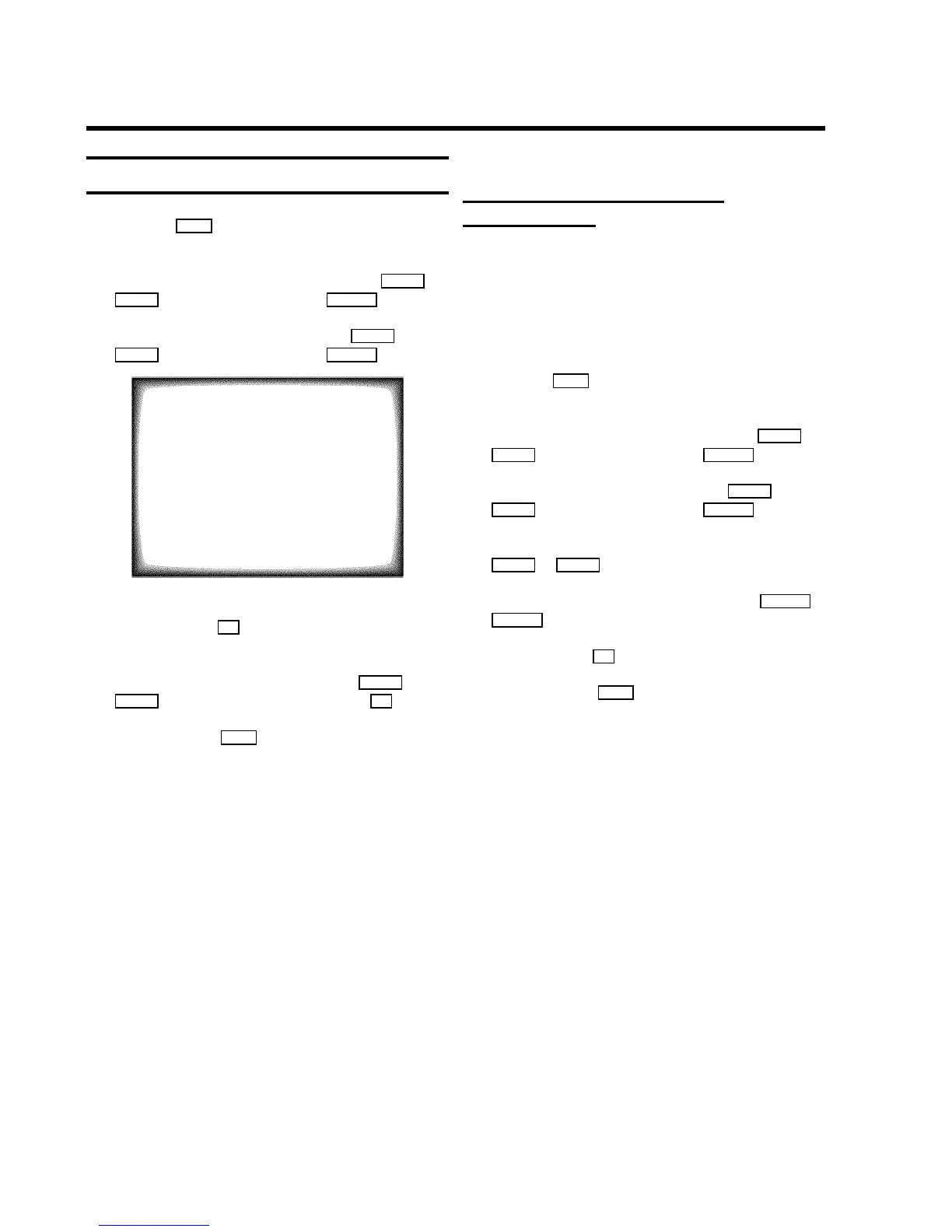
SET CLOCK
Time 15:36
Year 1999
Month 06
Date 08
Smart clock ON
ã Exit:
« press MENU
d Check the time in line ’Time’. If required, please change
the time with the 0-9 buttons on the remote control.
e Check ’Year’, ’Month’ and ’Date’ in the same way.
You can switch between entry fields with P rB or
AP q button. Confirm each entry with the OK button.
f To end, press the MENU button.
Automatic time and date setting
(SMART CLOCK)
DIf a television programme, which transmits TELETEXT, is
stored with programme number ’P01’, time and date will
be set automatically.
DTime will automatically be adjusted to winter time and
summer time.
a Press the MENU button on the remote control. The main
menu will appear.
b Select the line ’Installation’ with the P rB or
AP q button and confirm with the SqC button.
c Select the line ’Set clock’ with the P rB or
AP q button and confirm with the SqC button.
d Select the line ’Smart clock’ with the menu buttons
P rB or AP q .
e Switch the function on with the menu buttons DSr or
SqC .
f Confirm with the OK button.
g To end, press the MENU button.
9



 To Next Page