Sound settings
a Press the MENU button. The main menu appears.
b Select the line ’Sound’ with the P rB or AP q
button and confirm with the SqC button.
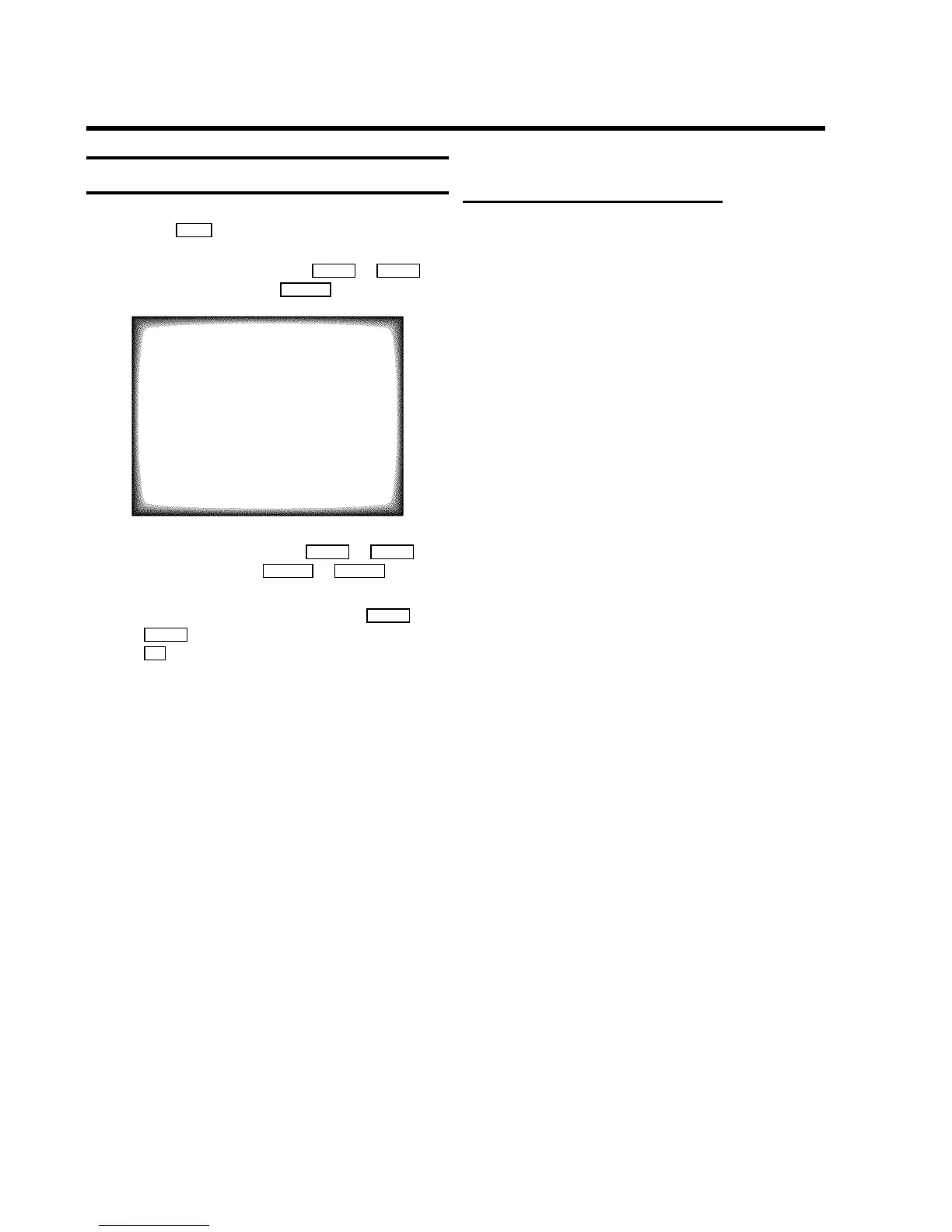
SOUND
Volume (,,,,,,,,,,,,
Auto volume cont. YES
Store as pref. NO
ã Exit:
« press MENU
c Select the required line with the P rB or AP q
button and alter with the DSr or SqC button.
DTo store this setting as a standard setting, select the
line ’Store as pref.’ with the P rB or
AP q button. Select ’YES’ and confirm with the
OK button.
DTo call up the standard settings, switch the TV-Video
Combi off and on again.
Automatic volume control (AVL)
E Switch on ’Auto volume cont.’, to activate the
automatic volume control. It minimises sudden changes
in TV volume when commercial spots are transmitted.
12



 To Next Page