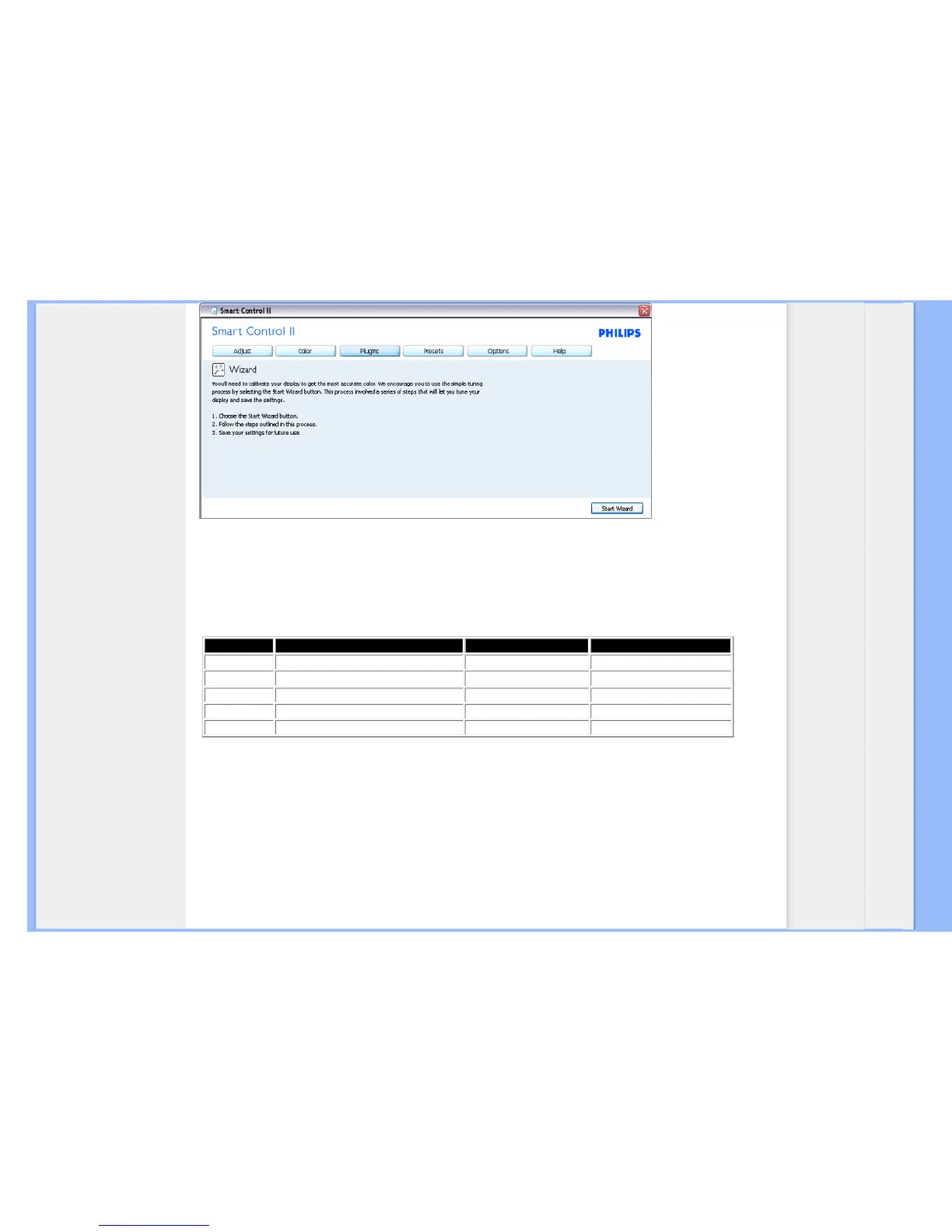
2. Start with Standard pane:
Adjust menu:
● Adjust Menu allow you to adjust Brightness, Contrast, Focus, Position and Resolution.
● You can follow the instruction and do the adjustment.
● Cancel prompts user if you want to cancel installation.
Tab Heading Sub Menu Display in Analog Display in Digital
Adjust Brightness Yes Yes
Adjust
Contrast Yes
Yes
Adjust Focus (Clock & Clock Phase) Yes No
Adjust Position Yes No
Adjust Resolution Yes Yes











 To Next Page