Menu Option Sub-menu Option Description
Mirror Copies what is on the main display and reproduces it
on this display.
Note: The resolution of this display and the primary
must be the same in mirror mode. This may be lower
than the preferred resolution of the display.
It is only possible to mirror 2 displays. If a display
is already set to mirror mode, this option will be
grayed out for the other DisplayLink displays and not
available.
Off Switches off this display.
Optimize for Video Select this option for better movie playback
performance on the DisplayLink enabled displays.
Only select this option when playing back video
content.
Note: Text may appear less clear when enabled.
Fit to TV If the Windows desktop does not completely appear
on the TV, this option can be used to adjust the size
of the Windows desktop.
Notes:
• This option will only appear when 1 DisplayLink
USB screen, is connected
• This option will only work in extend mode. Selecting
the option in mirror mode will extend the displays.
For more detail information, please link to display
link website: http://www.displaylink.com/support/
downloads.php.
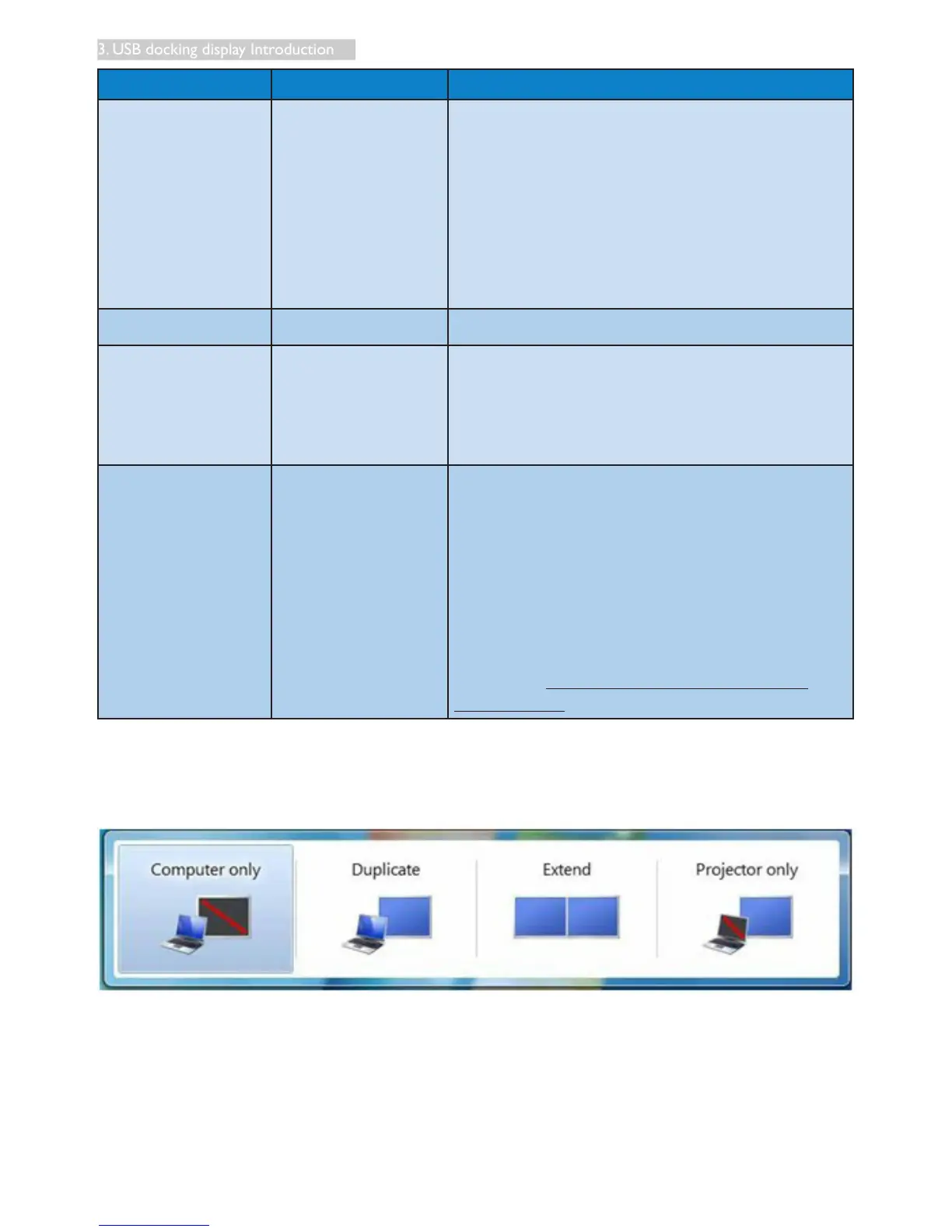
To control the behavior of an attached DisplayLink display, it is also possible to use Windows Key+P to
display a menu (and cycle through it) to switch mode.











 To Next Page