2.2 Operating the monitor
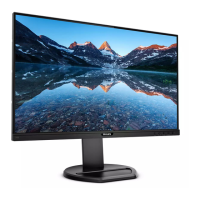
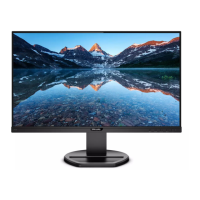
Front view product description
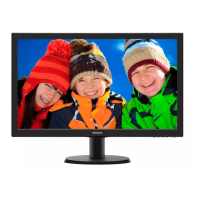
Model 243V5LAB/243V5LHAB
5
62347
Model 243V5LSB/243V5LSW/243V5LHSB
5
62347
Switch monitor’s power ON and
OFF.
Access the OSD menu
.
Confirm the OSD adjustment.
Return to previous OSD level.
Adjust the brightness level.
Adjust the OSD menu.
Adjust the speaker volume.
Change display format.
Automatically adjust the monitor.
Description of the On Screen Display
What is On-Screen Display (OSD)?
On-Screen Display (OSD) is a feature in all
Philips LCD monitors. It allows an end user to
adjust screen performance or select functions
of the monitors directly through an on-screen
instruction window. A user friendly on screen
display interface is shown as below:
243V5LSB(Analog only)



 To Next Page