EasyManua.ls Logo

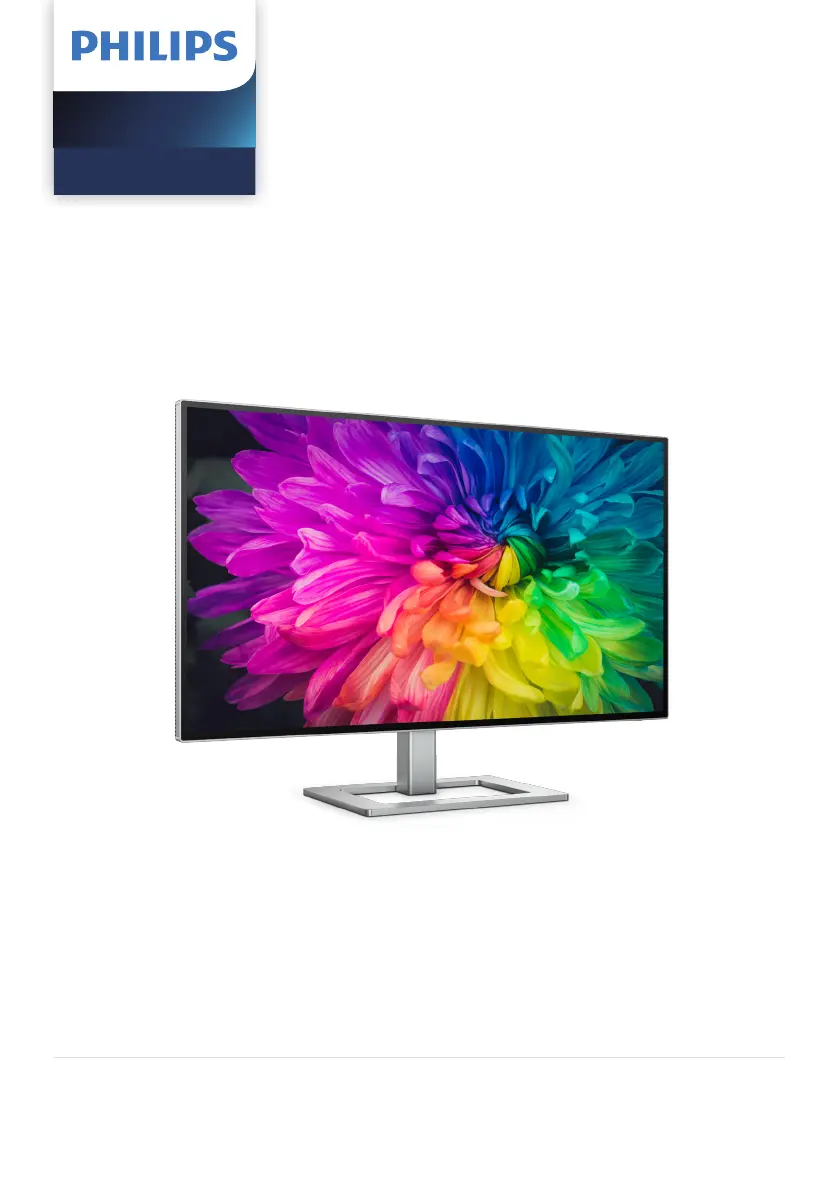
Philips 27E2F7903 - User Manual

Philips 27E2F7903
39 pages
Print Icon
To Next Page IconTo Next Page
Loading...
Register your product and get support at www.philips.com/welcome
EN
User manual 1
Customer care and warranty 30
Troubleshooting and FAQs 34
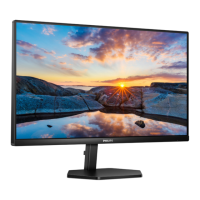
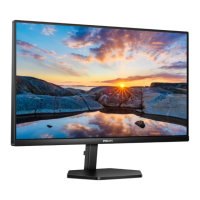
27E2F7903
Monitor
7000 Series

Questions and Answers

  • T
    Teresa RobinsonAug 25, 2025
    Why is there no sound from my Philips Speaker System soundbar?
    • L
      Lucas AllenAug 25, 2025
      If you're not getting any sound from your Philips Speaker System soundbar, ensure the audio cable is connected from the soundbar to your TV or other devices. Also, select the correct audio input on the remote control and make sure that the soundbar is not muted.
  • R
    Raymond JacksonSep 1, 2025
    What to do if the Philips Speaker System remote control does not work?
    • S
      Scott WallaceSep 1, 2025
      If the remote control for your Philips Speaker System isn't working, try these steps: 1. First, select the correct source before pressing any playback control button. 2. Reduce the distance between the remote control and the unit. 3. Make sure you've inserted the battery with the correct polarities (+/-) as indicated. 4. Try replacing the battery. 5. Aim the remote control directly at the sensor on the front of the unit.
  • J
    Jennifer McfarlandSep 1, 2025
    How to troubleshoot a Philips Speaker System that has no power?
    • E
      Erik JordanSep 1, 2025
      If your Philips Speaker System has no power, check the following: * Ensure that the AC cord is properly connected. * Verify that there is power at the AC outlet. * Press the power button on the remote control or soundbar to turn the soundbar on.
  • N
    Nicole OrtegaSep 2, 2025
    Why can't a device connect to my Philips Speaker System soundbar?
    • J
      Joseph EstradaSep 2, 2025
      If a device is unable to connect to your Philips soundbar, it could be due to several reasons: * The device might not support the compatible profiles required for the soundbar. * The Bluetooth function of the device might not be enabled (refer to the device's user manual for instructions). * The device might not be correctly connected; ensure proper connection. * The soundbar may already be connected to another Bluetooth device; disconnect the current device and try again.
  • A
    andrea28Sep 2, 2025
    What to do if there is no sound from Philips Speaker System soundbar speaker?
    • S
      simmonspaulSep 2, 2025
      If you're not getting any sound from your soundbar speaker, try these steps: First, connect the audio cable from the soundbar to your TV or other devices. Then, select the correct audio input on the remote control. Ensure the TV is running the latest software by checking its user manual. Also, ensure the soundbar has the latest software version by consulting Philips Consumer Care online or locally. Make sure the TV’s audio output is set to 'HDMI sound system' (or a similar brand-specific setting). If still no audio or the sound is distorted, switch to a different audio output format. Check another source like Bluetooth. Ensure the soundbar isn't muted. As a last resort, reset the product to its factory settings.
  • S
    Stephanie WestSep 3, 2025
    What to do if Philips Speaker System remote control does not work?
    • S
      Susan ValenciaSep 3, 2025
      If your remote control isn't working, first select the correct source before pressing any playback control button. Try reducing the distance between the remote and the unit. Ensure the battery is inserted with the correct polarities (+/-). If that doesn't work, replace the battery. Also, make sure you're aiming the remote directly at the sensor on the front of the unit.
  • T
    Tammy GraySep 3, 2025
    What to do if there is no power on my Philips Speaker System?
    • S
      susan21Sep 3, 2025
      If your device has no power, make sure the AC cord is properly connected. Also, check if there is power at the AC outlet. Finally, press the power button on the remote control or soundbar to turn the soundbar on.
  • D
    dmarshallSep 4, 2025
    Why is there no sound from the wireless subwoofer of my Philips Speaker System?
    • W
      Walter JohnsonSep 4, 2025
      If you're not getting any sound from the wireless subwoofer, try manually connecting it to the main unit. Increase the volume using the + (Volume Up) button on the remote or soundbar. If using a digital input, set the TV output to PCM. Try connecting directly to your Blu-ray player or other sources. Note that some TVs don't pass through digital audio, and your TV might be set to variable audio output; confirm it's set to FIXED or STANDARD. If using Bluetooth, ensure the volume on your source device is turned up and that the device isn't muted.
  • S
    Steven SnyderSep 4, 2025
    What to do if the buttons on Philips Speaker System main unit do not work?
    • R
      reynoldsdonnaSep 4, 2025
      If the buttons on the main unit aren't working, disconnect the device from the power supply for a few minutes, then connect it again.
  • H
    Holly BruceSep 4, 2025
    Why is the quality of audio play from a connected Bluetooth device poor on my Philips Speaker System?
    • J
      Jordan SalazarSep 4, 2025
      If the audio quality from a connected Bluetooth device is poor, the Bluetooth reception might be weak. Try moving the device closer to the soundbar or removing any obstacles between them.

Philips 27E2F7903 Specifications

General IconGeneral
BrandPhilips
Model27E2F7903
CategoryElectric Shaver
LanguageEnglish

Related product manuals