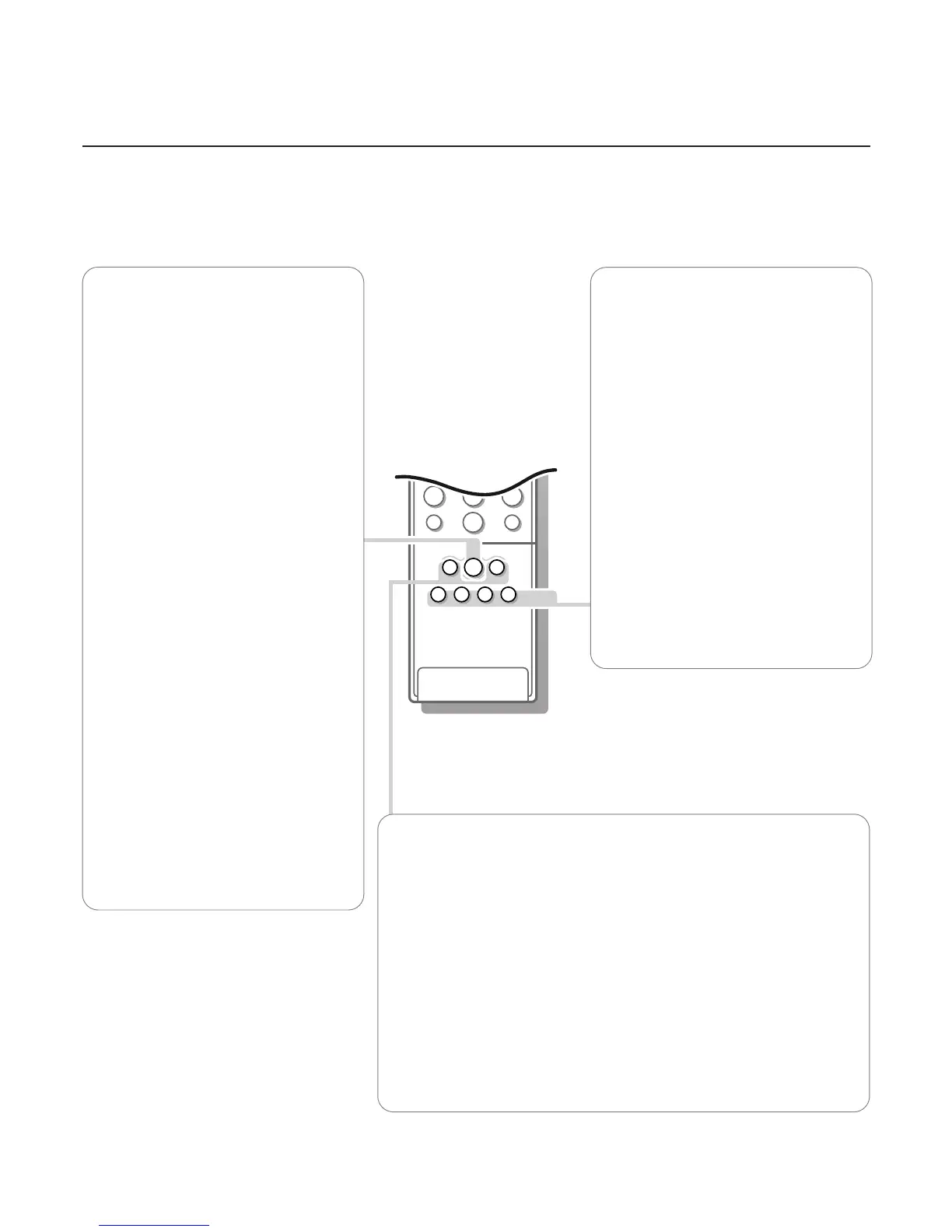
h Active control
Active control is a pro-active and automatic
system.The TV continuously measures and
corrects all incoming signals in order to
provide the best picture possible.Thanks to
the Ambient Light Sensor which measures
the light conditions of the room in which the
TV is situated, the contrast, dynamic contrast,
brightness and colour picture settings are
adjusted automatically. The light sensor is
active when the Active control function is
switched to Medium or Maximum. Press the
h key repeatedly to select the Active
Control values Off, Minimum, Medium or
Maximum.
Off Sharpness and Dynamic Contrast are
controlled automatically
Minimum Sharpness, Dynamic Contrast
and Noise Reduction are controlled
automatically.
Medium Dynamic Contrast, Colour,
Sharpness and Noise reduction are
controlled automatically.
Maximum Contrast, Dynamic Contrast,
Colour, Sharpness and Noise reduction
are controlled automatically.
Press the cursor in the up/down direction
while the selected Active Control setting
information is on top of the screen.
The Active Control menu appears.
The picture settings are being adapted
continuously and automatically.
The menu items cannot be selected.
Colour enhancement (skintone correction,
green enhancement and blue stretch) is
switched on with certain Smart Picture
selections.
Press the cursor in the up/down direction
again to switch off the menu.
Smart Keys
To select predefined picture and sound settings.
M Smart Sound
Each time it is pressed, a different sound setting is selected, corresponding with
specific factory settings of the equalizer.
a Smart Picture
Each time it is pressed, a different picture setting is selected, corresponding with
specific factory settings of Contrast, Colour, Sharpness, Colour Enhancement and
Dynamic Contrast.
Personal refers to the personal preference settings of picture and sound
selected in the picture and sound menu.
Remark: the moment you are in a predefined smart sound or picture setting and you
modify a setting in the picture or sound menu, all values of the menu will overwrite the
previously made settings;
bcd Picture in Picture
Press the b key to switch PiP on or off.
How to operate PiP, see p. 22.
fi Multi screen
Press fi to switch on Multi screen.
A menu line
MOSAIC appears.
Select the desired function with the cursor
left/right and press the OK key.
Scan: a scan of the TV channels placed in the
favourite list is performed.
Press the
OK key again to have the
continuation of the list.
Photo Finish: the main picture is displayed
in successive frozen picture.
Press the
OK key again to have a new
sequence of frozen pictures.
Strobe: the picture is reproduced image by
image.
Press the
OK key again to have a faster
speed.
Press fi to switch off the multi screen.




 To Next Page