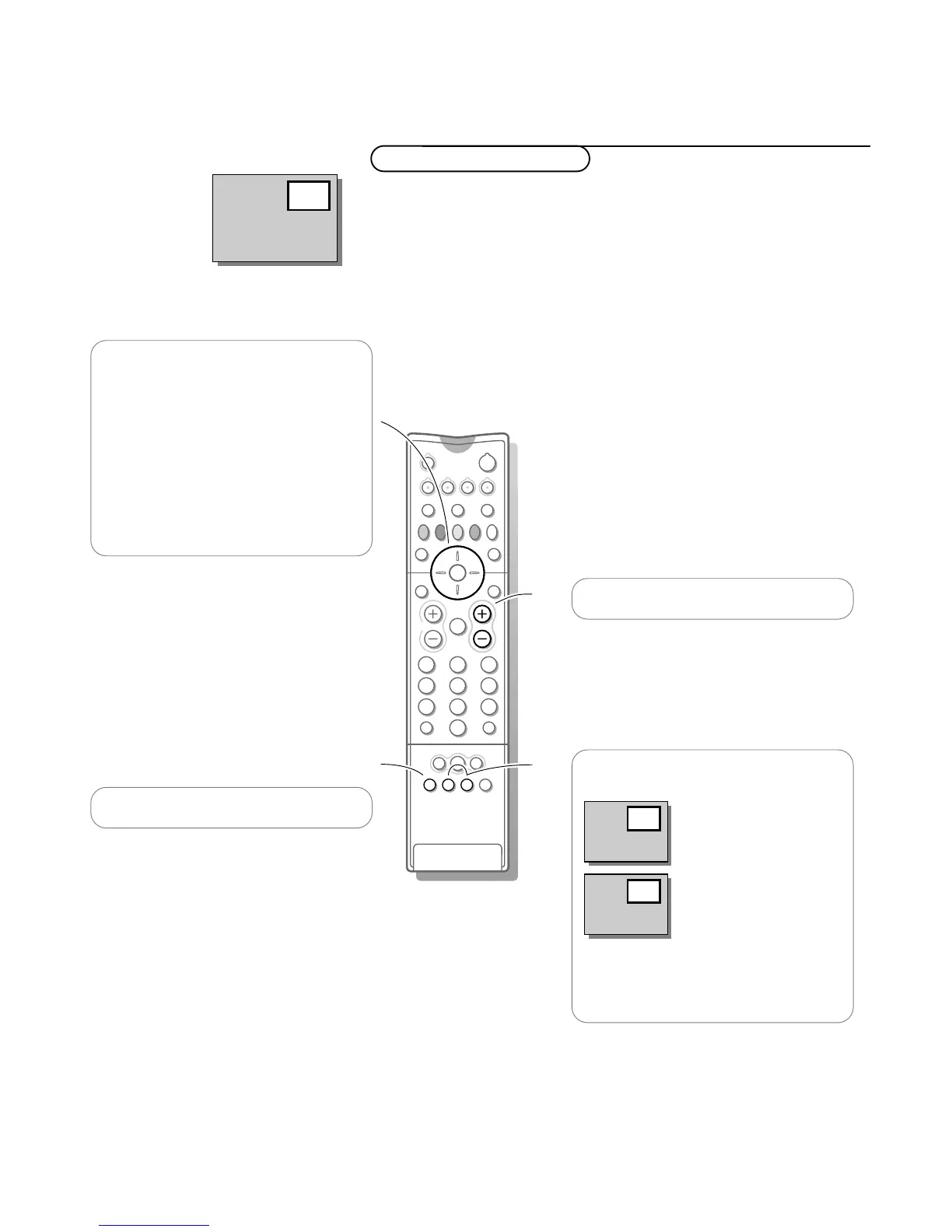
With PiP, Picture in Picture, you can call up a small screen within the main
screen.
This enables you to watch two different programmes at the same time.
The picture in the small screen has no sound.
PiP - Picture in Picture
Press cursor up/down to change the TV
channels in the pip screen.
Press cursor left/right to select peripheral
equipment connected to
EXT 1, 2, 3 or
FRONT.
Note: when teletext is selected, cursor up/down,
left/right is disabled to select TV channels in the
pip screen.
Setting the PiP position: see p. 16
Press b to switch pip on and off
Press +P -in order to change the TV
channels in the main screen.
Press c to exchange the picture in the
main screen and the one in the pip screen.
Press d to freeze the picture in the pip
screen or to make a snapshot of the main
screen.
Press again to cancel the still picture.



 To Next Page