17NEXTVIEW
In the Setup menu, p. 8 you were asked to select a
NEXTVIEW provider.
If the selected provider supports
NEXTVIEW then the TV will automatically
present the
NEXTVIEW programme schedule. If the TV channel supports just
teletext, then the TV will switch automatically to Teletext Guide.
Both facilities are offering the same functions: record, remind, info and watch.
However in case of Teletext Guide the broadcaster is responsible for the
availability of these functions.
Some broadcasters provide information about their own programmes and
sometimes about programmes on other TV channels for one or more days.
You can search for the programmes you want to watch up to 7 days in
advance. It is also possible to search for a programme by theme, e.g. sport,
movie, etc. Once a programme has been selected it can be tagged, to remind
you, or to record on the video recorder automatically (provided the video
recorder is equipped with
NEXTVIEWLink), once, daily, weekly or series.
Teletext Guide/
NEXTVIEW also allows direct access to detailed information
about programmes if provided by the broadcaster.
The broadcaster is responsible for the content of the information.
The TV is responsible for the capture of that information and for the presentation to
the user.
Use of the Teletext Guide/
NEXTV
IEW menus
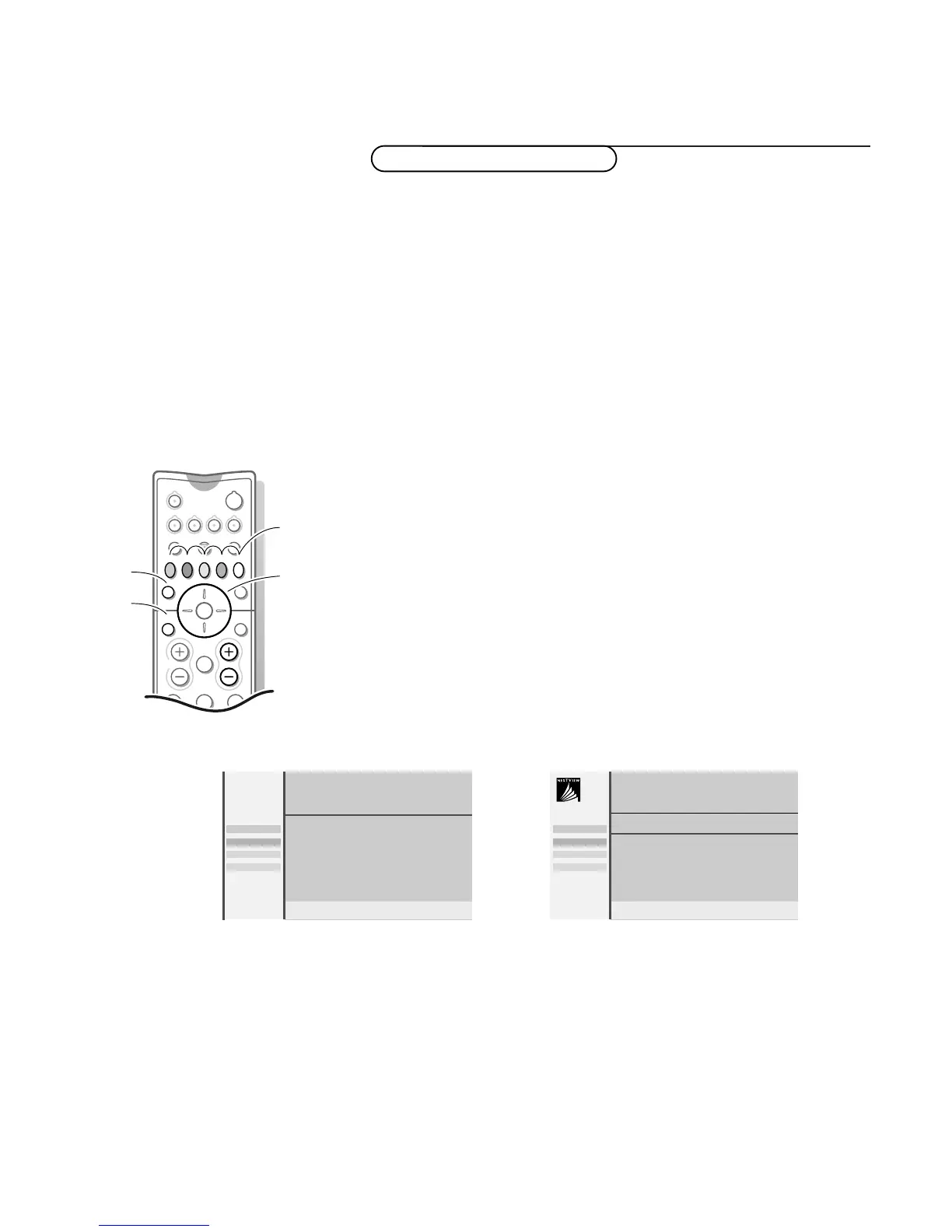
& Press the æ key on the remote control to display/cancel the Teletext Guide/
NEXTVIEW menu.
é Use the cursor in the up/down, left/right directions to select the date, DAY
for the daily guide and the time block (in steps of 15 minutes), CHANNEL for
the channel guide,
THEME for the theme guide, OVERVIEW for an overview
of all the programmes which are marked as reminders or for recording, the
programme guide page number or to enter the programme list.
NEX
TVIEW / Teletext Guide
OK key
to activate
cursor to select
adjustments
NEXTVIEW
selection
Teletext Guide
NEXTVIEW
“ Enter the proper programme guide page number
with the digit keys or with the – P + keys.
‘ Press the cursor left/right to run through the
subpages.
( Select a programme with the cursor up/down.
§ Press one of the colour keys to select one of the
basic functions (if available);
record, remind, watch,
info. See Basic functions further on.
è Press the OK key to return to the header area
again.
“ Select a programme with the cursor up/down.
‘ Press one of the colour keys to select one of the
basic functions (if available);
record, remind, watch,
info. See Basic functions further on.
( Press the OK key to return to the header area
again.
Menu Day Channel Theme Overview
BBC1 BBC2
p.202 p 01 02 ... π
BBC1
11.03 ................
14.35 ................ 226/3
17.50 ................ 231
Record
Remind
Info
Watch
Monday 9 Oct 18:03
Menu Day Channel Theme Overview
CNN BBC1 BBC2
BBC1
NEX
TV
IEW
What’s on now
Preview
Themes
Ratings
Record
Remind
Info
Watch











 To Next Page