29Connect Peripheral Equipment
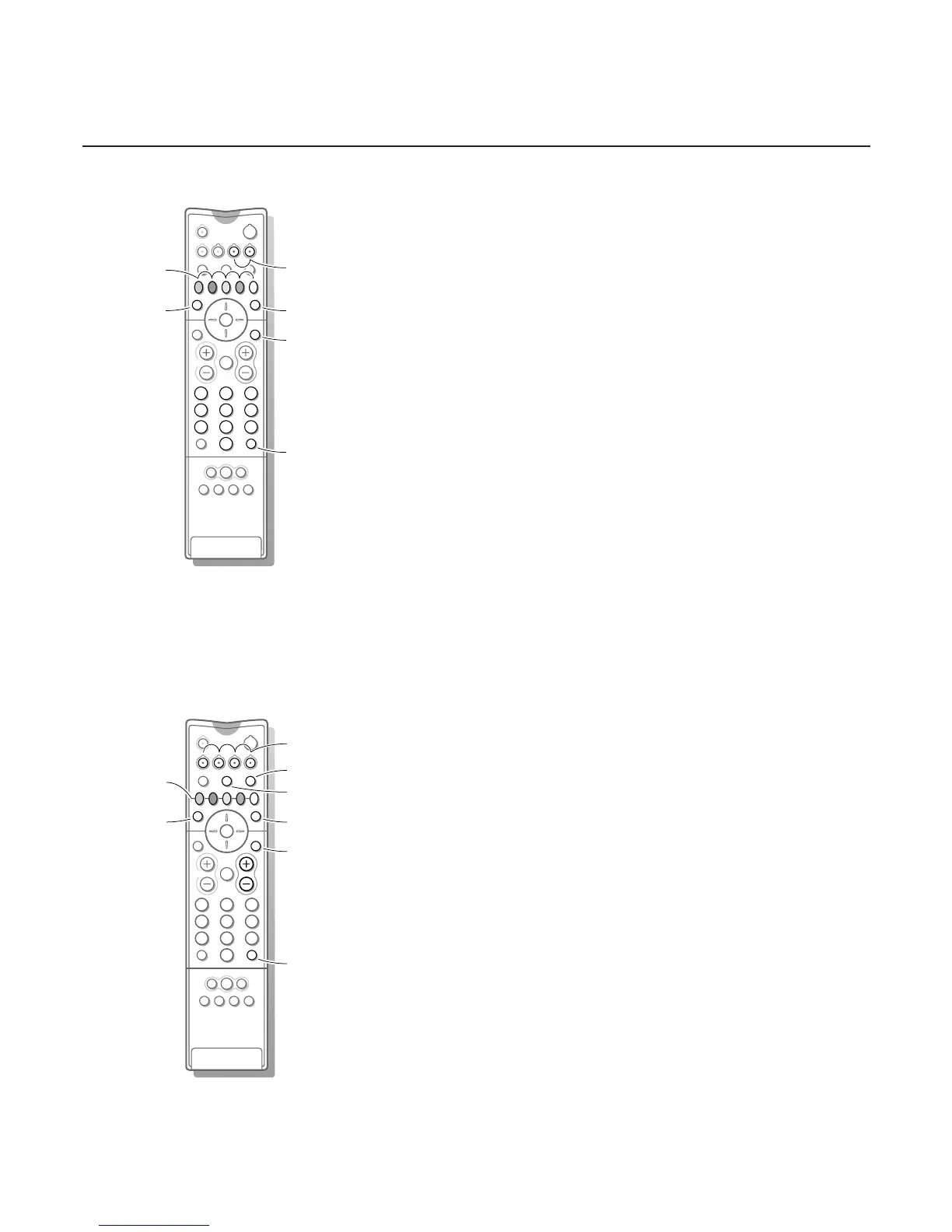
DVD keys
Press one of the following keys after you have pressed the
DVD key.
Ï to switch the DVD menu on or off
0 to select a DVD chapter
b to select a DVD title
æ to select your choice of subtitle language
® for pause
Ò to search down
‡ for stop
π for play
† to search up
0-9 to select a programme number from your DVD
OK to enter the selected menu item
These keys function with equipment which use the RC6 signalling standard and with
Philips DVD players.
Satellite receiver keys
Press one of the TV keys after you have pressed the
SAT key.
These keys function with equipment which use the RC5 signalling standard.
Tuner, CD,Tape and CDR keys
Press one of the following keys after you have pressed the
TUNER, CD,
TAP E or CDR key.
Ï to switch the menu on or off (tuner)
0 to select a frequency (tuner)
® to record
Ò to search down (tuner); rewind (CD/tape); speed down (CDR)
‡ to stop
π to play
† to search up (tuner); forward (CD/tape); speed up (CDR)
b RDS display (tuner); info on screen (CD/CDR)
æ RDS news/TA (tuner); disc increment (CD/CDR)
S pause (CD/CDR/tape)
Q surround modes (CD/CDR/tape)
+ P - next/previous (CD)




 To Next Page