12 Using Your Hub
Using Your 2net Hub
Starting Up the Hub
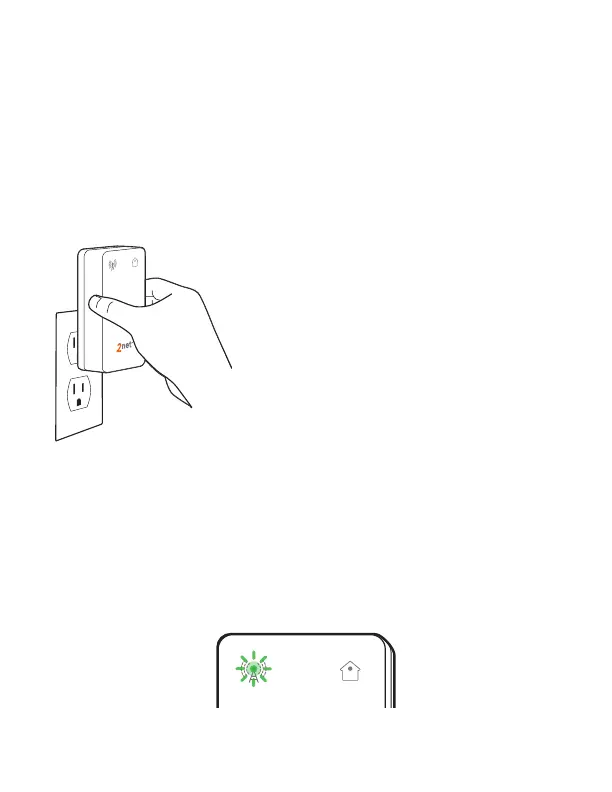
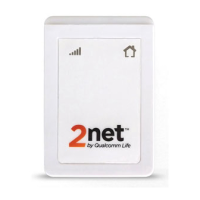
To start using your Hub, first, plug it into a standard
electrical wall outlet in the same room as the medical
device(s) with which you want to use it. There is no
power switch.
To ensure the best performance,
plug in the Hub in an upright
position and leave it plugged in.
1. When you plug the Hub into an electrical wall outlet,
the sending light
flashes GREEN. This means your
Hub is starting up and searching for a connection to
the cellular (or WiFi) network.


 To Next Page