20 Troubleshooting Tips
Troubleshooting Tips
Long Startup Time
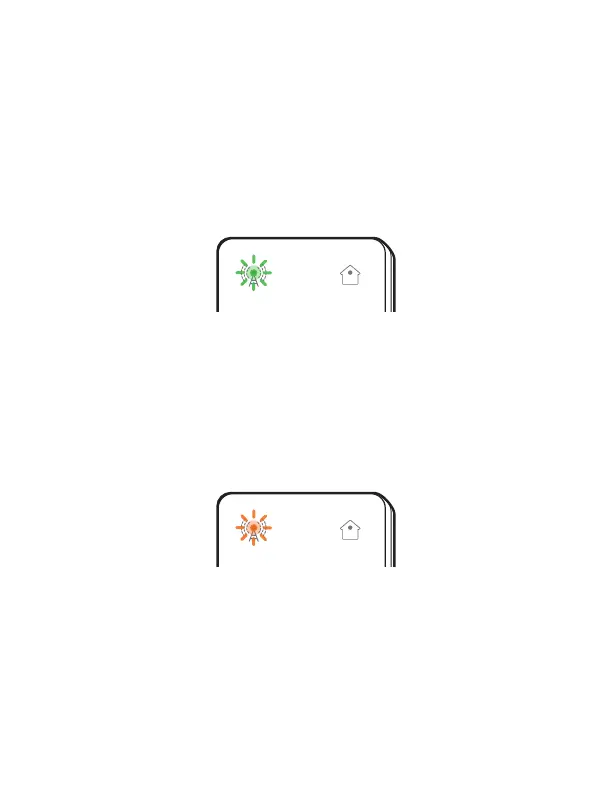
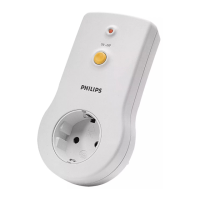
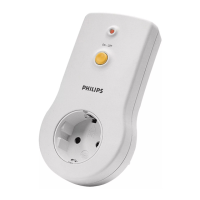
It can take up to 5 minutes to complete the initial start up
and configuration. Do not unplug the Hub while the sending
light
is flashing GREEN. If you do unplug the Hub, just
plug it back in and start up will resume.
Insucient Coverage
If the sending light
is flashing ORANGE, it means the
cellular (or WiFi) coverage is inadequate. Wait for up to 5
minutes to see if the sending light turns solid GREEN, which
means the cellular (or WiFi) signal has been found.
If the sending light continues flashing ORANGE, unplug
the Hub and take it to another location in your home or
oce where the cellular (or WiFi) signal may be stronger.
Replug the Hub into an electrical wall outlet there.
Remember to also move your medical device(s) to the same
room as the Hub.


 To Next Page