s BROWSE
Switches between channel grid and
programme list.
t Green button
Selects energy-efcient options.
u DEMO (Used in selected models only)
Toggles the demonstration menu on or off.
v FORMAT
Selects a picture format.
w INCR. SURR
Enables Incredible Surround for stereo
sources. Enables spatial mode for mono
sources.
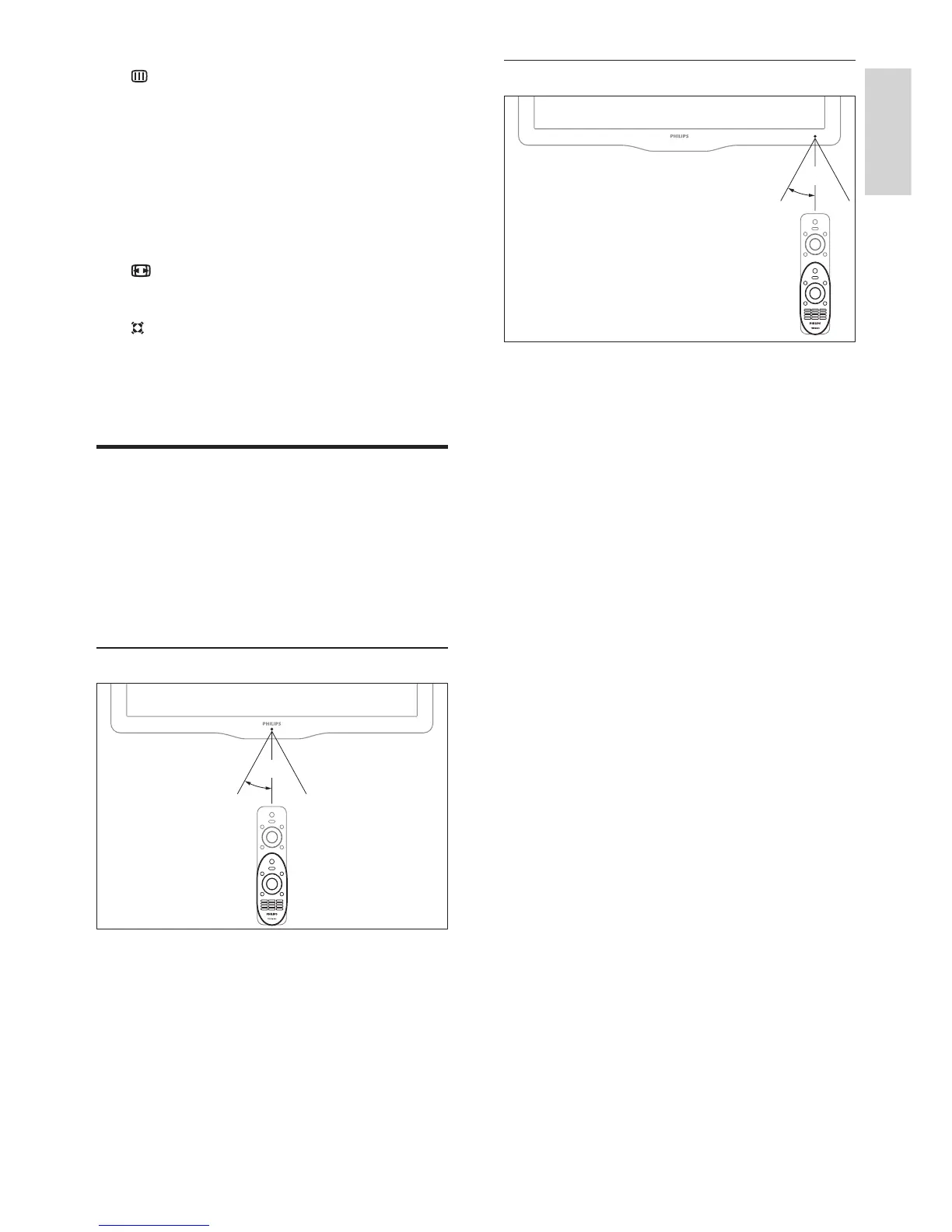
Remote control usage
When you use the remote control, hold it close
to the TV and point it at the remote control
sensor. Make sure that the line-of-sight between
the remote control and TV is not blocked by
furniture, walls or other objects.
For xxPFL5xx6















 To Next Page