34
3 Select one of the following, then press OK:
• [TV]: On by default. Stream TV audio
through TV and the connected HDMI-
CEC audio device until the connected
device switches to system audio
control. TV audio is then streamed
through the connected device.
• [Amplier]: Stream audio through
the connected HDMI-CEC device. If
system audio mode is not enabled on
the device, audio continue to stream
from the TV speakers. If [EasyLink
autostart] was enabled, the TV
prompts the connected device to
switch to system audio mode.
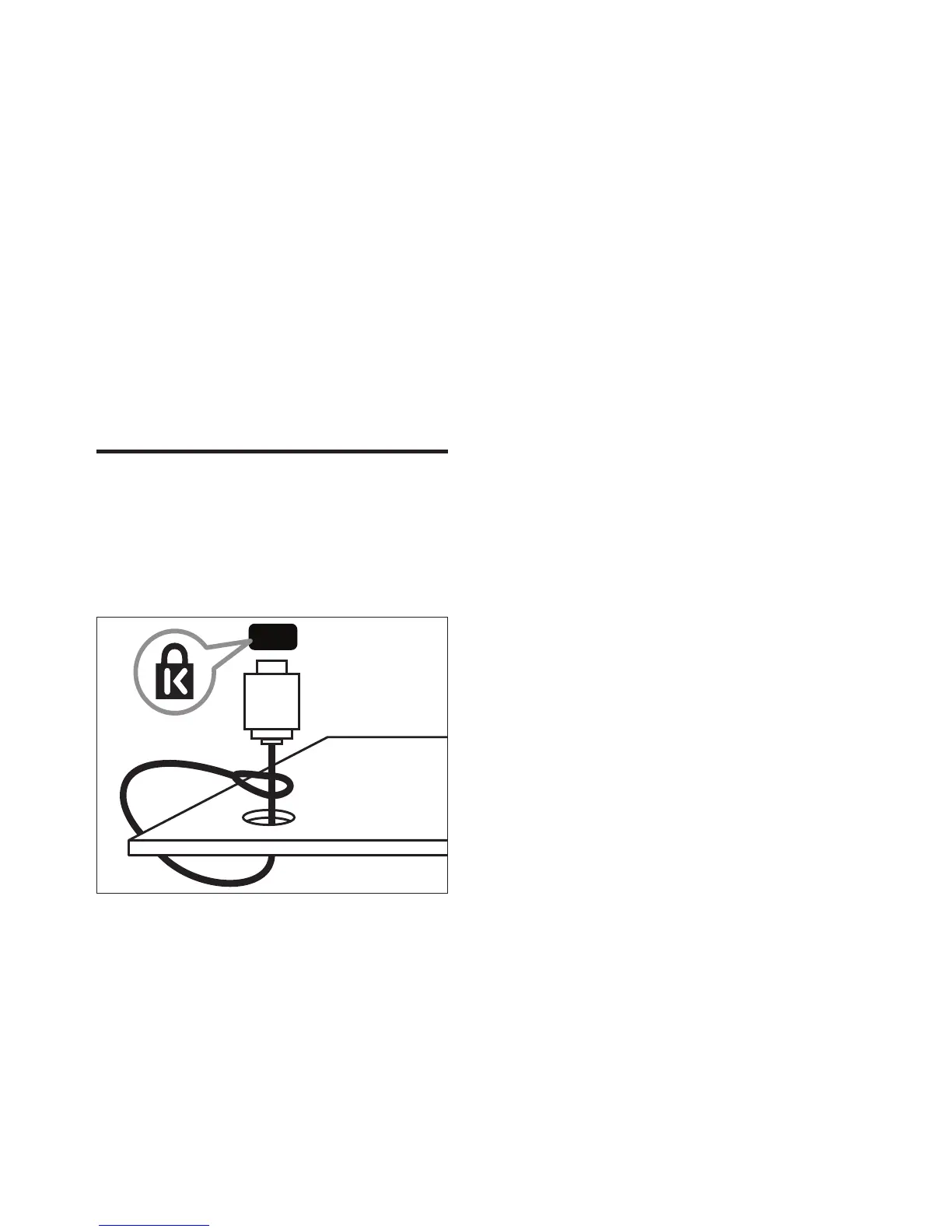
Use a Kensington lock
There is a Kensington security slot at the back
of the TV. Prevent theft by looping a Kensington
lock between the slot and a permanent object,
such as a heavy table.
EN















 To Next Page