13
English
Other ways to switch channels
• Enter a channel number using the Numeric
buttons.
• Press on the remote control to return
to the previous channel.
Note
• When you use a favourite list, you can only select those
channels in the list (see ‘Create and use lists of favourite
channels’ on page 19).
View channel preview
You can view a preview of all available channels
with the channel grid.
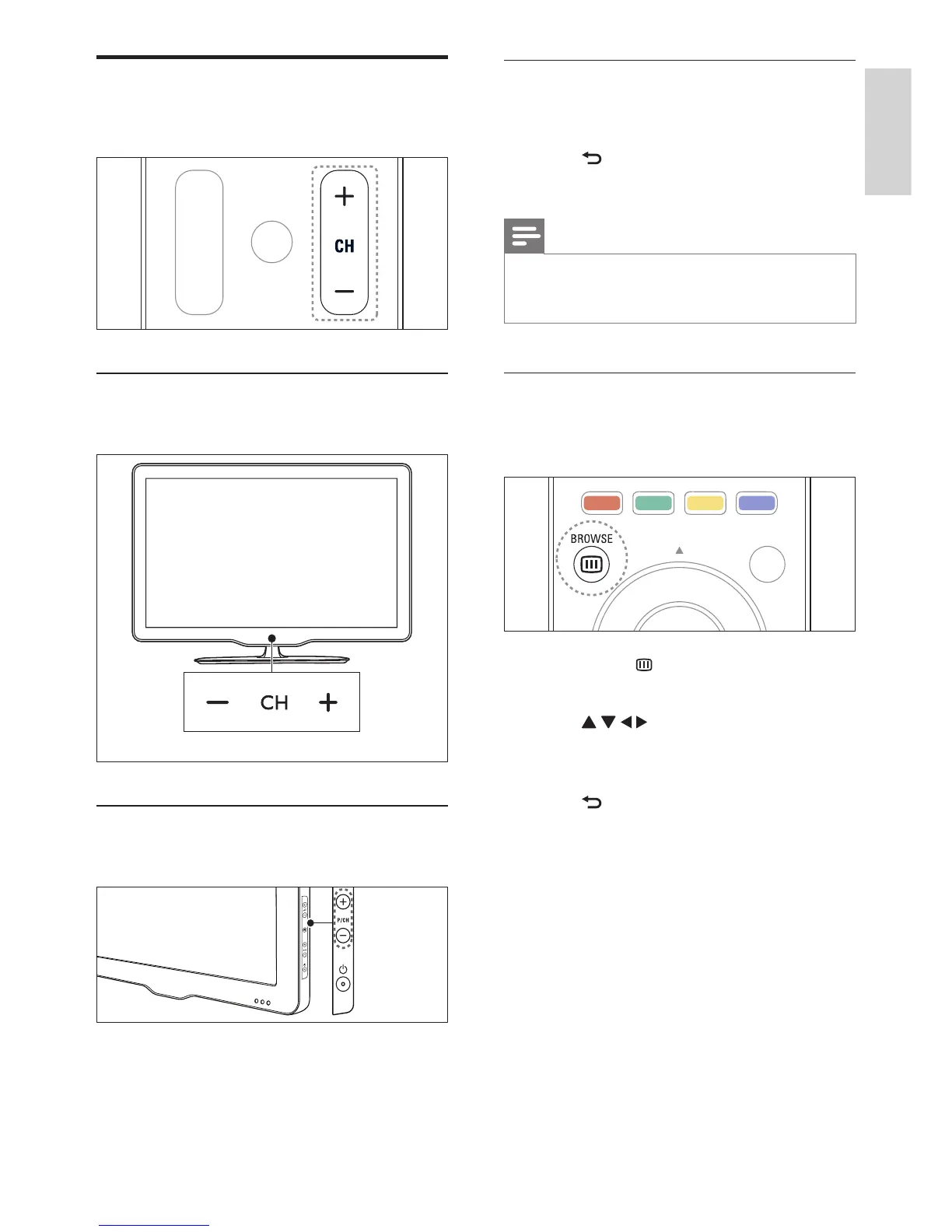
1 Press OK or BROWSE.
» The channel grid appears.
2 Press to select and preview a
channel.
3 Press OK to watch the selected channel.
4 Press to return to the previously
viewed channel.
Switch channels
• Press CH+ or CH- on the remote control.
For xxPFL5xx6
• Press CH +/- on the TV.
For xxPFL3xx6
• Press P/CH +/- on the TV.
EN















 To Next Page