15
English
5 Use more of
your TV
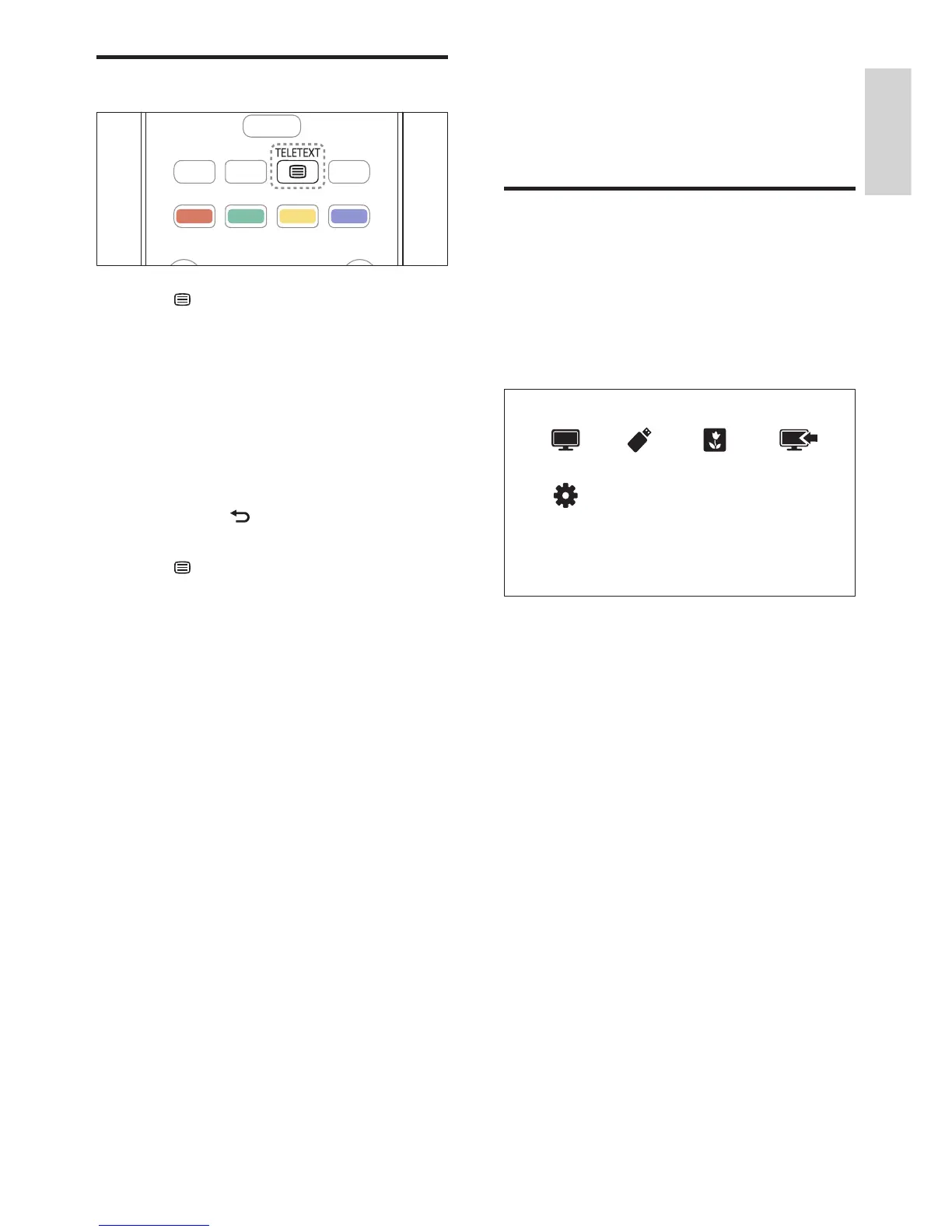
Access TV menus
Menus help you to install channels, change
picture and sound settings and access other
features.
1 Press MENU.
» The menu screen appears.
1 Select one of the following, then press OK.
• [Watch TV]: If a source other than
antenna is selected, switch back to the
antenna source.
• [Browse USB]: If a USB device
is connected, access the content
browser.
• [Scenea]: Switch on Scenea wallpaper.
• [Add new device]: Add new devices
to the home menu.
• [Setup]: Access menus to change
picture, sound and other settings.
2 Press MENU to exit.
Use teletext
1 Press TELETEXT.
» The main index page appears.
2 Select a page as follows:
• Press the Numeric buttons to enter a
page number.
• Press CH +/- to view the next or
previous page.
• Press the Colour buttons to select a
colour coded item.
• Pressing to return to the
previously viewed page.
3 Press TELETEXT to exit teletext.
EN















 To Next Page