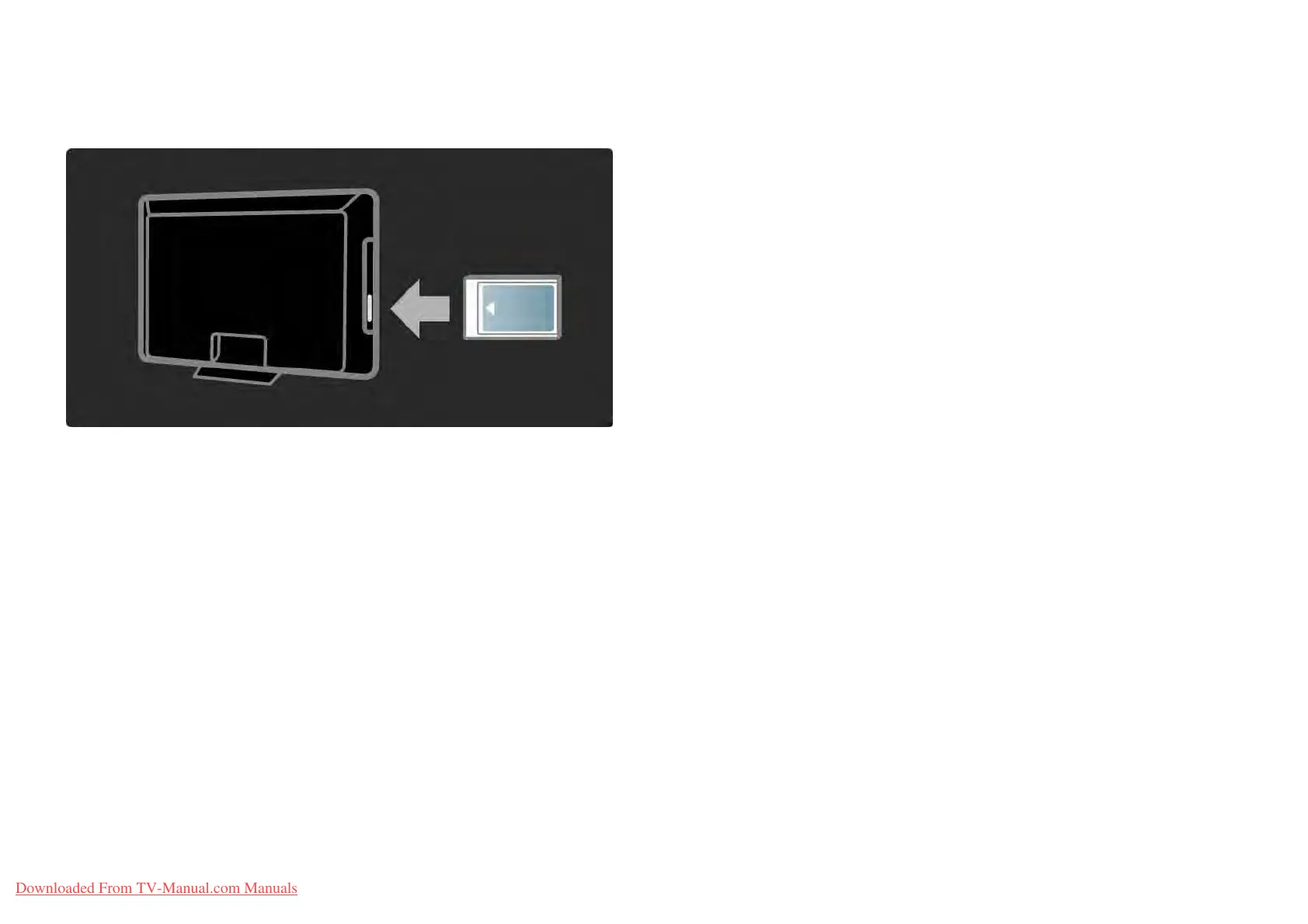
5.6.1Conditional Access Module 2/2
Watching a CAM service
If a CAM is inserted and subscription fees have been paid,
the TV shows the programme from the digital TV service
provider. The applications, their function, the content and
the onscreen messages all come from the CAM service.
CAM settings
To set passwords or PIN codes for the CAM service, press
h > Setup > Features > Common Interface. Select the CAM
provider and press OK.
Downloaded From TV-Manual.com Manuals















 To Next Page