2.2.1Channel overview 1/5
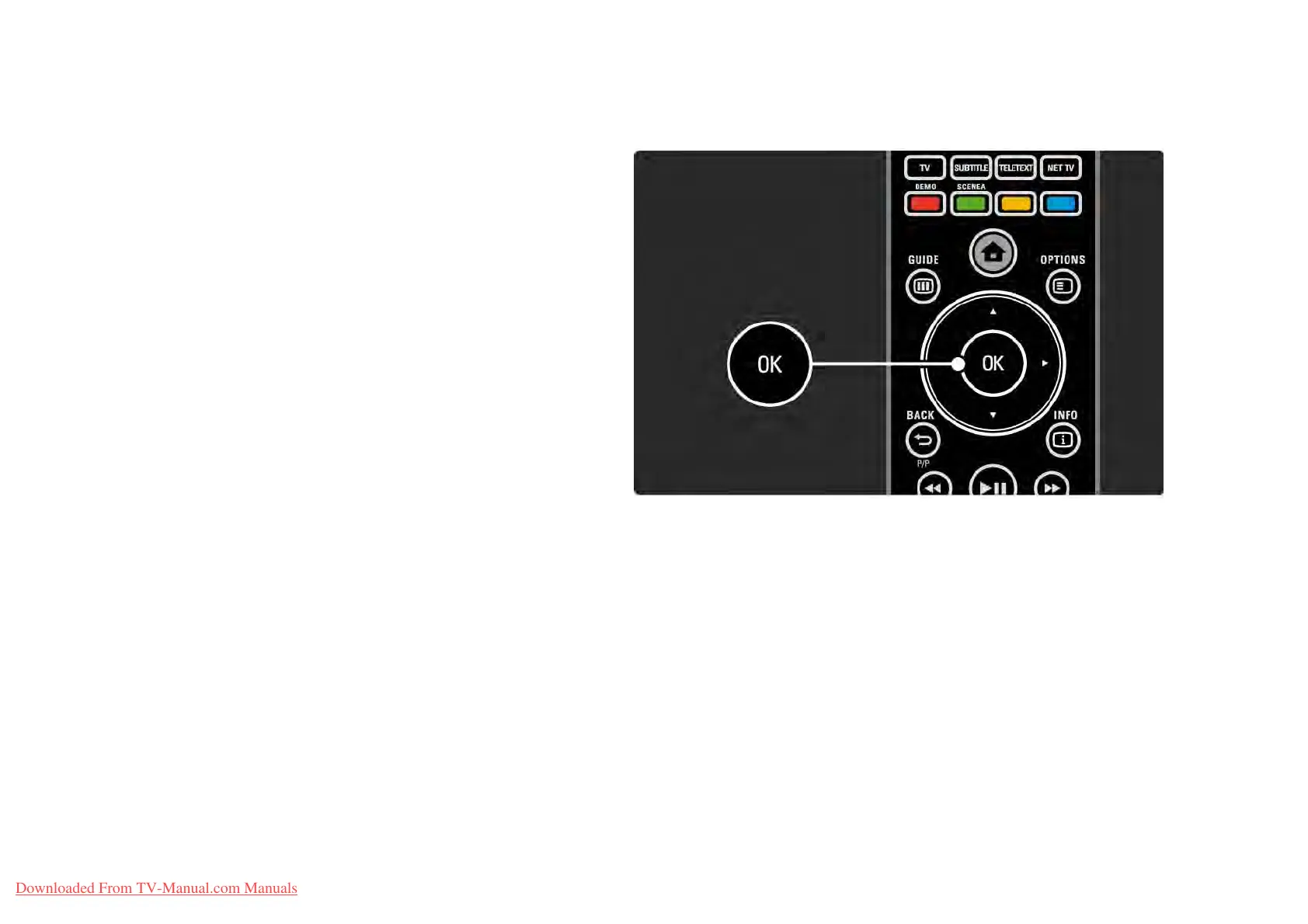
While watching TV, press OK to open the Channel overview.
This overview shows the TV channels and possible radio
stations installed on your TV.
Navigate to a channel or station with the u or v, w or x
keys. Press OK to watch or listen to the selected channel or
station.
Press Back b to leave the channel overview without
changing the channel.
Downloaded From TV-Manual.com Manuals















 To Next Page