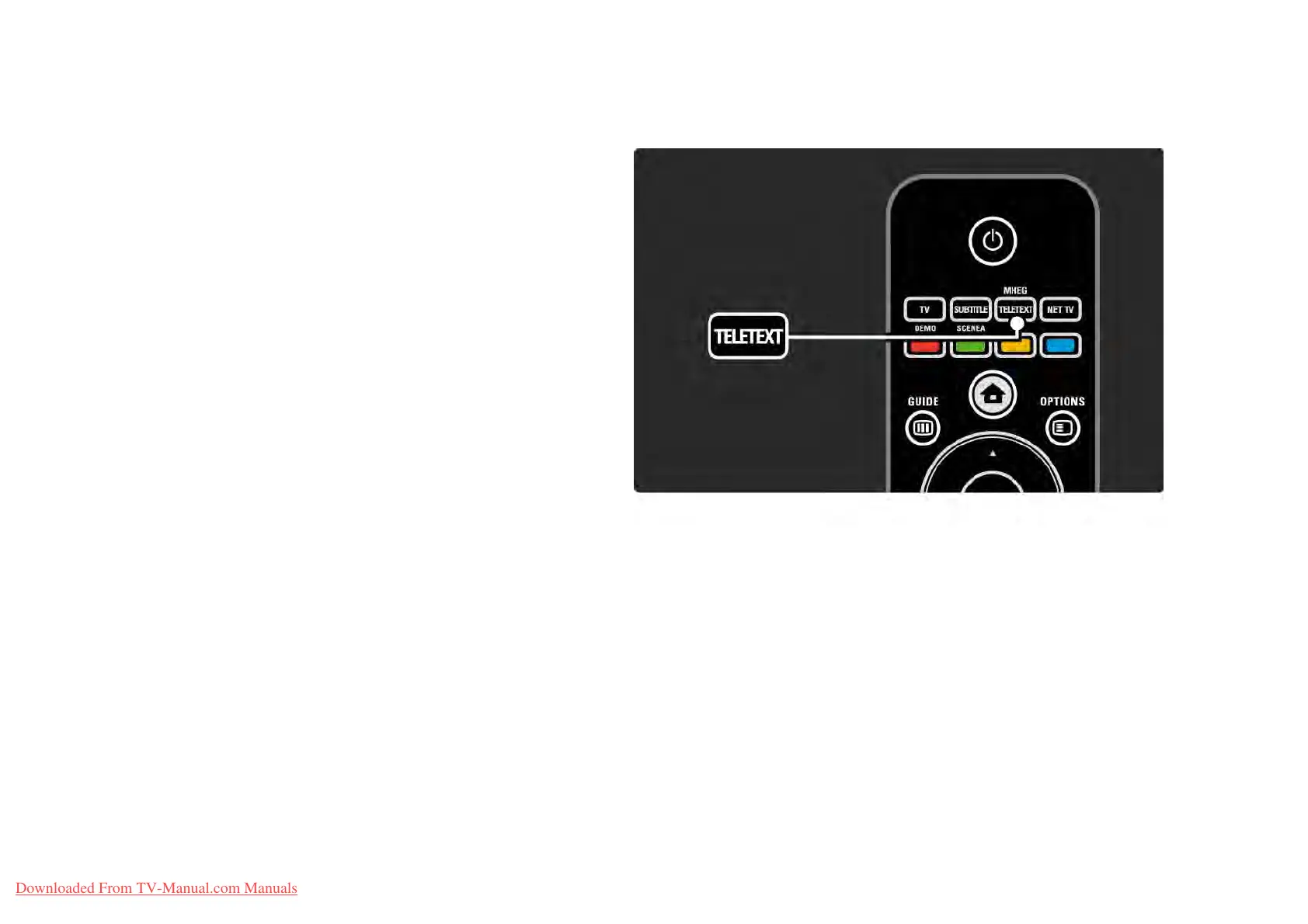
3.1.1Select a teletext page
Most TV channels broadcast information through teletext.
While watching TV, press Teletext.
To exit teletext, press Teletext again.
To select a page …
• Enter the page number with the number keys.
• Press P +/- or u or v or b to view the next or the
previous page.
• Press a colour key to select a colour-coded item at the
bottom of the screen.
Downloaded From TV-Manual.com Manuals















 To Next Page