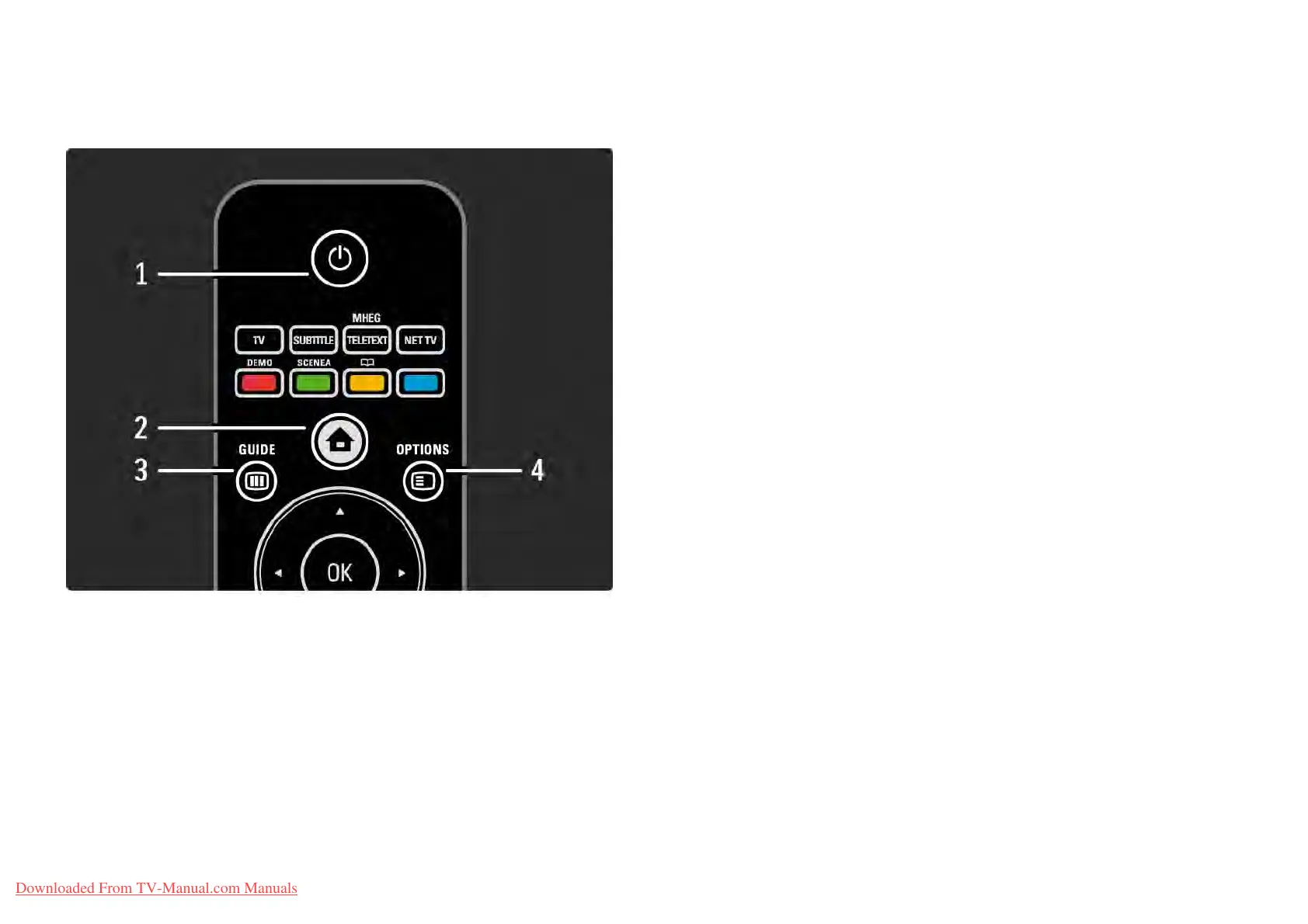
2.1.1Remote control overview 1/6
1 Standby O
To switch the TV on or back to standby.
2 Home h
To open or close the Home menu.
3 Guide g
To open or close the Programme Guide. To open or close
the content list when you browse multimedia content.
4 Options o
To open or close the options menu which shows the
available options.
...
Downloaded From TV-Manual.com Manuals















 To Next Page