2.1.1Remote control overview 3/6
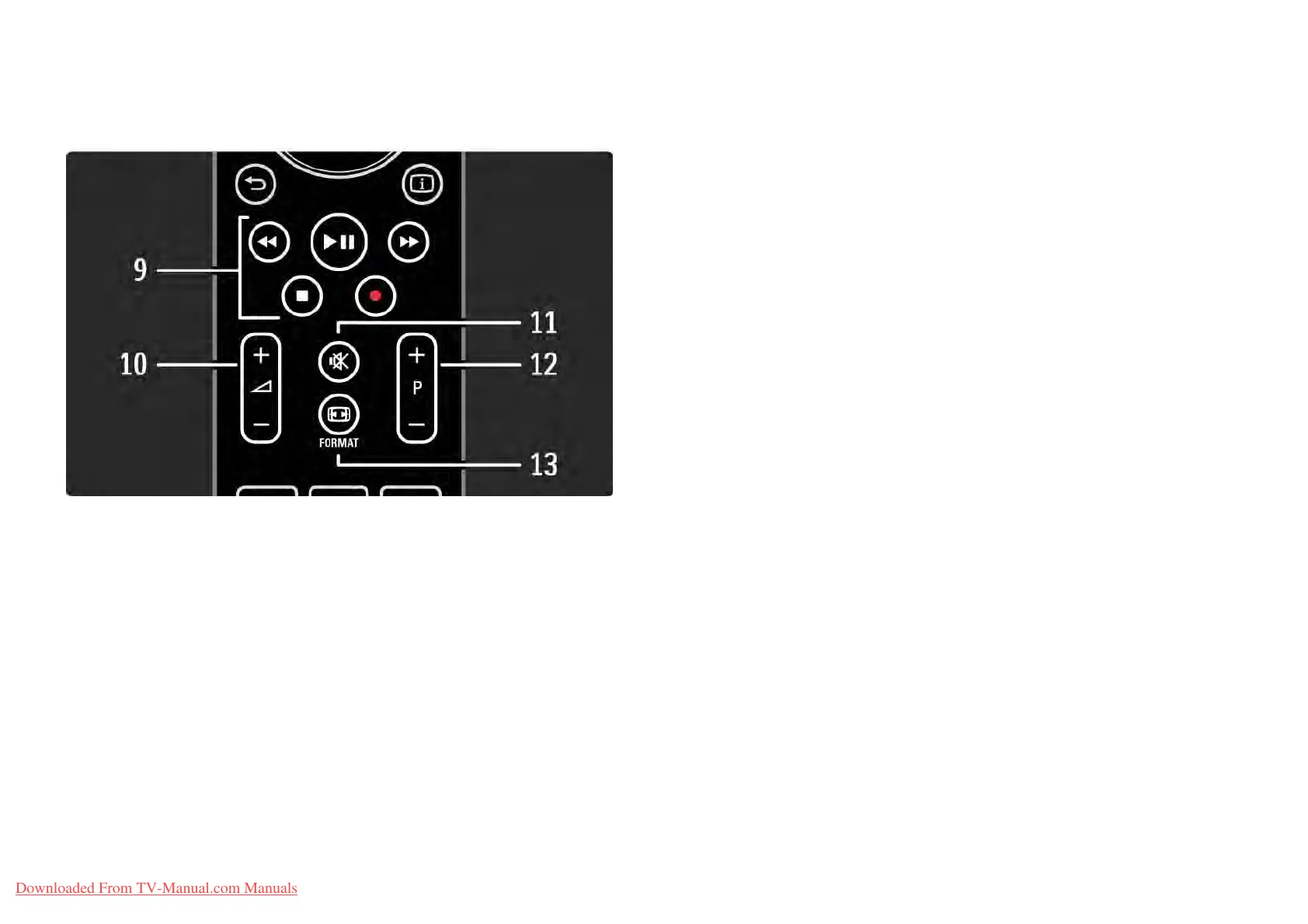
9 Audio Video keys T, P, Q, S, R
To play multimedia files.
To operate a disc player connected with EasyLink HDMI-
CEC.
10 Volume V
To adjust the volume.
11 Mute m
To mute the sound or restore it.
12 Channel / Programme up and down
To switch to the next or previous channel in the channel
overview.
To switch to the next or previous teletext page.
13 Format f
To select a picture format.
...
Downloaded From TV-Manual.com Manuals















 To Next Page