2.1.1Remote control overview 6/6
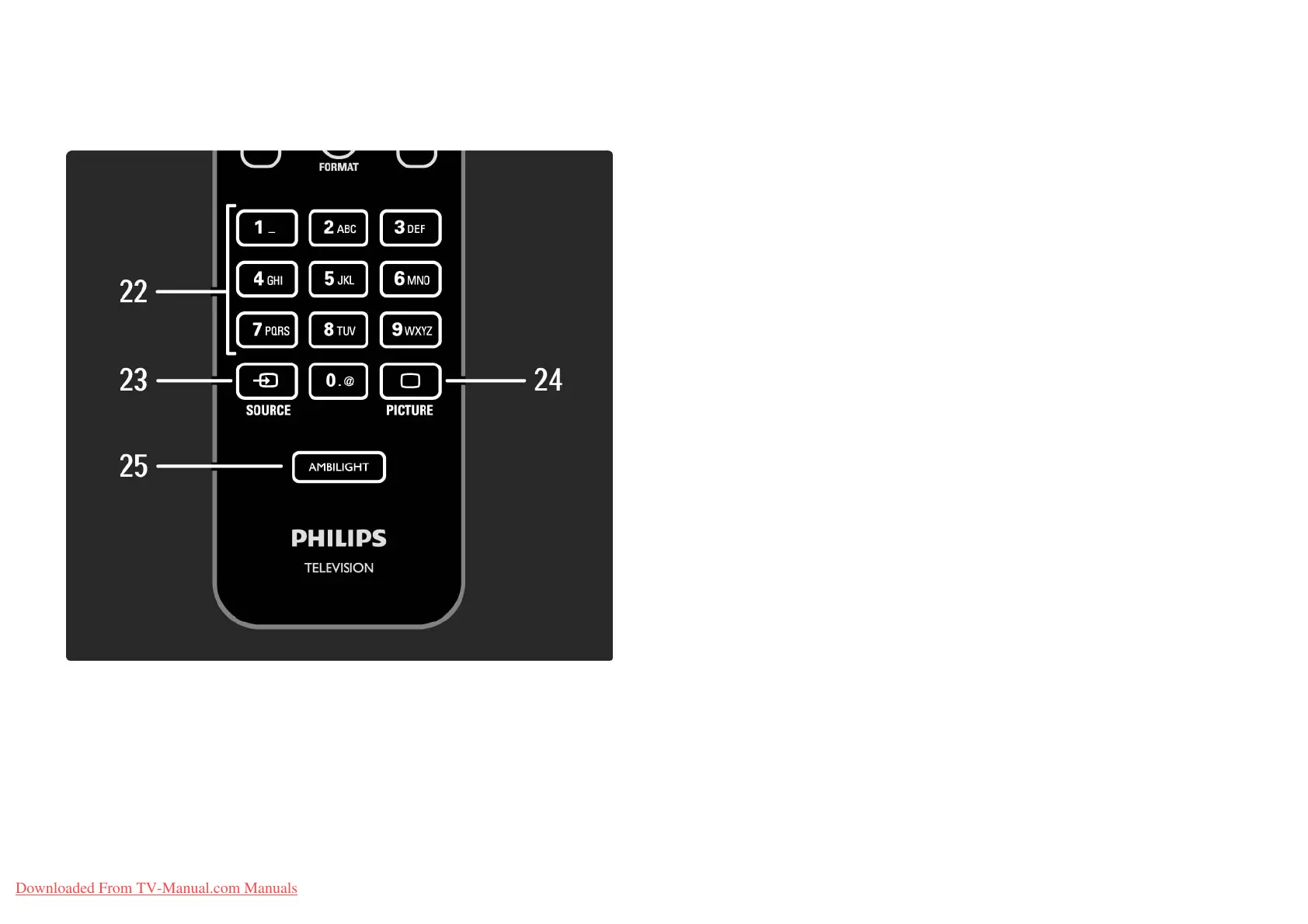
22 Number keys
To select a TV channel or enter digits and text.
23 Source s
To select a connected device from the Source list.
24 Picture A
To open or close the Picture menu.
25 Ambilight
To switch Ambilight on or off.
Downloaded From TV-Manual.com Manuals















 To Next Page