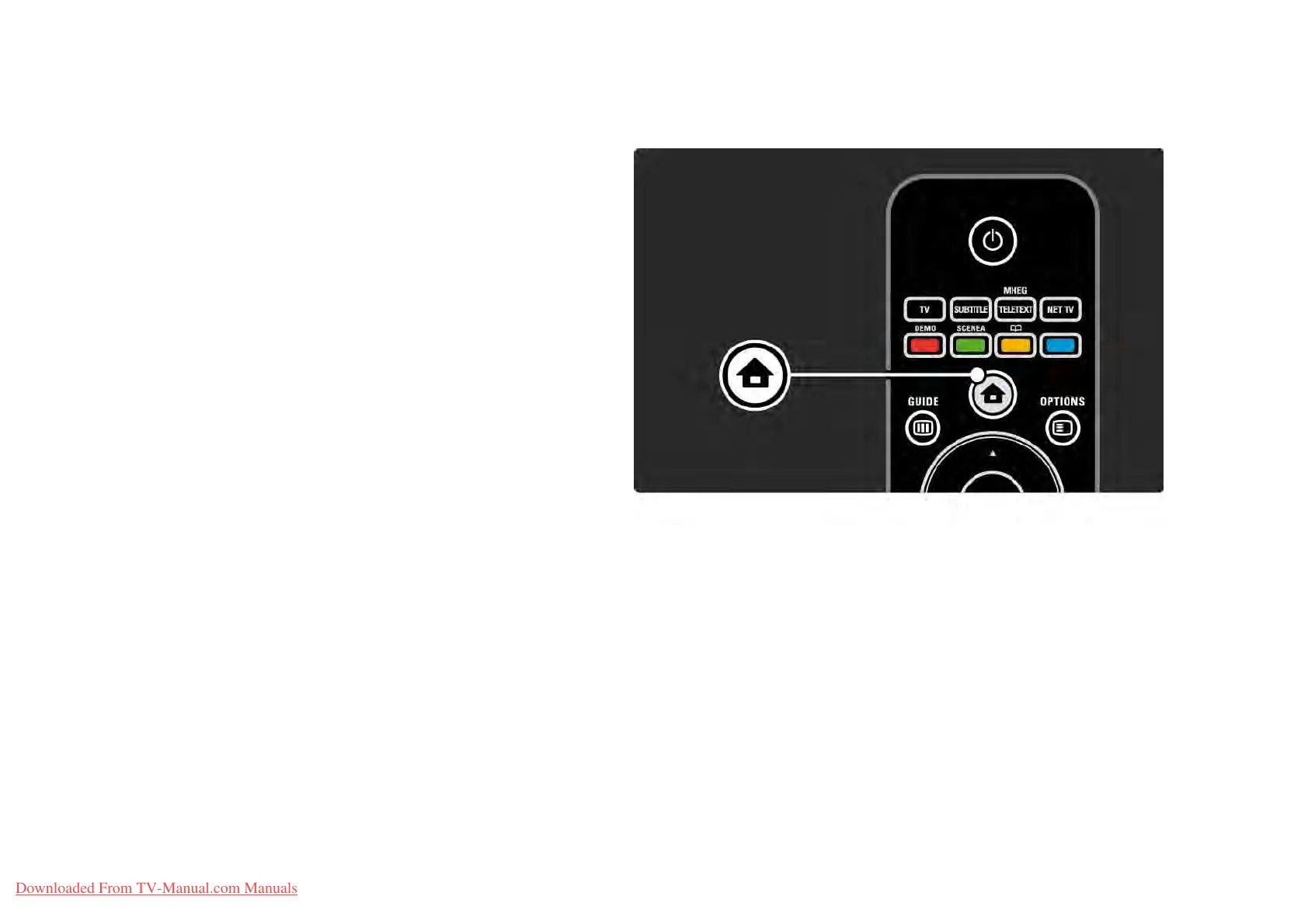
2.2.2Homeh
The Home menu lists the activities you can do with your
TV.
Press h to open the Home menu.
To start an activity, highlight the desired item with the
navigation keys and press OK.
You can add an activity, always linked to a device, with the
Add your devices item.
To exit the Home menu, press h again.
Downloaded From TV-Manual.com Manuals















 To Next Page