8 EN
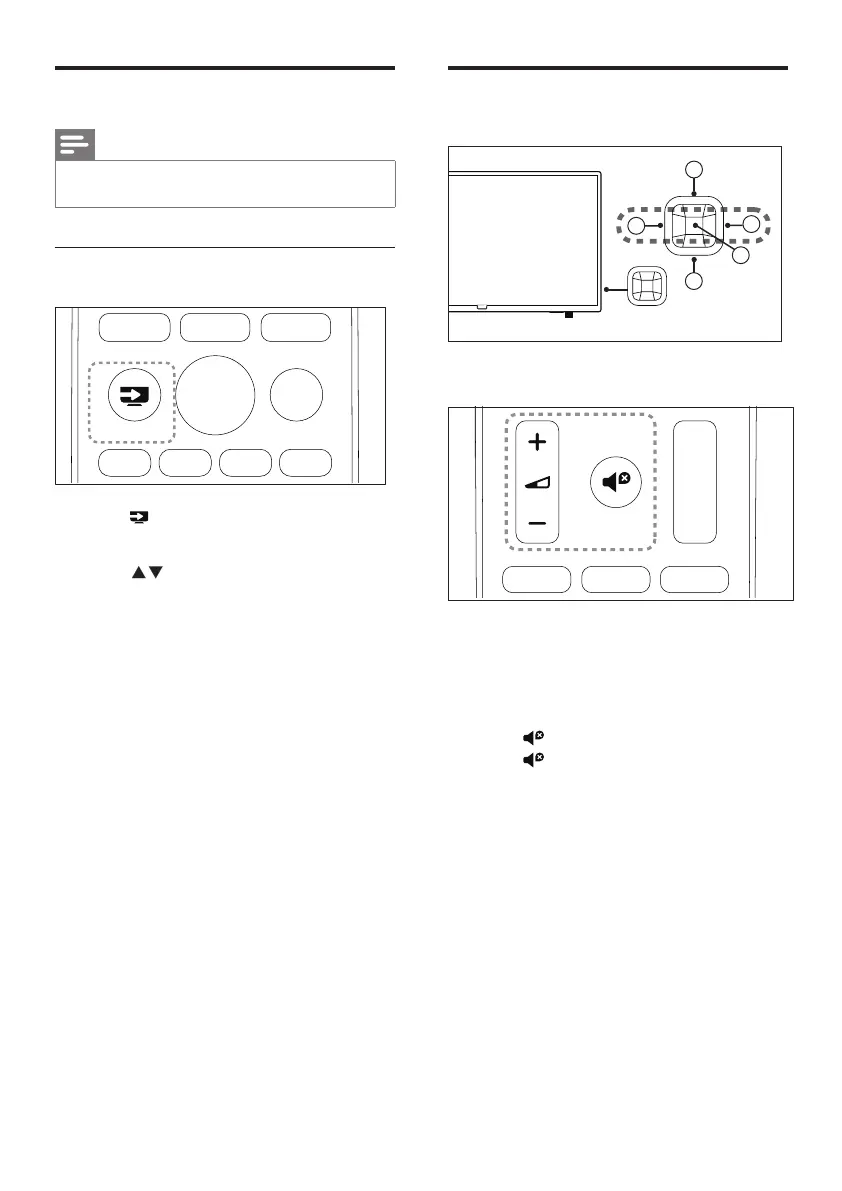
Adjust the TV volume
4
1
5
3
2
To increase or decrease volume
• Press VOL +/- on the lower right section
of the TV or the Volume control +/- on
the remote control.
To mute or unmute sound
• Press (Mute).
• Press again to restore the sound.
Watch connected devices
Note
• Switch on the device before selecting it as an external
signal source.
Use the Souces button
SOURCES
1 Press SOURCES.
» The source list appears.
2 Press to select a device.
3 Press OK to conrm.
» The TV switches to the selected
device.










 To Next Page