13EN
English
Updating the TV software
Philips constantly strives to improve its products,
and so we recommend that you update your
TV software whenever an update is released.
Visit www.philips.com/TVsupport to check
whether updates are available.
Restoring factory settings
You can restore the default picture and sound
settings for your TV without affecting the saved
channel set up.
1 Press (Home) and select [Setting] to
enter the [Setting] menu
2 Press Then select [Settings] >
[Reset].
3 Select [Yes] and press OK. If you wish to
cancel, select [No] and press OK.
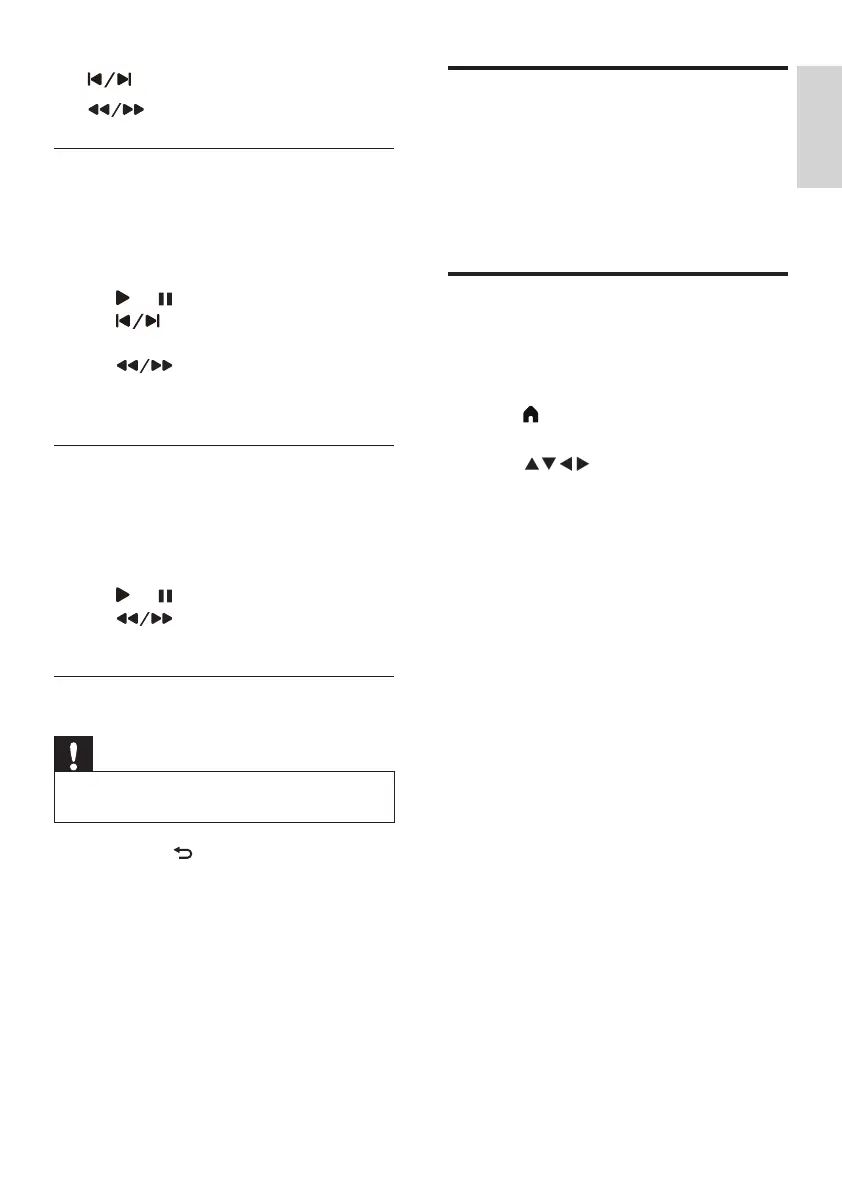
• : switches to the previous/next song.
• : for rewinding or fast forwarding.
Watching videos
1 Select the video le in the USB browser,
then press OK to play the video.
2 The following buttons are used to control
the lm:
• or : to play or pause.
• : move to the previous or next
one.
• : for rewinding or fast
forwarding.
Viewing text les
1 Select the text le in the USB browser,
then press OK to view the document.
2 The following buttons are used to control
the text playback:
• or : to play or pause
• : to go back 20 pages or move
on 20 pages.
Removing USB storage devices
Note
•
Follow the steps below to avoid damaging the USB
storage device.
1 Hold down to exit the USB browser.
2 Wait around 5 minutes before removing
the USB storage device.




 To Next Page