5EN
Remote Control
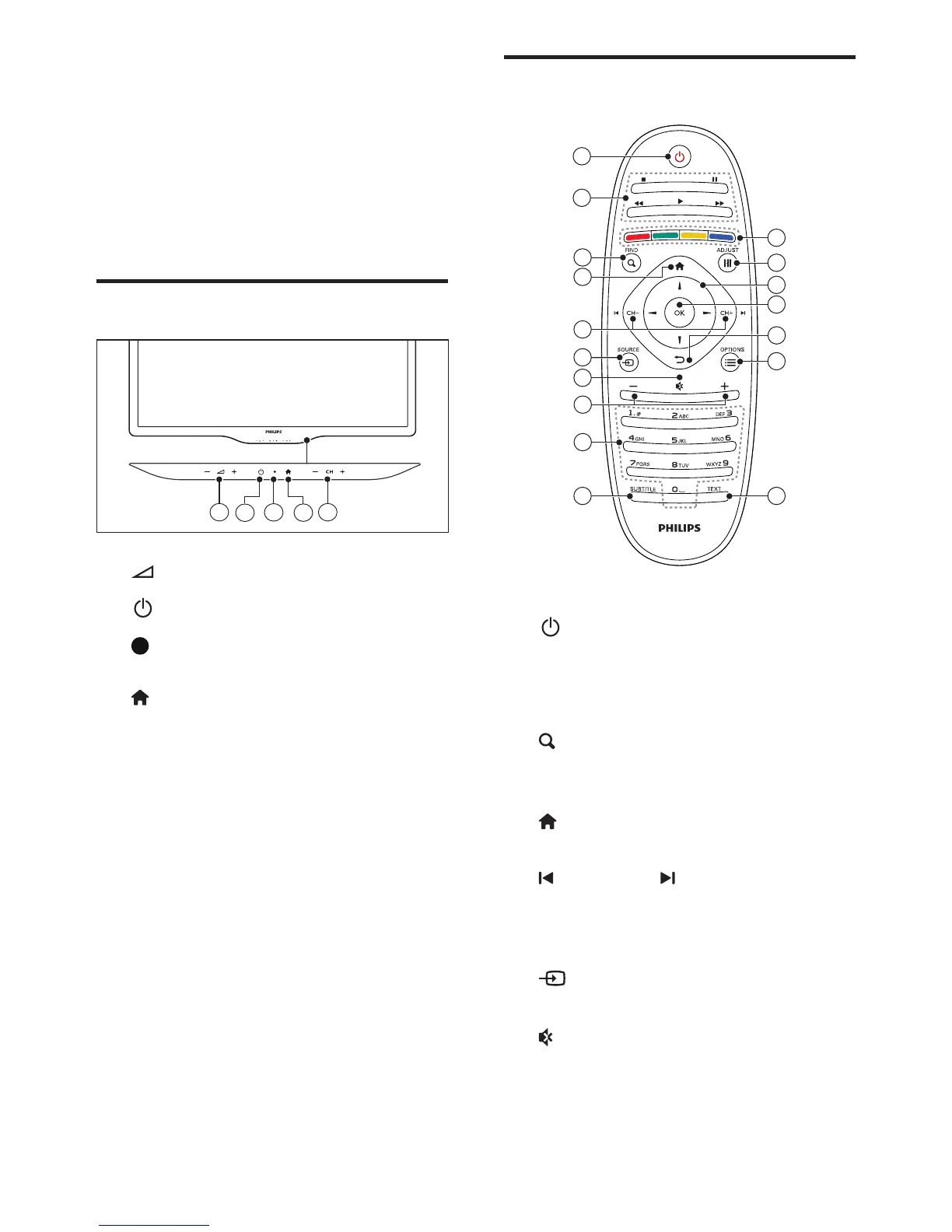
11
10
1
2
17
16
12
15
14
13
7
4
5
3
6
9
8
a (Standby-On)
• Switch the TV on or to standby.
b Play buttons
• Control video or music.
c FIND
• Access the menu to select a TV
channel list.
d (Home)
• Access the home menu.
e CH - / CH + (Previous/Next)
• Switch channels or navigate through
menu pages, tracks, albums or
folders.
f SOURCE
• Select connected devices.
g
• Mute or restore audio.
3 Your TV
Congratulations on your purchase, and
welcome to Philips! To fully benet from the
support that Philips offers, register your TV at
www.philips.com/welcome.
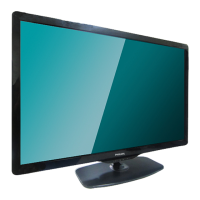
TV controls
2
3
1
4
5
a +/-: Adjust volume.
b (Power): Switch the TV on or off.
c Standby indicator and remote
controller sensor.
d (Home): Access the home menu.
e CH +/-: Switch channels.




 To Next Page