EasyManua.ls Logo

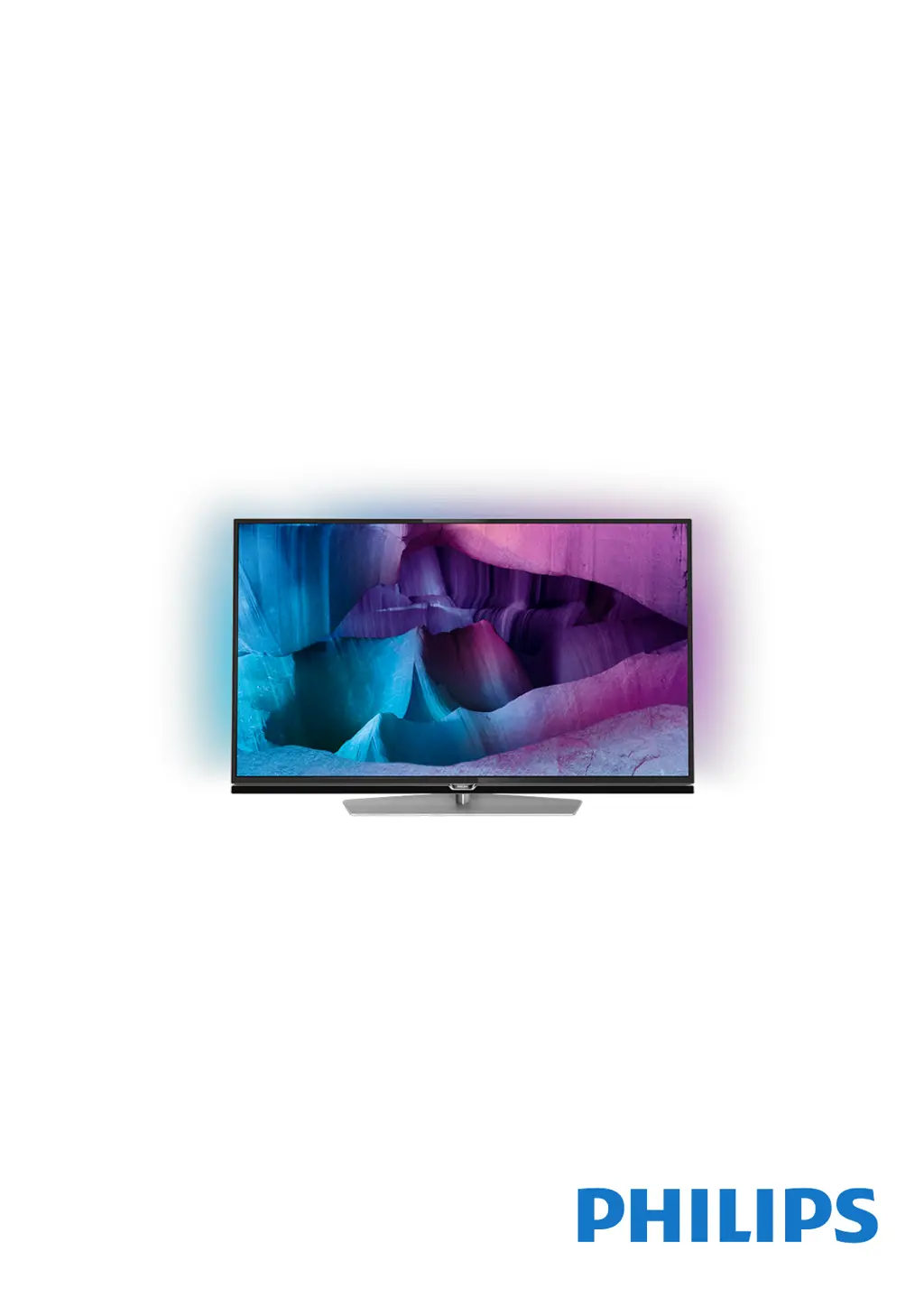
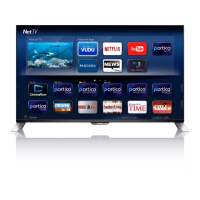
Philips 43PUK7150 - User Manual

Philips 43PUK7150
121 pages
Print Icon
To Next Page IconTo Next Page
Loading...
Register your product and get support at
7150 series
www.philips.com/welcome
User Manual
43PUK7150
49PUK7150
55PUK7150

Table of Contents

Questions and Answers

  • D
    Danielle Miller MDSep 4, 2025
    What to do if the buttons on Philips Speaker System main unit do not work?
    • R
      Ronald LopezSep 4, 2025
      If the buttons on the main unit aren't working, disconnect the device from the power supply for a few minutes, then connect it again.
  • T
    Thomas BrooksAug 25, 2025
    Why can't my device connect to my Philips Speaker System soundbar?
    • D
      David ReeseAug 25, 2025
      A device might fail to connect to the soundbar for several reasons: * The device may not support the compatible profiles required for the soundbar. * The Bluetooth function of the device may not be enabled. Refer to the device's user manual to enable it. * The device may not be connected correctly. Ensure the device is correctly connected. * The soundbar may already be connected to another Bluetooth device. Disconnect the connected device and try again.
  • C
    christophermarshallAug 25, 2025
    What to do if a device cannot connect with Philips Speaker System soundbar?
    • L
      Lindsey WilliamsAug 26, 2025
      If a device can't connect, it might not support the compatible profiles required for the soundbar. Ensure you've enabled the Bluetooth function on the device by checking its user manual. Make sure the device is correctly connected. Also, the soundbar might already be connected to another Bluetooth device; disconnect that device and try again.
  • K
    Kimberly DavisSep 12, 2025
    How to fix no sound from Philips Speaker System soundbar speaker?
    • M
      Megan WilsonSep 12, 2025
      If there is no sound coming from the soundbar speaker, try the following: * Connect the audio cable from the soundbar to your TV or other devices. * Select the correct audio input on the remote control. * Ensure that the soundbar is not muted. * You can also reset the product to its factory settings.
  • C
    Catherine HayesSep 22, 2025
    Why is my Philips Pasta Maker leaking water?
    • A
      Anita MorrowSep 22, 2025
      If you notice a small amount of water leaking from your Philips Pasta Maker, it's likely because water was added before the program started. Ensure you follow the user manual instructions and add water right after the program starts.
  • G
    Gabriel SheppardSep 8, 2025
    How to improve radio reception on a Philips Clock Radio?
    • J
      Jason BurnsSep 8, 2025
      If your Philips Clock Radio has poor radio reception: * Keep the clock radio away from other electronic devices to prevent radio interference. * Fully extend and adjust the position of the antenna.
  • F
    francisco56Aug 31, 2025
    Why don't the lights turn on on my Philips Pasta Maker?
    • J
      James IbarraSep 1, 2025
      If the indicators on your Philips Pasta Maker do not light up, check if the power plug is correctly plugged into a working outlet.
  • R
    Robert BrownSep 23, 2025
    Why does my Philips soundbar keep turning off?
    • M
      Mrs. Angela NelsonSep 23, 2025
      If your Philips soundbar turns off, it might be because the external input signal level is too low. Increase the volume level of your external device.
  • D
    david51Sep 15, 2025
    What to do if Philips Speaker System subwoofer is idle?
    • K
      Kevin CaseySep 15, 2025
      If the subwoofer is idle or its indicator light is off, unplug the power cord from the mains socket, and plug it back in after 3 minutes to reset the subwoofer.
  • S
    Shawn RobinsonAug 28, 2025
    What to do if the buttons on my Philips Speaker System do not work?
    • A
      Amanda EdwardsAug 28, 2025
      If the buttons on the main unit of your Philips Speaker System do not work, disconnect it from the power supply for a few minutes, then connect it again.

Philips 43PUK7150 Specifications

General IconGeneral
BrandPhilips
Model43PUK7150
CategoryElectric Shaver
LanguageEnglish

Related product manuals