5. Software Upgrading, Error code and Panel Code
5.1 Software Upgrading
Step 1: Ready for F/W Upgrade
1. Rename the software as “autorun.upg”
2.
Prepare a USB memory.
3. Copy the software to USB flash disk(root directory).
Note the version of this F/W before you change the software file name.
Step 2: F/W Upgrade
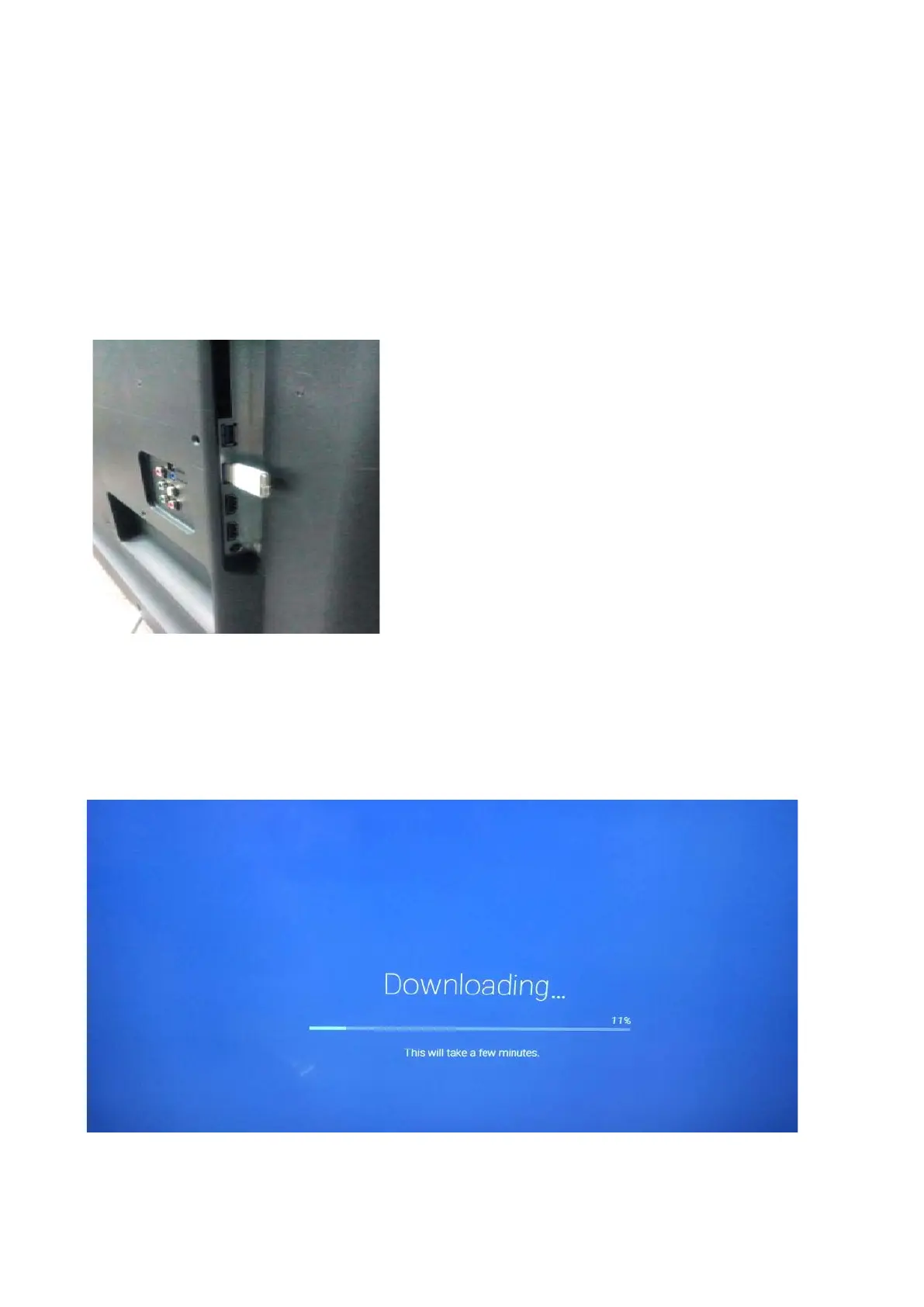
1. Plug the USB memory on the USB port on the side I/O port of TV (Please connect to USB 2.0 port, not recommend USB3.0 port)
2.
AC on (Power plug)
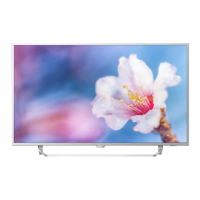
3. TV will take a few minutes the downloading to detect the software, and then upgrade automatically as detect the software



 To Next Page