MediaSuite xxHFL5573D/10 Page 26
Professional mode options
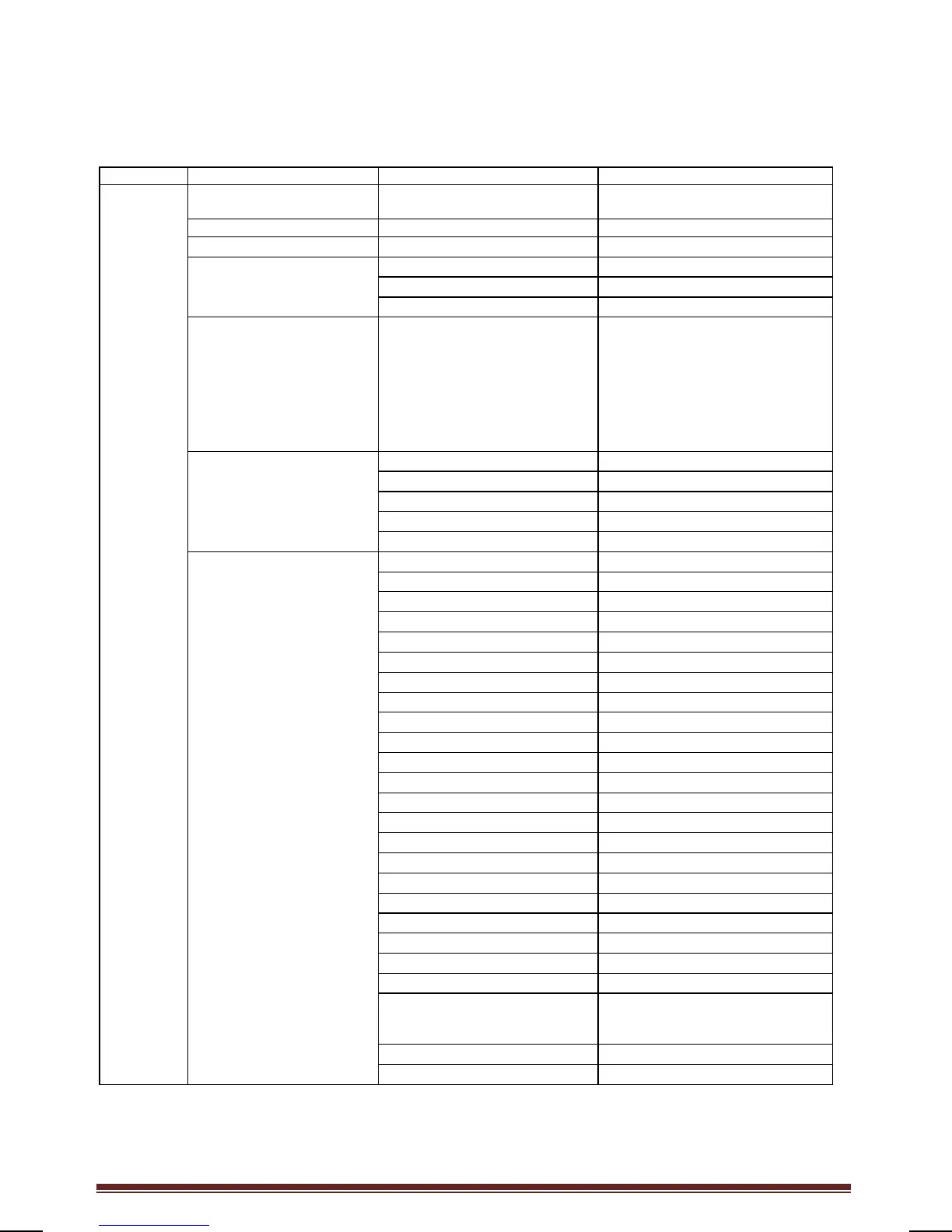
This paragraph describes the functionality of each item in the Professional mode setup menu.
Enter the next layer by pressing [OK], or [>]. Return to a previous level by pressing [<].
Navigate in the current layer by pressing [^], or [v].
English, Français, Deutsch,
Italiano
Watch TV Auto fill
HDMI 1 Auto Zoom
HDMI 2 Superzoom
HDMI side Movie expand
16:9
EXT 1 Wide screen
EXT 2 Unscaled
VGA
Scenea (Hotel Information)
Easylink Application menu
Off / On / On during mute
DVB T/T2 Off / On
DVB C Off / On
Analog Off / On






 To Next Page