MediaSuite xxHFL5573D/10 Page 46
7. Connect your TV
About cables
Cable quality
Overview
Before you connect devices to the TV,
check the available connectors on the
device. Connect the device to the TV with
the highest quality connection available.
Good quality cables ensure a good
transfer of picture and sound.
The connections shown in this user
manual are recommendations only. Other
solutions are possible.
Tip:If your device only has composite or
RCA connectors, use a SCART-cinch
adapter to connect the device to a SCART
connector on the TV.
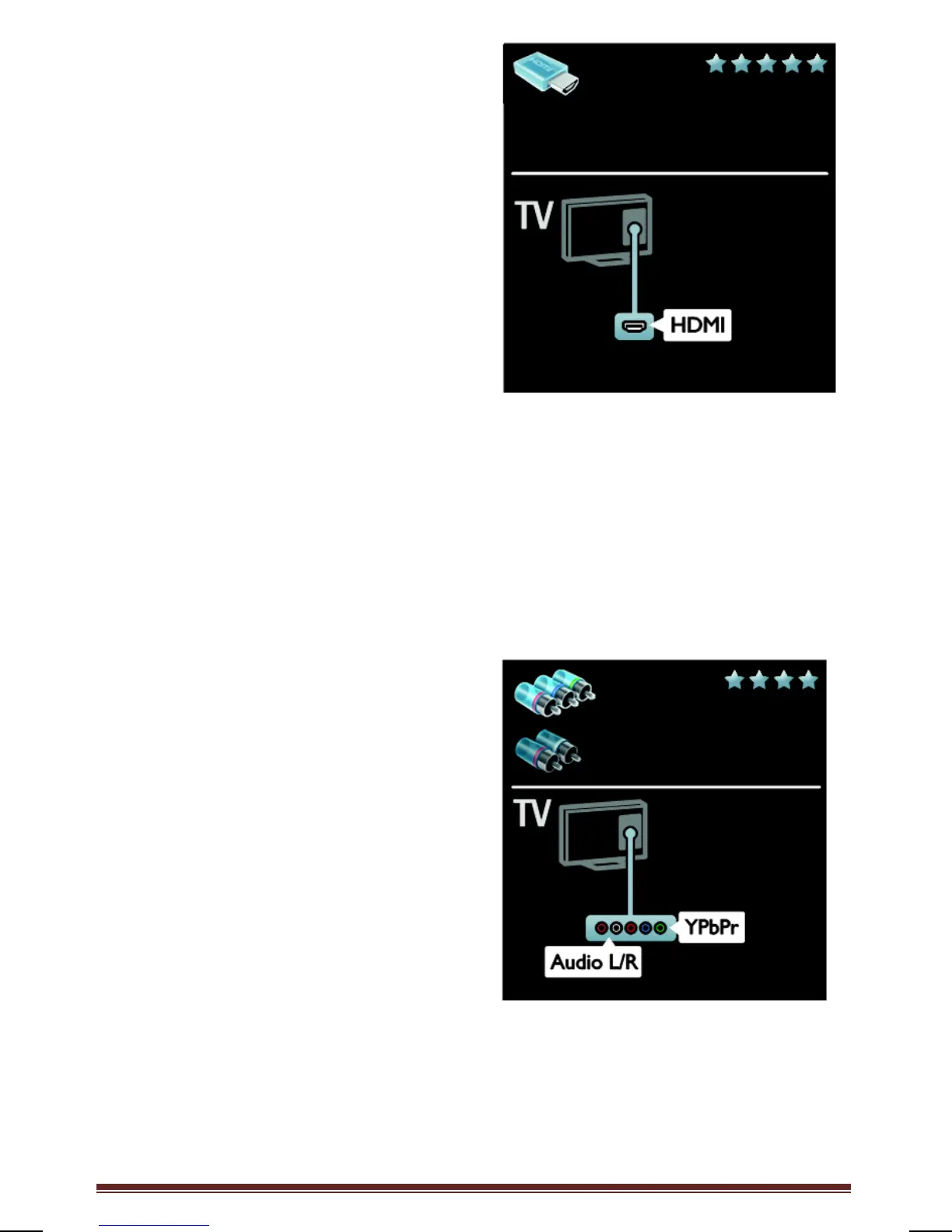
HDMI
An HDMI connection has the best picture
and sound quality.
An HDMI cable combines video and audio
signals. Use HDMI for high-definition (HD)
TV signals, and to enable EasyLink.
An HDMI Audio Return Channel (ARC)
connector allows output of TV audio to an
HDMI ARC compliant device.
Do not use an HDMI cable longer
than 5 meters / 16.4 feet.
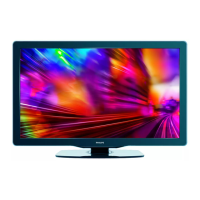
Y Pb Pr
Use the Component Video (Y Pb Pr)
connection together with an Audio Left
and Right connection for sound.
Y Pb Pr can handle high-definition (HD)
TV signals.
Match the Y Pb Pr connector colors to the
cable plugs.




 To Next Page