11
5
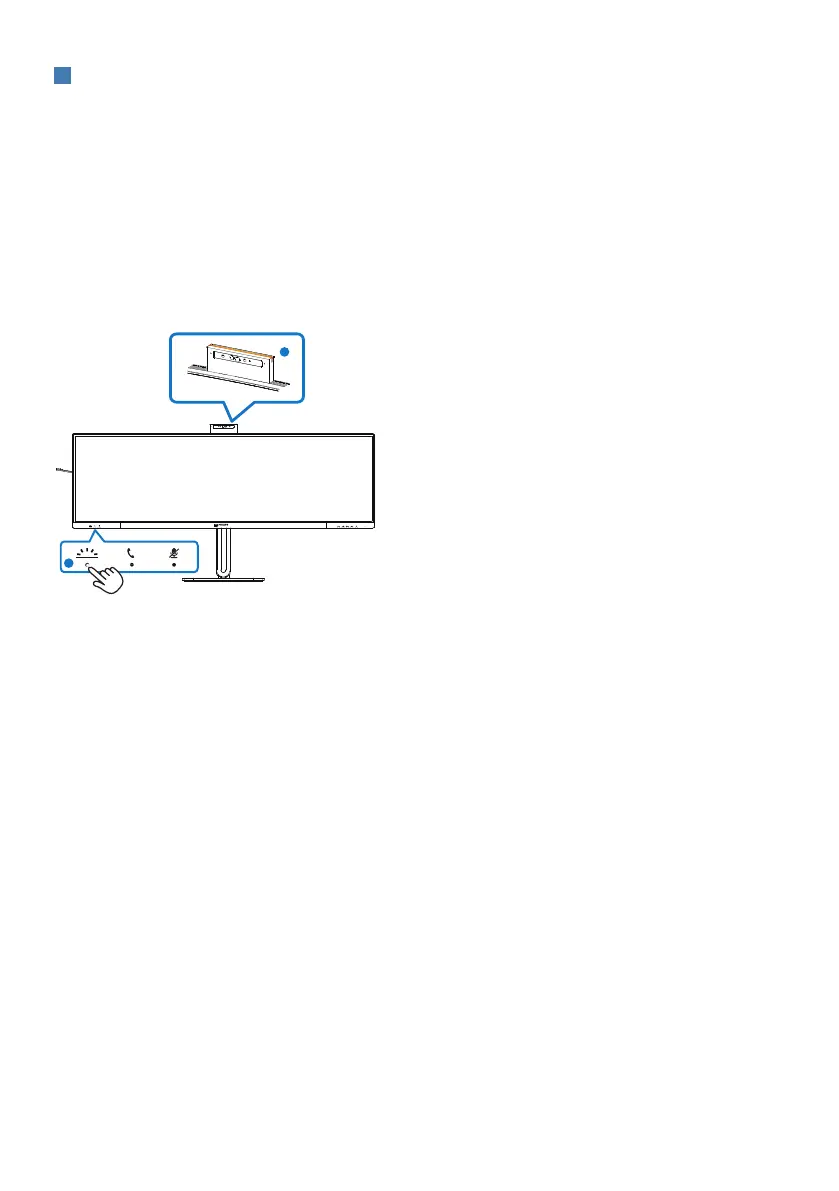
Busylight button
Users are able to turn the Busylight on and o.
There are 2 kinds of functions for the Busylight button.
1. The Busylight will automatically turn on when you are on a call (for Microsoft® Teams
and Skype applications). In addition, the Busylight function can help signal to others
that you are in a busy oce setting.
2. To activate when not in a call, simply press the Busylight button and the light located
on the webcam will turn red to transmit to others that you are busy. Please note that
you may need to press the button again after answering and ending a call as the
Busylight automatically turns o after hanging up.
1
2















 To Next Page