7EN
English
Select connected devices
t SETUP
Accesses TV setup menu.
u TV GUIDE
Accesses or exits the TV guide.
v Red dot
Recording function.
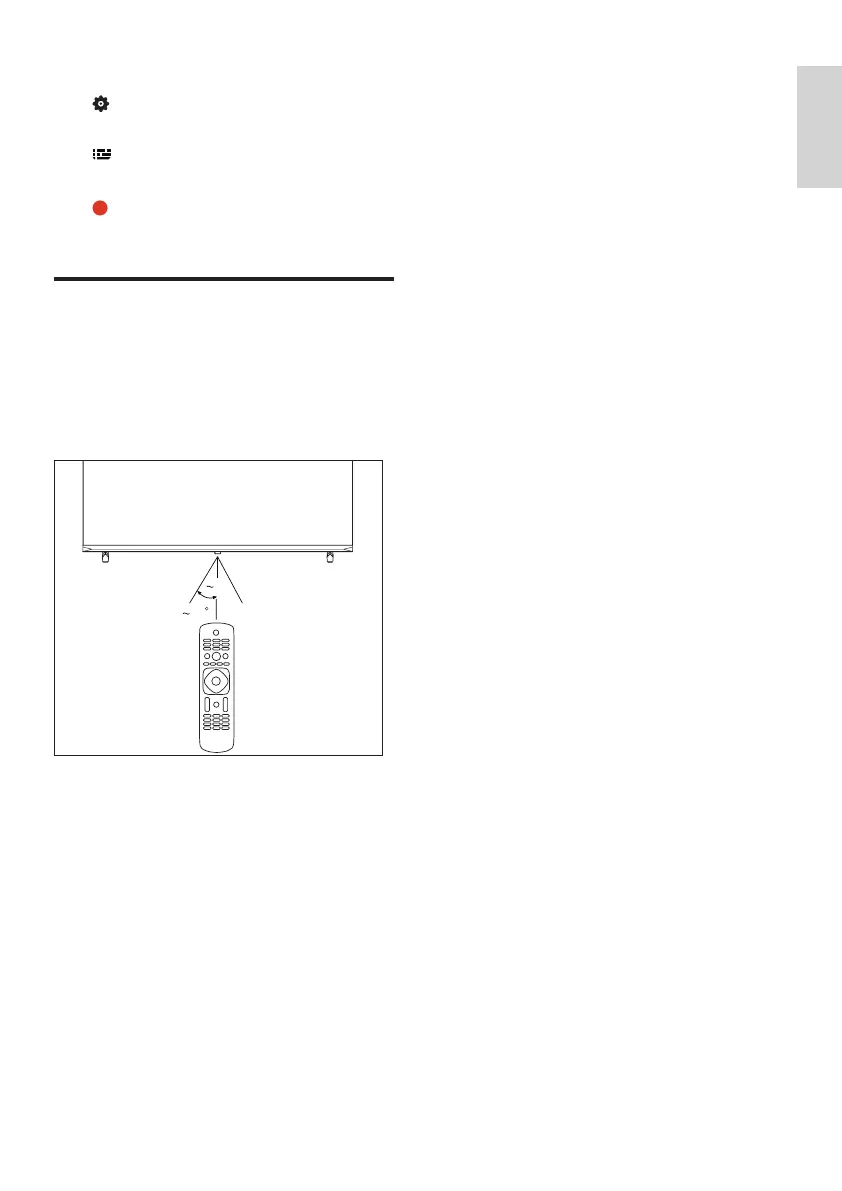
Using the remote control
When you use the remote control, hold it close
to the TV and point it at the remote control
sensor. Make sure that the line-of-sight between
the remote control and TV is not blocked by
furniture, walls or other objects.
30
5m



 To Next Page
 Loading...