iPronto User Guide
33
Using the iPronto
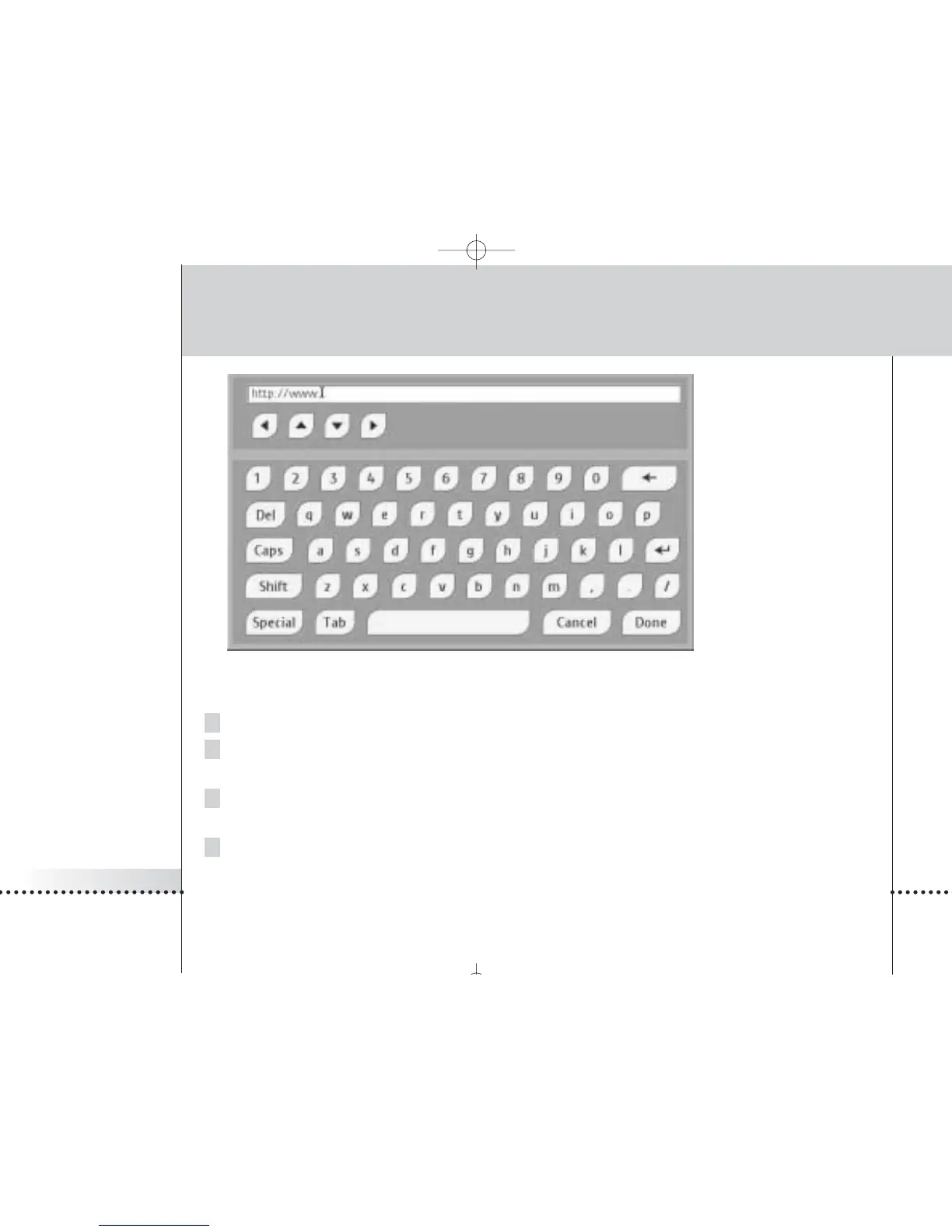
On-screen Keyboard
2To enter text, tap the buttons with characters, numbers, punctuation and the space bar.
3To enter one character in upper case, tap the Shift button.
The character you enter right after tapping Shift will appear in upper case.
4To enter multiple characters in upper case, tap the Caps button.
All the characters you enter after tapping Caps will appear in upper case, until you tap the Caps button again.
5To enter a symbol, tap the Special button.
The symbols appear on the buttons and you can tap the symbol you need. After tapping a symbol, the normal
characters reappear on the buttons.












 To Next Page