iPronto User Guide
38
The Remote Control
Learning IR Codes
The iPronto RC sends out infrared (IR) signals to your devices, which will execute an action, for example “TV On” or
“VCR Start Recording”.
For every action the iPronto sends out a specific IR signal, called an “IR code”.
The iPronto RC contains a huge database that contains numerous IR codes for all
kinds of devices.
The iPronto RC is set up by default to operate Philips and Philips
compatible devices. If you have other brands, the iPronto has to
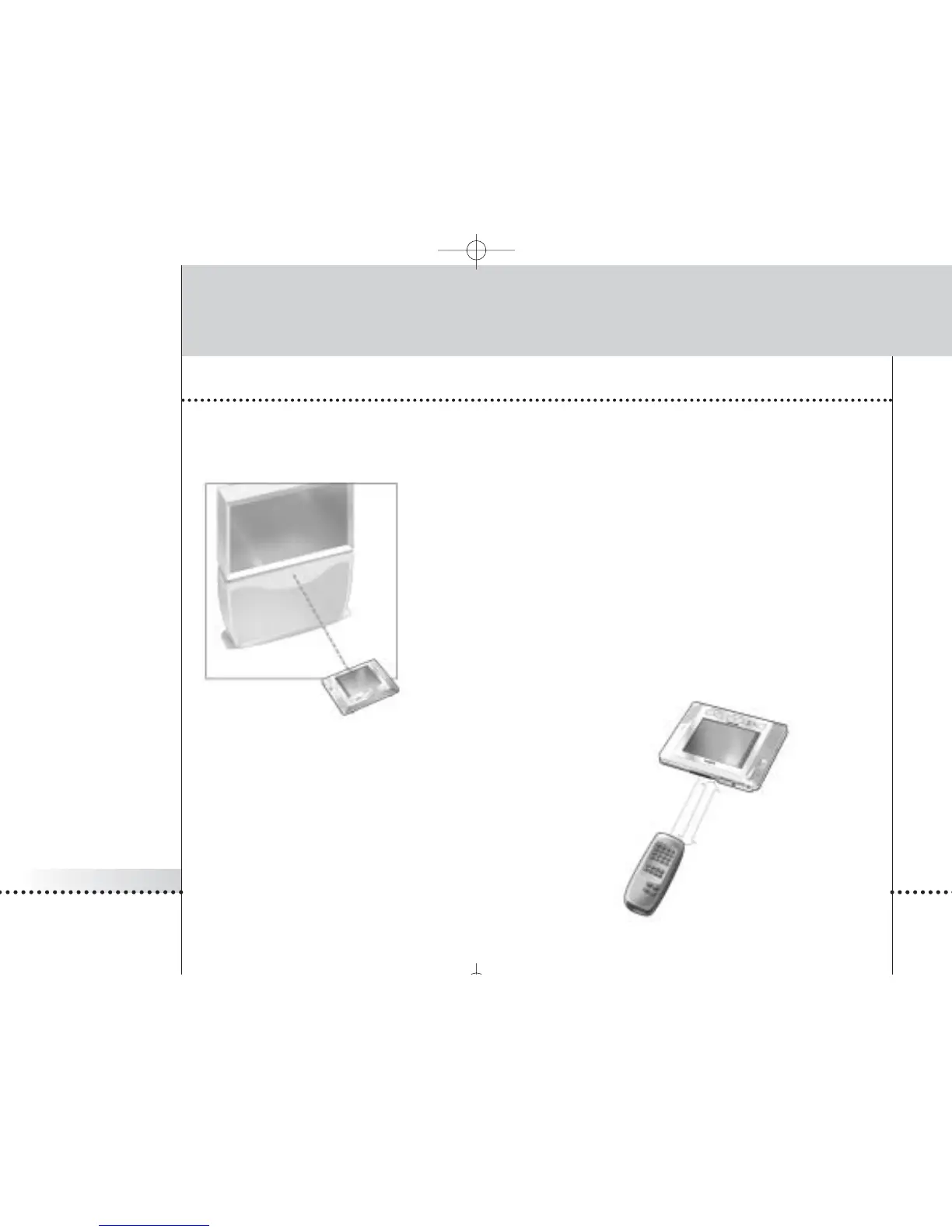
“learn” the specific IR codes for your device from the existing RC that
accompanies the device. This means that you press the button on the
existing RC and point it to the iPronto’s learning eye:
The iPronto RC will learn the IR code from the existing remote
control. You can learn all soft buttons and hard buttons on the
iPronto.
distance: 4-8 inches
(10-20 cm)








 To Next Page